Working with the Tools Page Network
Page 87
© Copyright 2020 Stratasys. All rights reserved.
Network
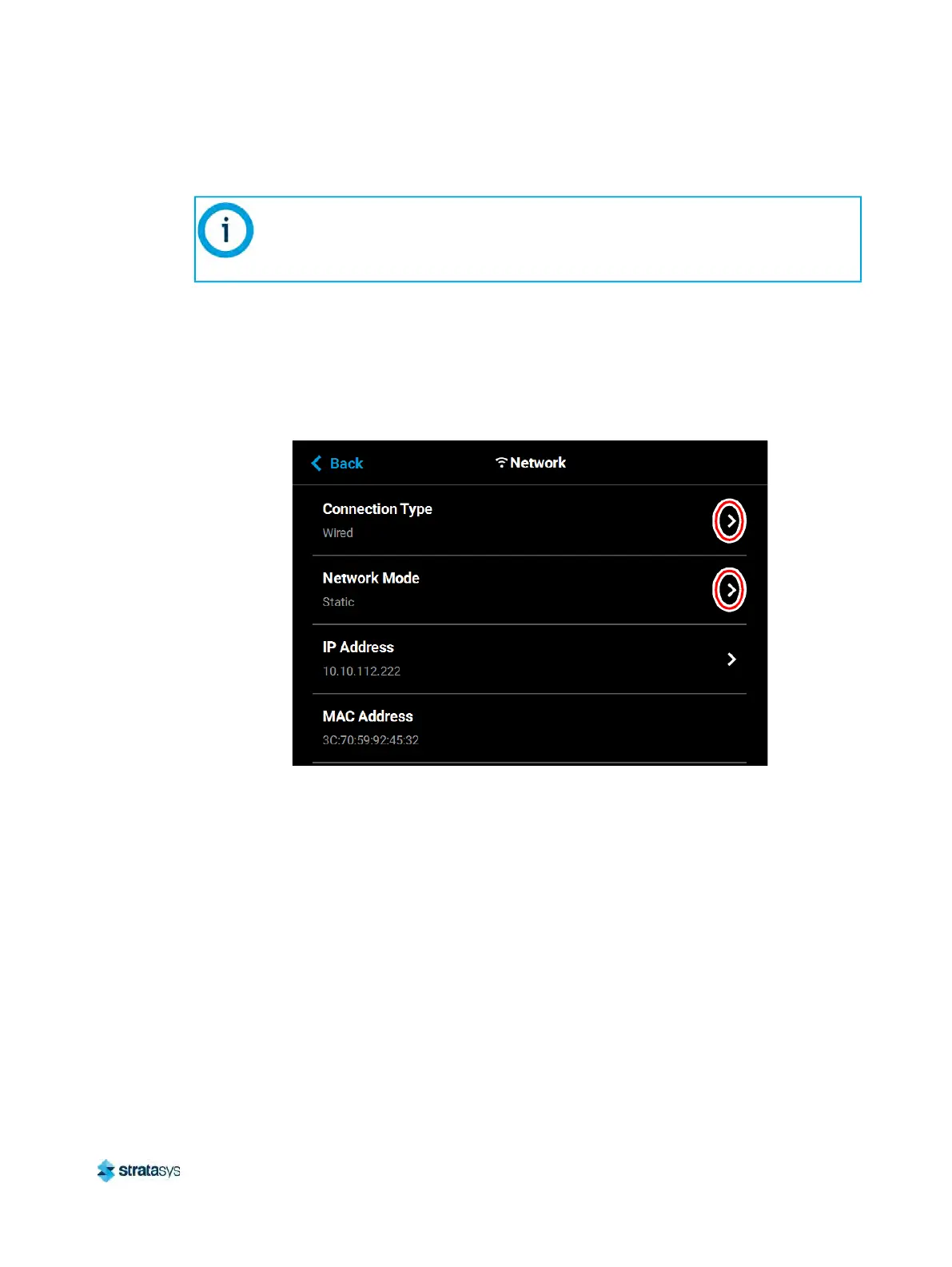
Within the Network page you can configure your printer’s network connection, options include
Static, Dynamic (default), or Wi-Fi. The network type selected will determine the rows and
configurable settings displayed within the Network page.
To access the Network page, press the Ne
twork button within the Tools page; a screen similar
to the following will be displayed.
Figure 75: Network Page
Pressing anywhere within the Connection Type row will allow you to select between a wired
(S
tatic or Dynamic) or wireless (Wi-Fi) network; Wired is selected by default. Use the Wired
and Wireless radio buttons to select a connection type. After selecting a connection type press
Your printer was configured for your network as a part of its initial installation and
setup (see
“Configuring the Network” (page 11)). The information within this section
is provided to help you understand the functionality of the Network portion of the
Se
ttings page.













 To Next Page