Working with the Tools Page Maintenance
Page 86
© Copyright 2020 Stratasys. All rights reserved.
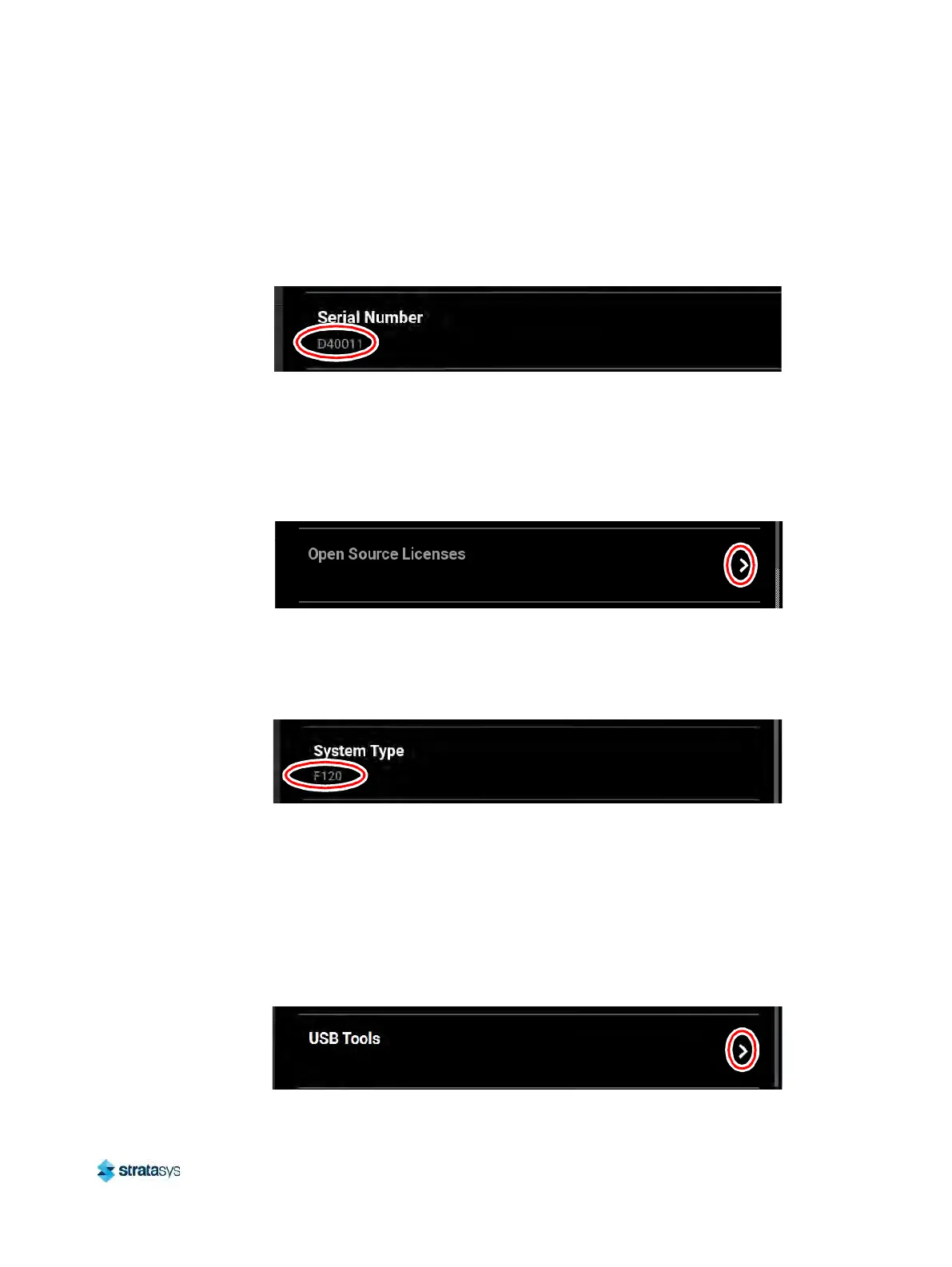
Serial Number
The Serial Number row displays the printer’s unique serial number. This number can also be
found on the label on the exterior surface of the printer (see Figure 3 (page 10) for serial
number tag label placement).
Figure 71: Serial Number
Open Source Licenses
Pressing anywhere within the Open Source Licenses row will open a page displaying legal
information pertaining to the open source software running on the printer. The files displayed
are read-only.
Figure 72: Open Source Licenses
System Type
The System Type row displays the printer’s model type information F120.
Figure 73: System Type
USB Tools
Pressing anywhere within the USB Tools row will open a page allowing you to:
• upgrade the printer’s Controller Software version from an installed USB Flash drive (see
“
Updating Controller Software” (page 146) for details).
• export the system configuration file to an installed USB Flash drive (see “
Exporting System
Configuration (.CFG) File” (page 149) for details).
Figure 74: Update Software













 To Next Page