Basic Setup Installing GrabCAD Print
Page 16
© Copyright 2020 Stratasys. All rights reserved.
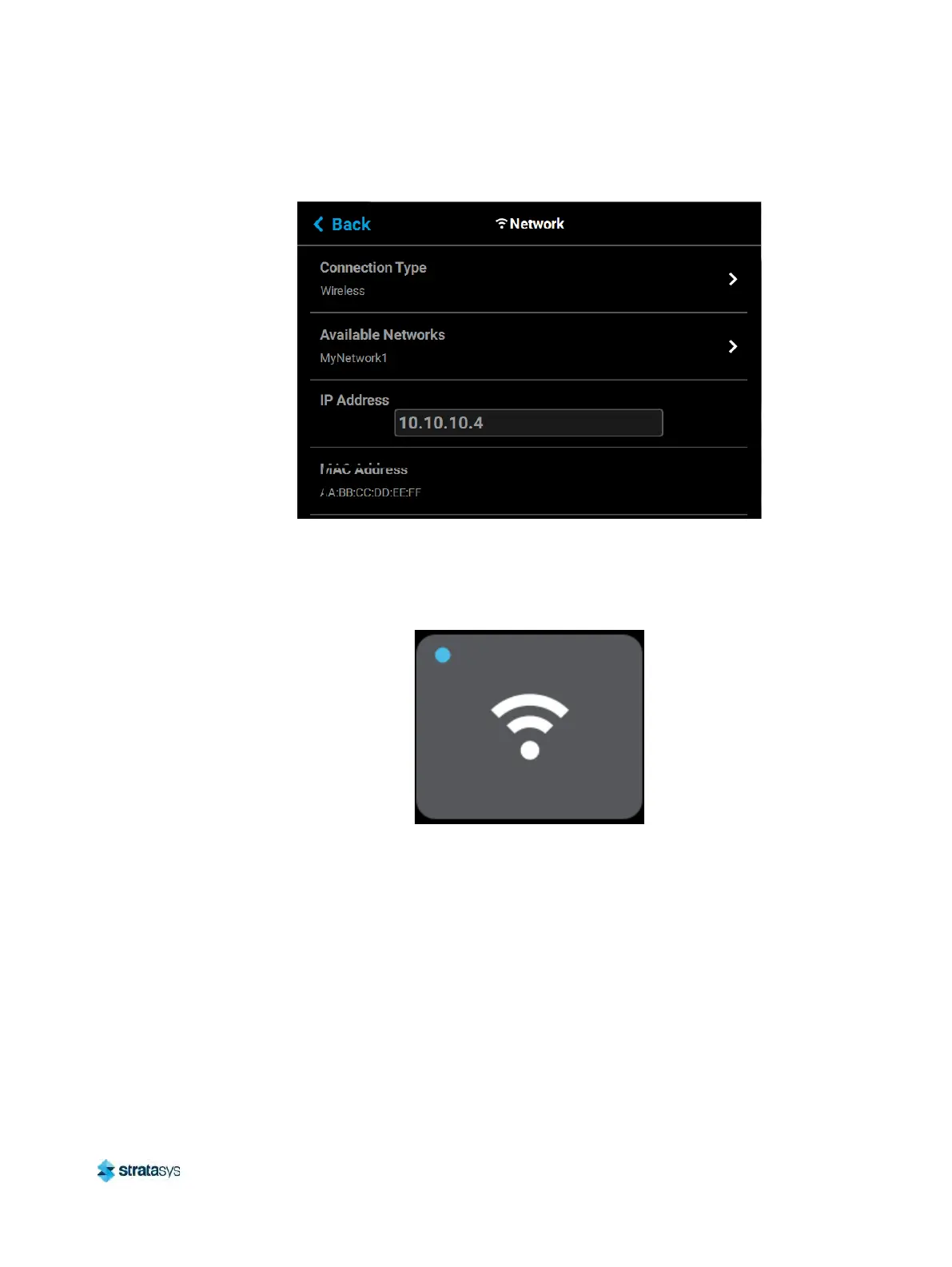
i. Press the Back button to exit the page and return to the Network page. The name of
the selected wireless network will be displayed within the Available Networks row.
j. Press the B
ack button to exit the page and return to the Tools page. The Network
button will refresh and a blue indicator will be displayed indicating that the printer is
configured for a Wi-Fi network.
Figure 12: Enter Network Settings Dialog
Installing GrabCAD Print
Install the GrabCAD Print software on a facility workstation. Navigate to http://help.grabcad.com/
article/197-sign-up-download-and-install
and follow the on-screen instructions. While on the
GrabCAD website, be sure to join the F120 User’s Group.
Connecting to the F120 Printer
Add the F120 printer to the GrabCAD Print application. Navigate to http://help.grabcad.com/
article/198-connect-your-printers
and follow the on-screen instructions.













 To Next Page