Basic Setup Configuring the Network
Page 15
© Copyright 2020 Stratasys. All rights reserved.
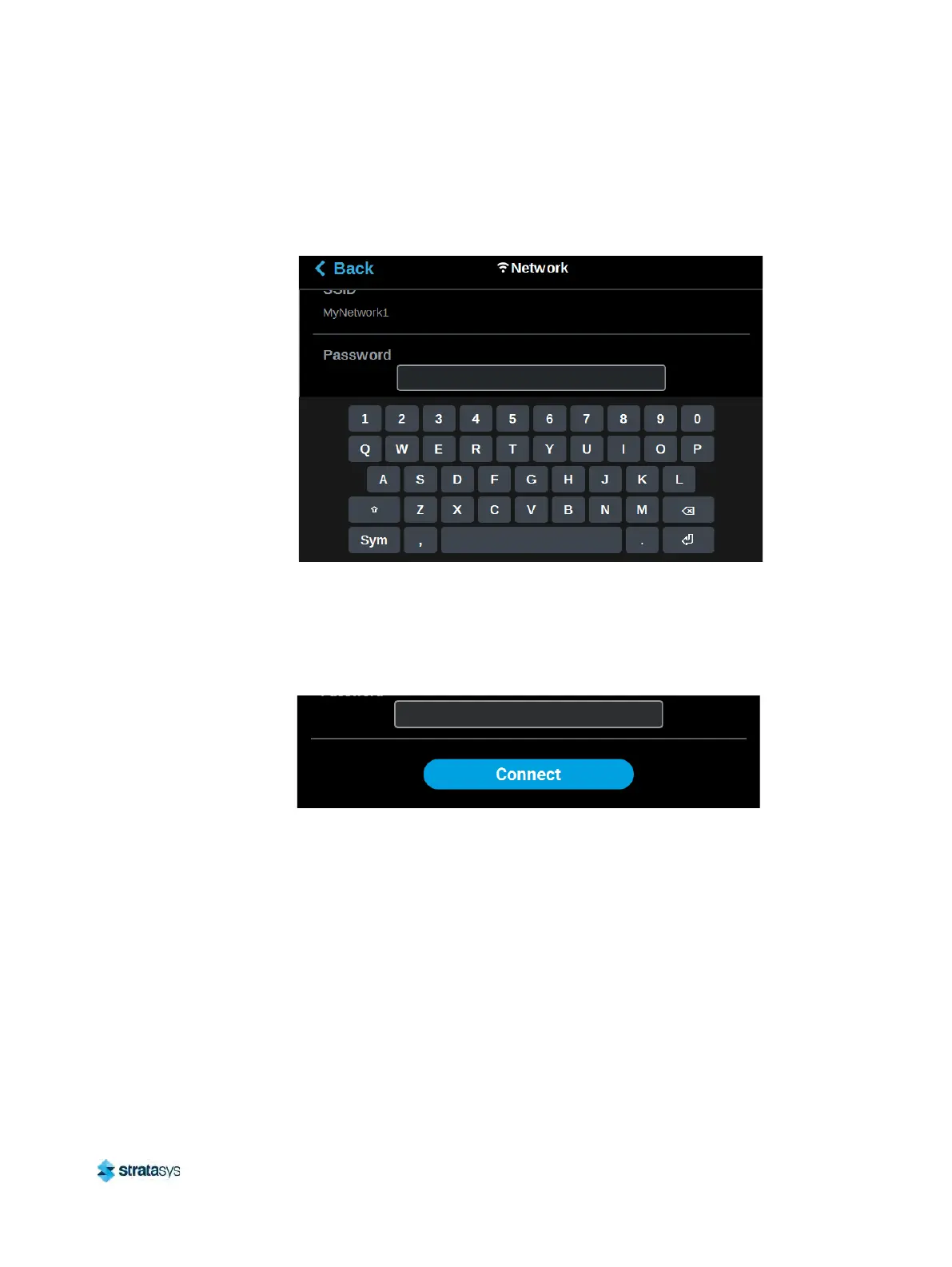
f. A page will be displayed containing the details of the selected Wi-Fi network. Within
this page use the keyboard to enter the password and/or username required to connect
to the network.
Figure 10: Enter Wi-Fi Network Information
g. When finished, touch anywhere on the screen outside of the keypad to exit and close
t
he keypad.
h. Scroll to the bottom of the page and press the C
onnect button to save the network
configuration.
Figure 11: Connect Button













 To Next Page