General Information Welcome Kit Contents
Page 7
© Copyright 2020 Stratasys. All rights reserved.
2 PRINTER SETUP
This chapter describes basic setup of the F120 printer.
General Information
Welcome Kit Contents
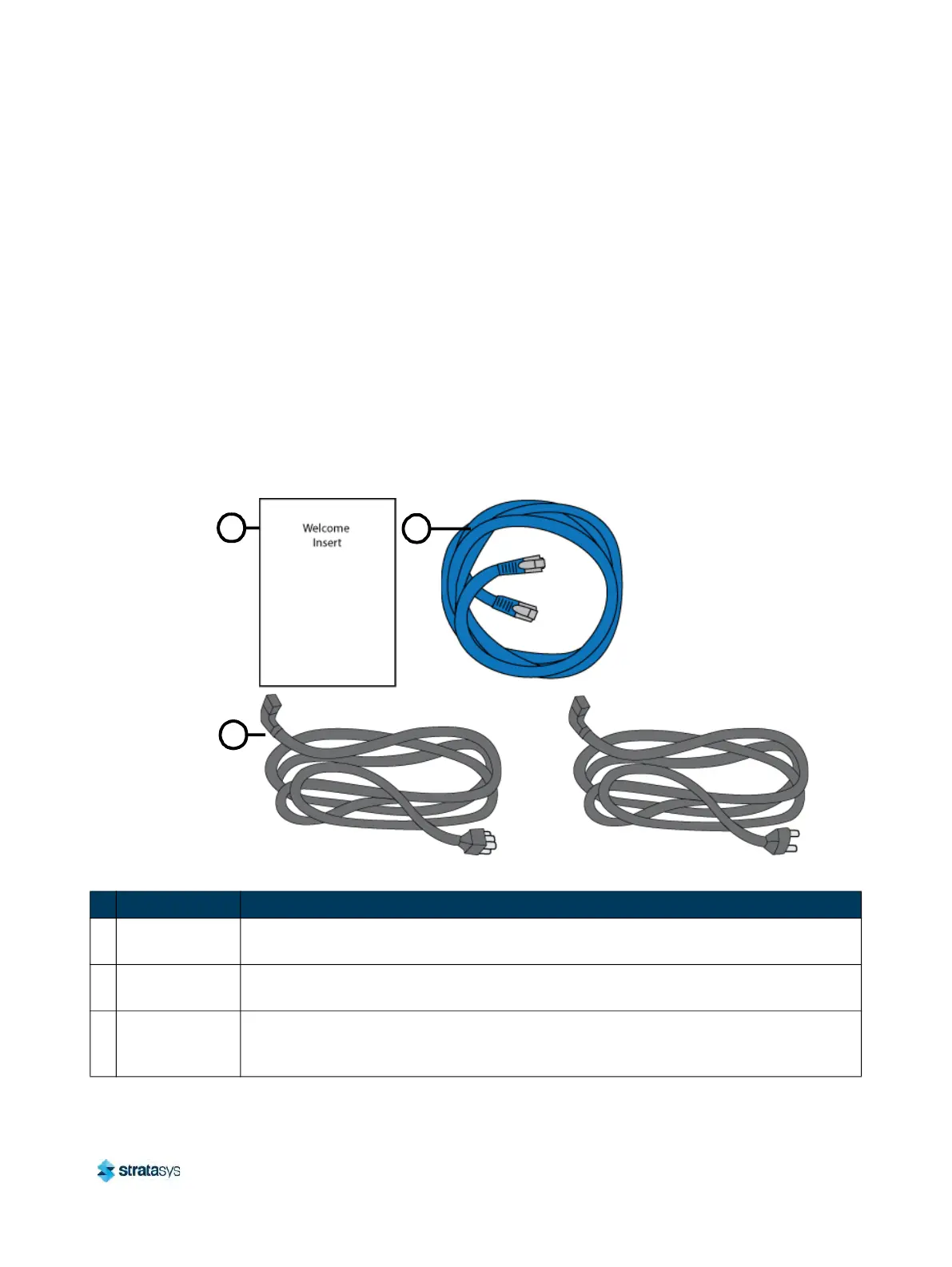
The printer’s Welcome Kit contains the Welcome Insert document and common tools you will
need to maintain the printer. Use the following figures and tables to identify the contents of the
Welcome Kit.
Figure 1: Welcome Kit Contents - Documents and Cables
1
2
3
OR
North American Cable
Table 1: Key for Figure 1
# Item Description
1
Welcome Insert
Document
Contains instructions for downloading the F120 User Guide (this document).
2 RJ45 Cable
This cable is used to establish a network connection between the F120 printer and your
Et
hernet network. See “Making the Network Connection” (page 10).
3
AC Cable (North
Am
erican or
European)
This cable provides the power connection to the printer. See “Connecting the Power
Cable” (page 11). Select the appropriate cable for your location (North American cable
or European cable).
European Cable













 To Next Page