Tip Calibration
Page 129
© Copyright 2020 Stratasys. All rights reserved.
6 CALIBRATION AND
ADJUSTMENTS
This chapter describes basic calibration and adjustment procedures for the F120. The buttons/
pages described within this chapter are accessible via the Calibration page.
To open the Calibration page, press the To
ols button within the Navigation Menu; the Tools
page will be displayed (see “Working with the Tools Page” (page 69)). Within the To
ols page
select the Ca
libration button; the Calibration page will be displayed.
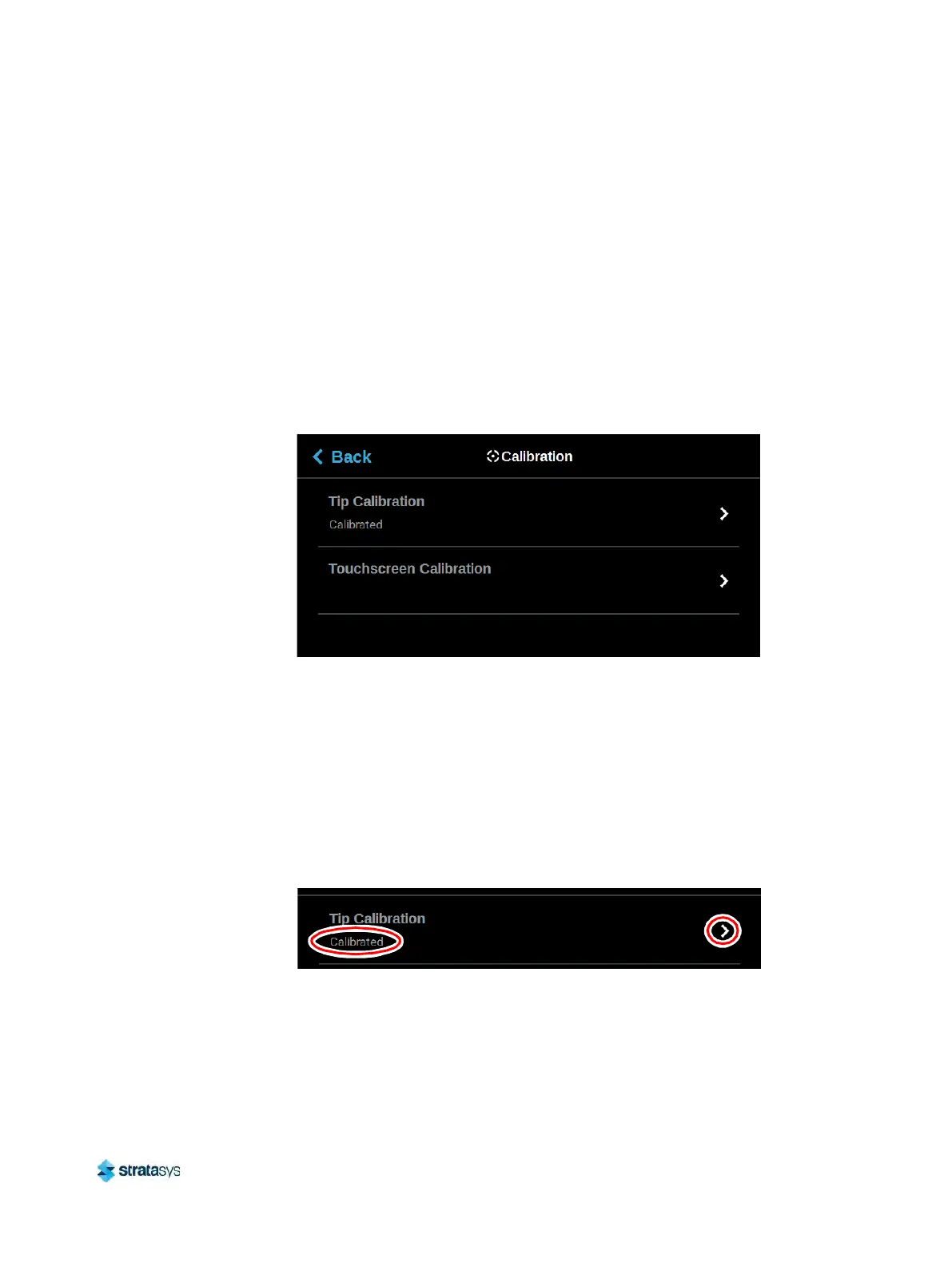
Figure 1: Calibration p
age
Tip Calibration
The printer’s calibration status will be displayed within the Tip Calibration row. Calibrated or
Not Calibrated will be displayed depending on the printer’s calibration status.
Pressing anywhere within the T
ip Calibration row will open a page allowing you to select from a
variety of tip calibration options. You cannot build parts on the printer until the printer’s tips are
calibrated.
Figure 2: Tip Calibration













 To Next Page