Working with the Queue Page Viewing Job Details
Page 51
© Copyright 2020 Stratasys. All rights reserved.
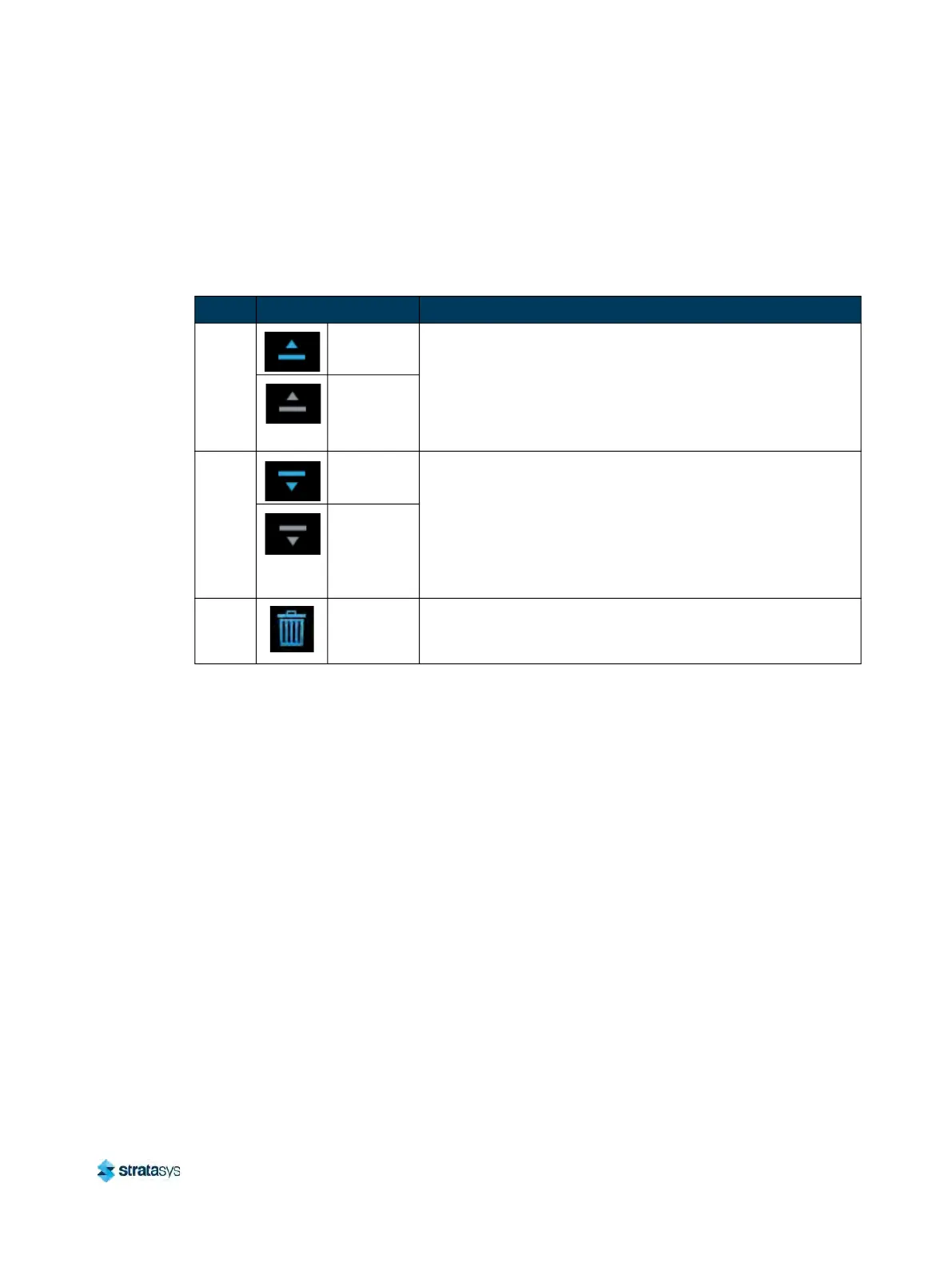
Job Queue Controls
After opening the Edit Queue page three Job Queue Control buttons will be displayed within
each row of the Job Queue list (one set of buttons per entry in the list). These buttons will allow
you to rearrange the jobs in the Job Queue as needed. These buttons have the following
functionality:
Viewing Job Details
To view additional details regarding a particular job in the Job Queue, select the desired job by
touching its row on the screen. Doing so will open its Job Details page; this page displays the
following:
• Duration: amount of time required to complete the build.
•
Author: name of the user that submitted the job.
•
Materials: model and support materials associated with the job.
•
Layers: number of layers in the job.
•
Slice height: slice height associated with the job.
T
able 5: Job Queue Control Buttons
Name Button States Description
Move
Up
Selectable
• When selectable, moves the selected job up one position in
t
he job Queue list.
• To move a job to the top of the Job Queue list, press this
b
utton repeatedly until the job appears at the top of the list.
• There is not an option to move a job directly to the top of the
l
ist.
Disabled
Move
Do
wn
Selectable
• When selectable, moves the selected job down one position
i
n the Job Queue list.
• To move a job to the bottom of the Job Queue list, press this
b
utton repeatedly until the file appears at the bottom of the
list.
• There is not an option to move a job directly to the bottom of
t
he list.
Disabled
Delete Selectable
• Removes the selected job from the Job Queue list.
•
You will not be asked to confirm this action prior to the job
b
eing deleted from the Job Queue.













 To Next Page