Customer Replaceable Units Powering Off
Page 159
© Copyright 2020 Stratasys. All rights reserved.
Customer Replaceable Units
The following service procedures outline the replacement instructions for the customer
replaceable units of the F120 printer.
Powering Off
Powering OFF the Printer
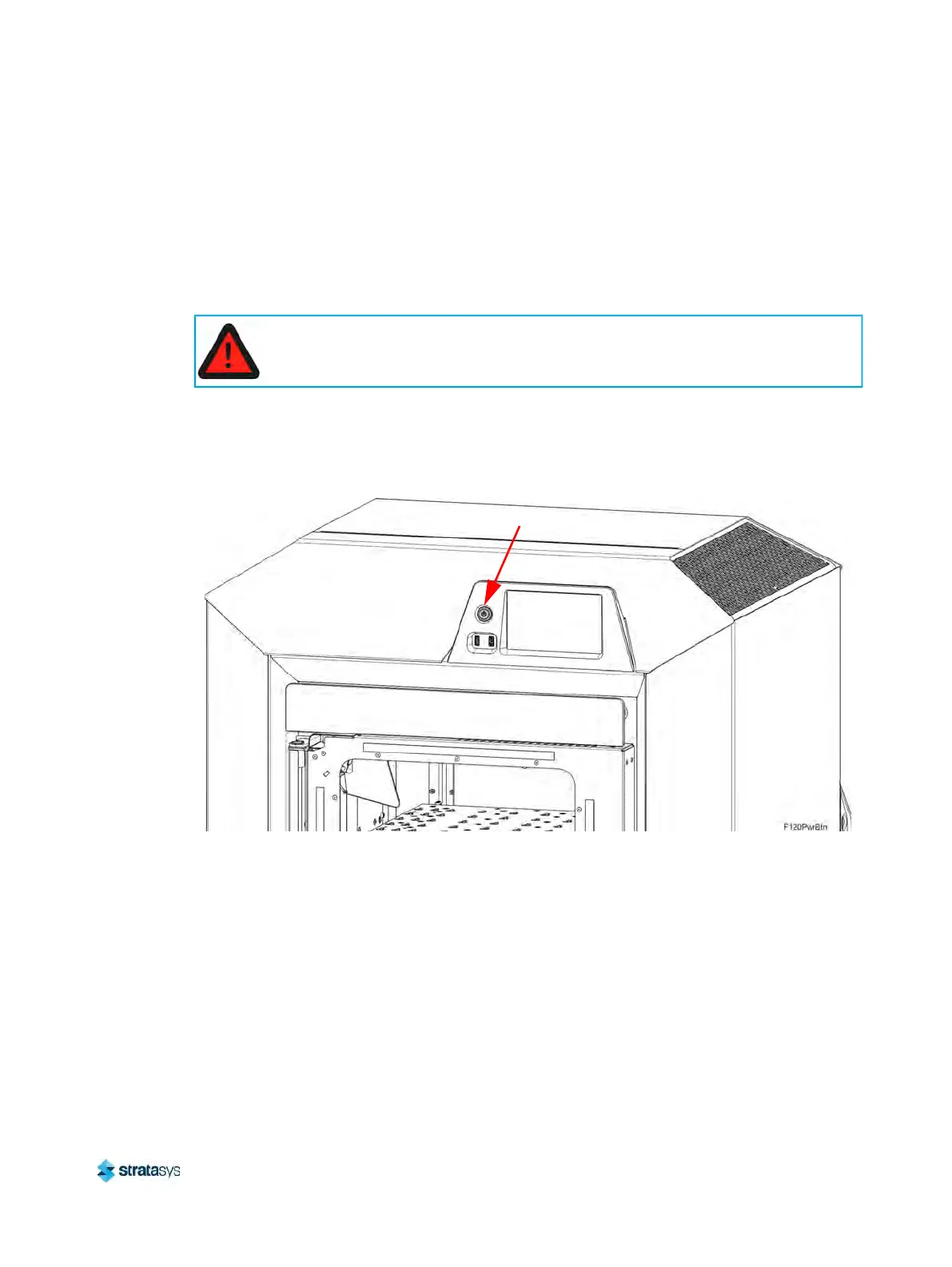
1. Depress the blue ON/OFF power button.
Figure 14: ON/OFF power button location
2. Press Accept on the touchscreen display.Wait approximately 25 seconds for the printer to
p
ower down.
Warning: Electrical Shock Hazard.
Power OFF the printer and disconnect the power cord before replacing any of the
customer replacement units.
ON/OFF Power Button













 To Next Page