Working with the Tools Page Maintenance
Page 83
© Copyright 2020 Stratasys. All rights reserved.
Maintenance
From this page you can perform a variety of maintenance procedures on the printer, and view
diagnostic/printer state information. Please note that advanced maintenance must be
performed by an authorized service representative only.
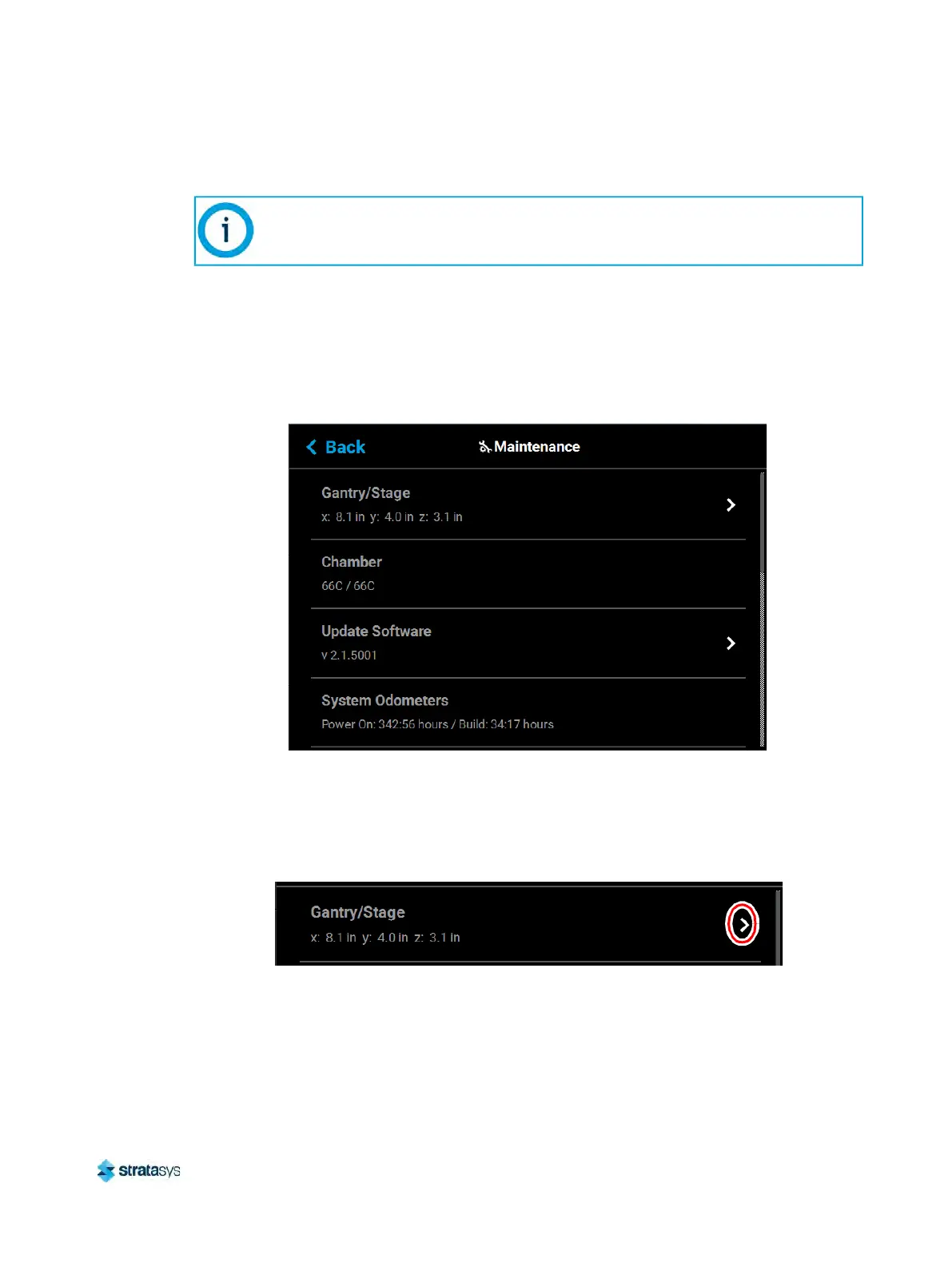
To access the Maintenance page, press the Ma
intenance button within the Tools page; a
screen similar to the following will be displayed.
Figure 64: Maintenance Page
Gantry/Stage
Position information for the X, Y and Z axes is displayed within the Gantry/Stage row. Pressing
anywhere within the Gantry/Stage row will open the Gantry/Stage page.
Figure 65: X, Y, Z Position
The single directional arrow button within the Gantry: se
ction allows you to move the head in
the X and Y axis. Pressing the Front Arrow button moves the head assembly to the front of the
gantry.
This section provides an overview of the Maintenance page and its features, but
does not go into detail regarding printer maintenance procedures. See
Chapter , 7
Maintenance (page 146) for detailed maintenance information.













 To Next Page