Basic Setup Configuring the Network
Page 14
© Copyright 2020 Stratasys. All rights reserved.
• Press the Back button to exit the page and return to the Tools page.
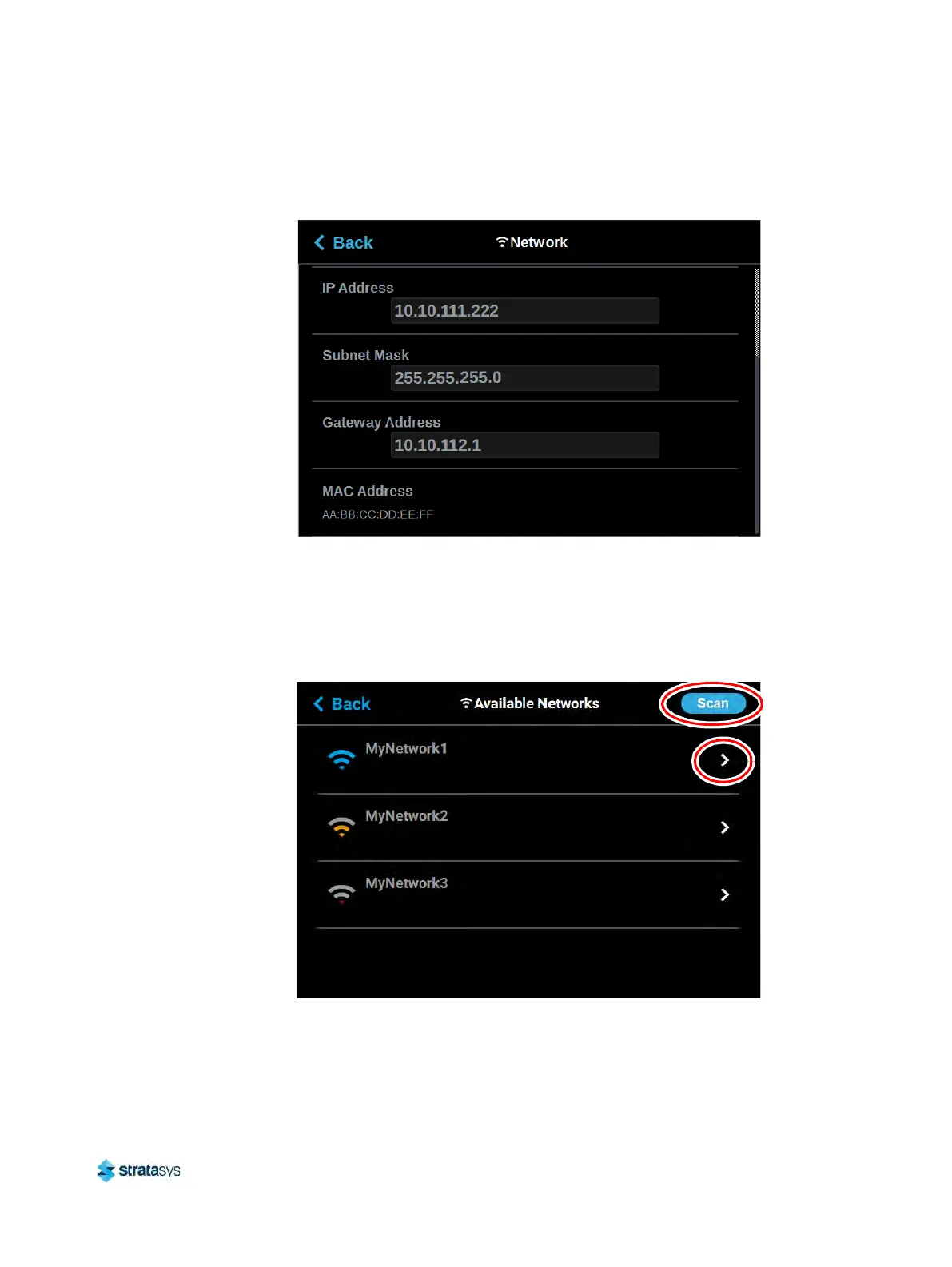
Figure 8: Dynamic Network Configuration
7. F
or wireless networks:
c
. The A
vailable Networks row will be displayed (Wi-Fi dongle must be installed). Press
anywhere within this row.
d. Press the S
can button; the printer will scan for an available wireless (Wi-Fi) network.
Figure 9: Scan for Wireless Network
e. A list of available networks will be displayed; select the wireless network you’d like to
c
onnect to by pressing anywhere within the row.













 To Next Page