Basic Setup Configuring the Network
Page 13
© Copyright 2020 Stratasys. All rights reserved.
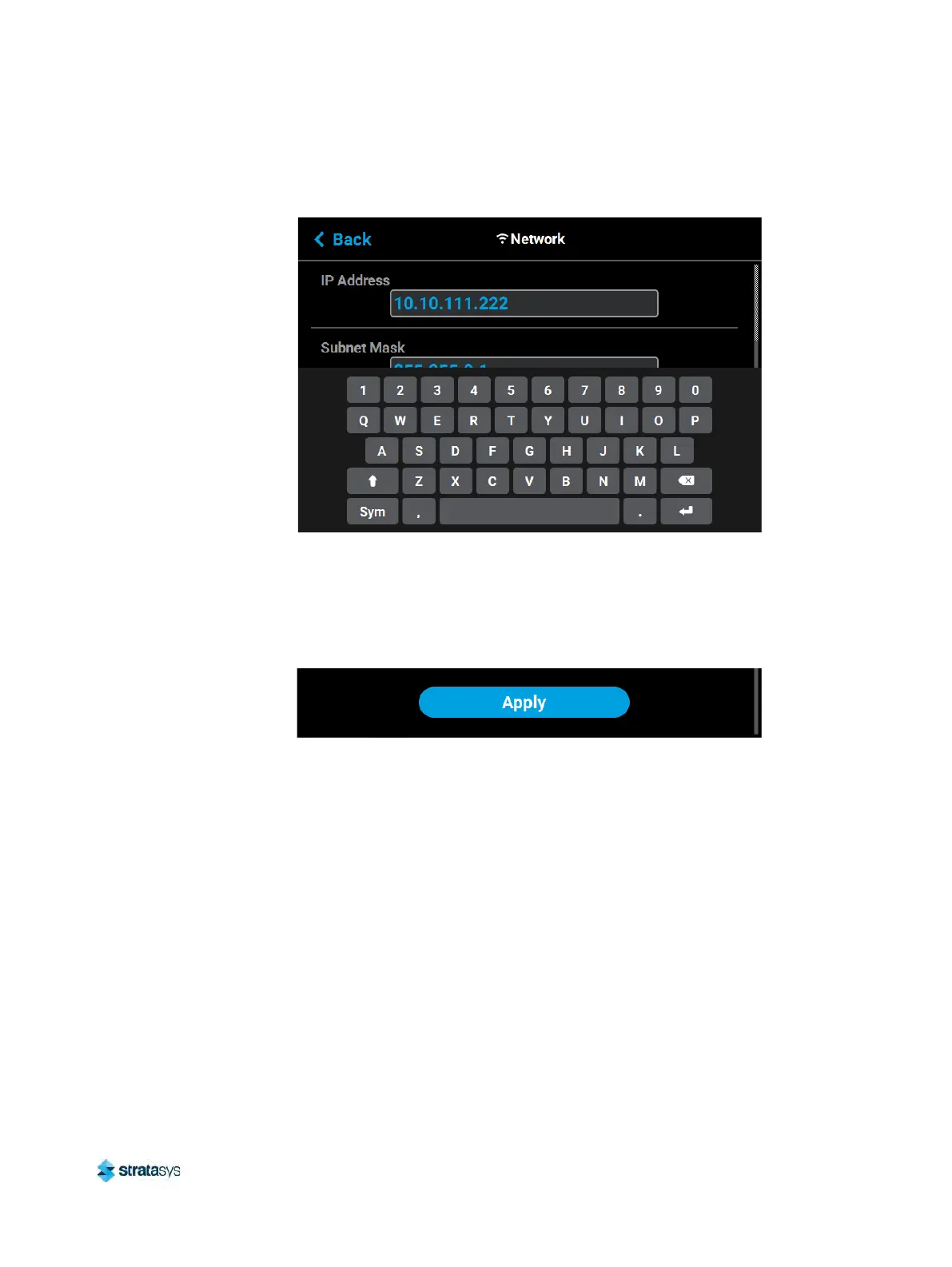
i. Touch anywhere on the screen outside of the keypad to exit and close the keypad.
Figure 6: Static Network Configuration
ii. Scroll to the bottom of the page and press the A
pply button when finished to save
the network configuration.
iii. Press the B
ack button in the upper-left corner of the page to return to the Network
page.
Figure 7: Apply Changes Button
• If the D
ynamic option is enabled, no additional configuration is necessary as a network
server or PC will automatically generate an IP address for the printer. A different IP
address may be generated from time to time by the server or PC; the generated IP
address will be displayed within the IP Address field of the Network page, and
corresponding Subnet Mask and Gateway Address information will also be displayed.













 To Next Page