Working with the Tools Page Network
Page 88
© Copyright 2020 Stratasys. All rights reserved.
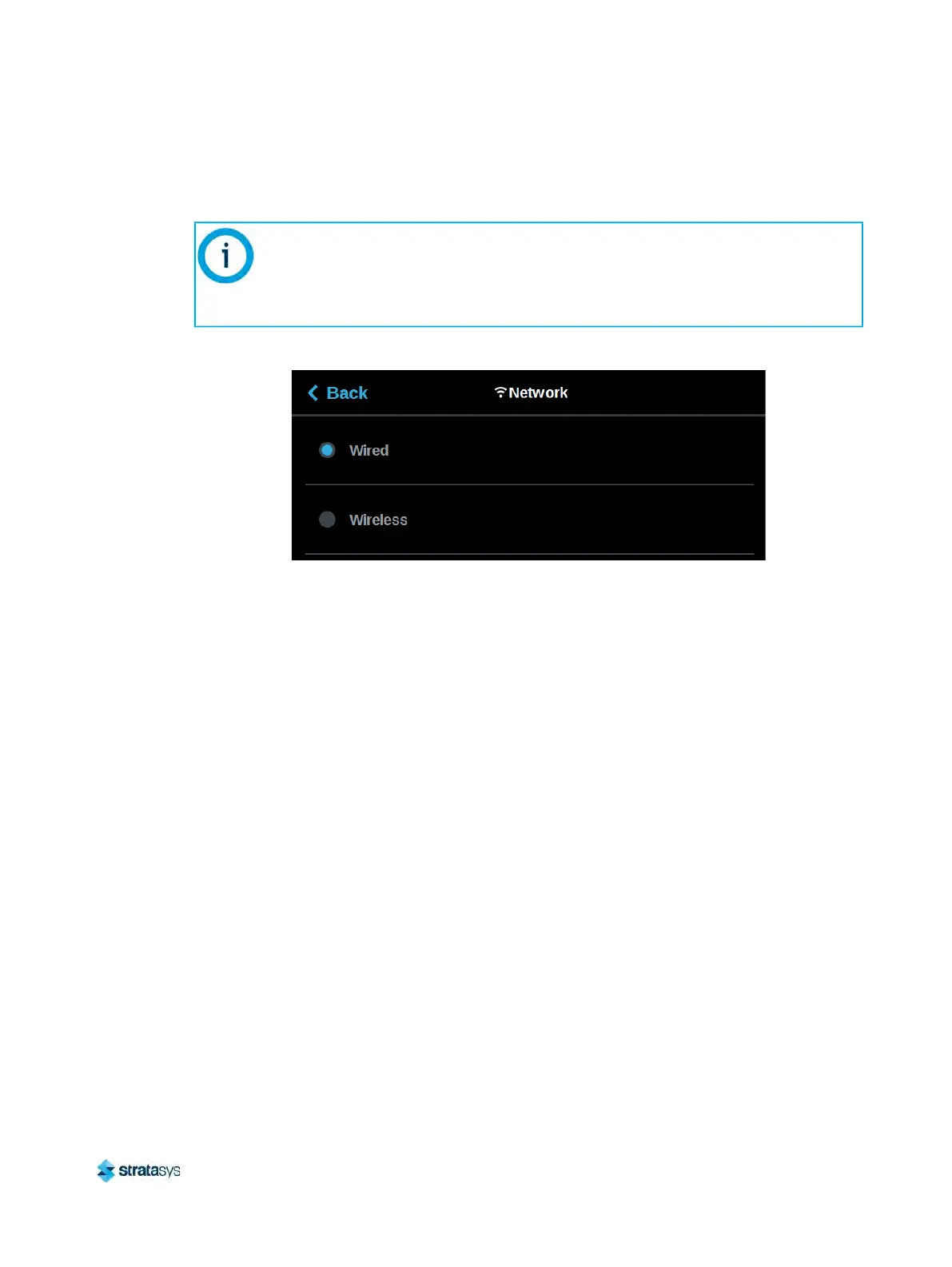
the Back button to exit and return to the Network page; the selected connection type will be
indicated within the Connection Type row (see Figure 77 (page 89) and Figure 78 (page 89) as
a reference).
Figure 76: Select Connection Type
Depending on the Connection Type selected (Wired or Wireless) the second row displayed
wi
thin the Network page will vary.
• If the Wired connection type is selected, the Network Mode row will be displayed.
•
If the Wireless connection type is selected, the Available Networks row will be displayed.
The Wireless connection type option will only be displayed if a Wi-Fi dongle has
been installed and the printer’s Wifi setting is set to On (see
“Wifi” (page 79) for
details). If a dongle has not been installed, or if a dongle has been installed but the
pr
inter’s Wifi setting is set to Off, this row will be hidden from view and you will not
have the option of configuring a Wi-Fi network.













 To Next Page