Basic Job Build Tasks After a Build is Complete
Page 119
© Copyright 2020 Stratasys. All rights reserved.
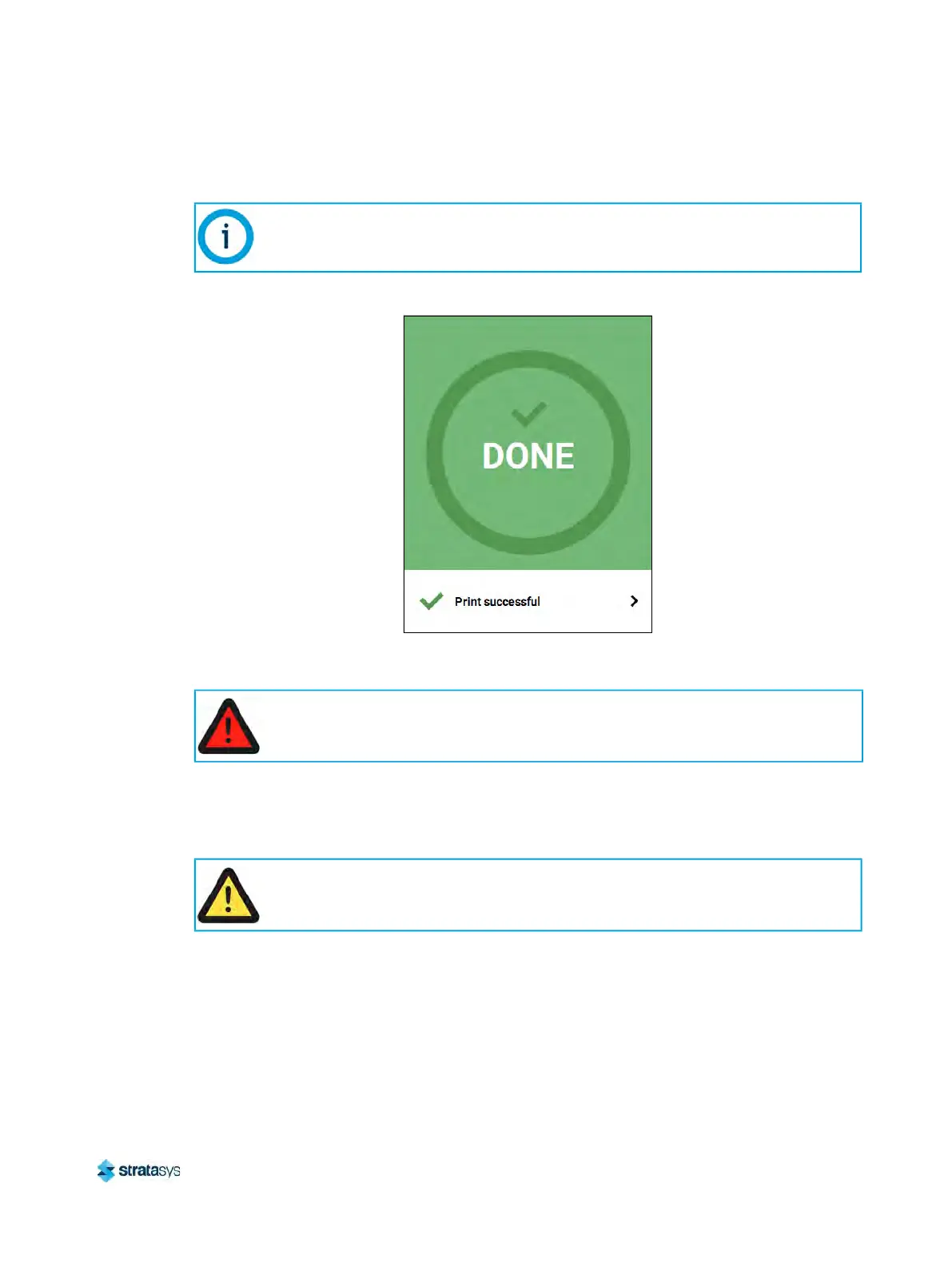
• The Build button will display a green checkmark icon indicating that the build completed
successfully.
Figure 23: Print Successful Dialog
Removing a Part from the Printer
To remove a part from the printer:
1. Open the oven door.
2
. Push down on the substrate ejection handle to release the substrate.
3
. Remove the substrate from the platen.
4
. Carefully remove the part from the substrate.
If the build was terminated abnormally, a warning indicator will be displayed on the
screen. See
“Build Abort Errors” (page 201) for a list of abort related warnings/errors
and resolution instructions.
Warning: Hot Surface Hazard
Wear proper safety equipment when handling items inside the oven as surfaces
within the oven can be very hot.
Caution:
Do not attempt to remove a part from the substrate while the substrate is on the
platen. Damage to the platen or platen level may occur.













 To Next Page