Updating Controller Software USB Flash Drive Method
Page 148
© Copyright 2020 Stratasys. All rights reserved.
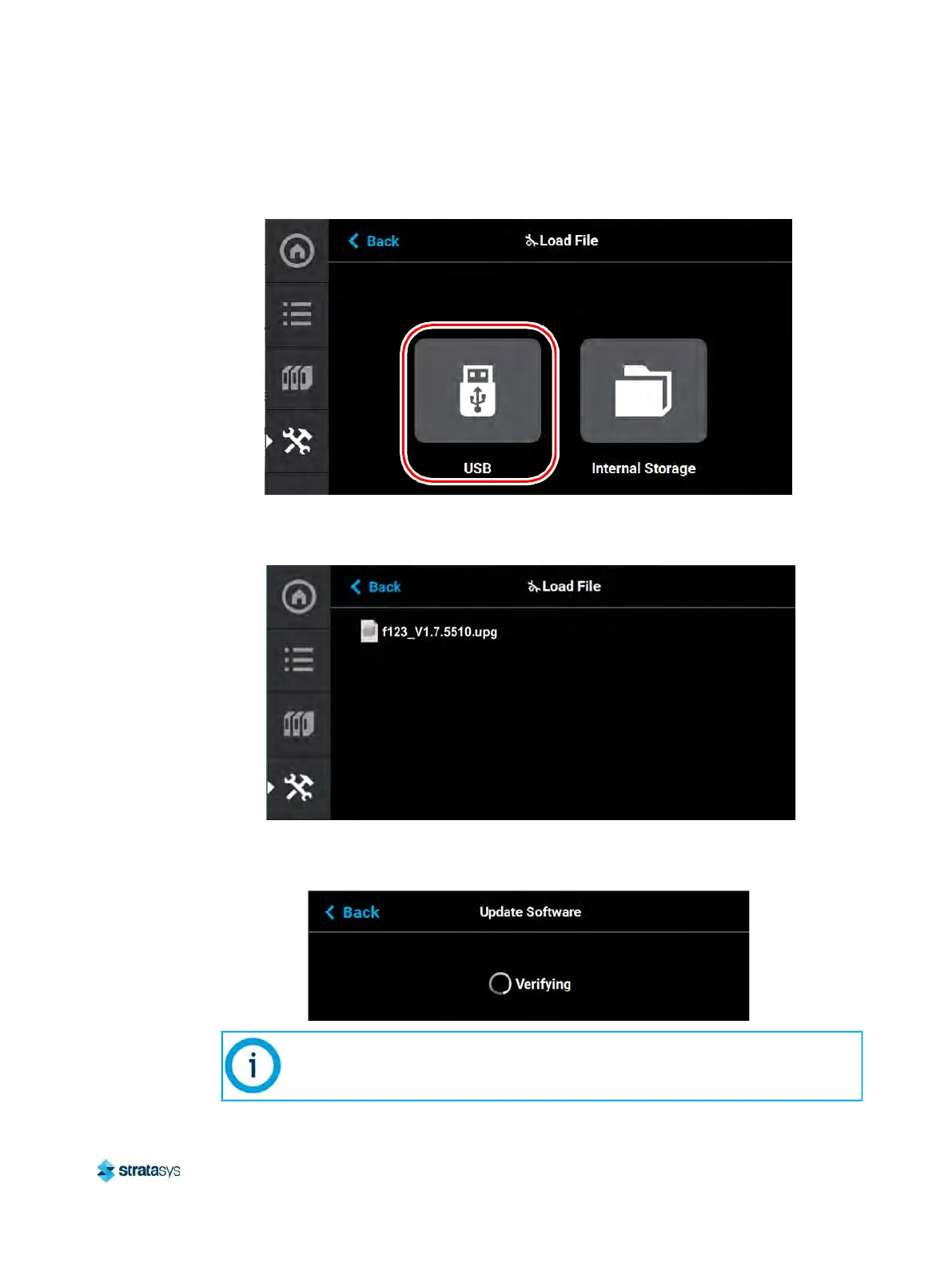
6. Select USB.
Figure 3: Load File
7. Navigate to and select the upgrade file from its saved location on the USB drive.
F
igure 4: Upgrade File Location
8. The upgrade file will install. The screen will display the status until the upgrade is complete.
F
igure 5: Upgrade Status
Updating Controller Software will erase all job files from the Job Queue (files
within the Internal Storage will be retained). After completing the software
upgrade, you will need to resend jobs to the printer.













 To Next Page