Customer Replaceable Units Oven Light
Page 182
© Copyright 2020 Stratasys. All rights reserved.
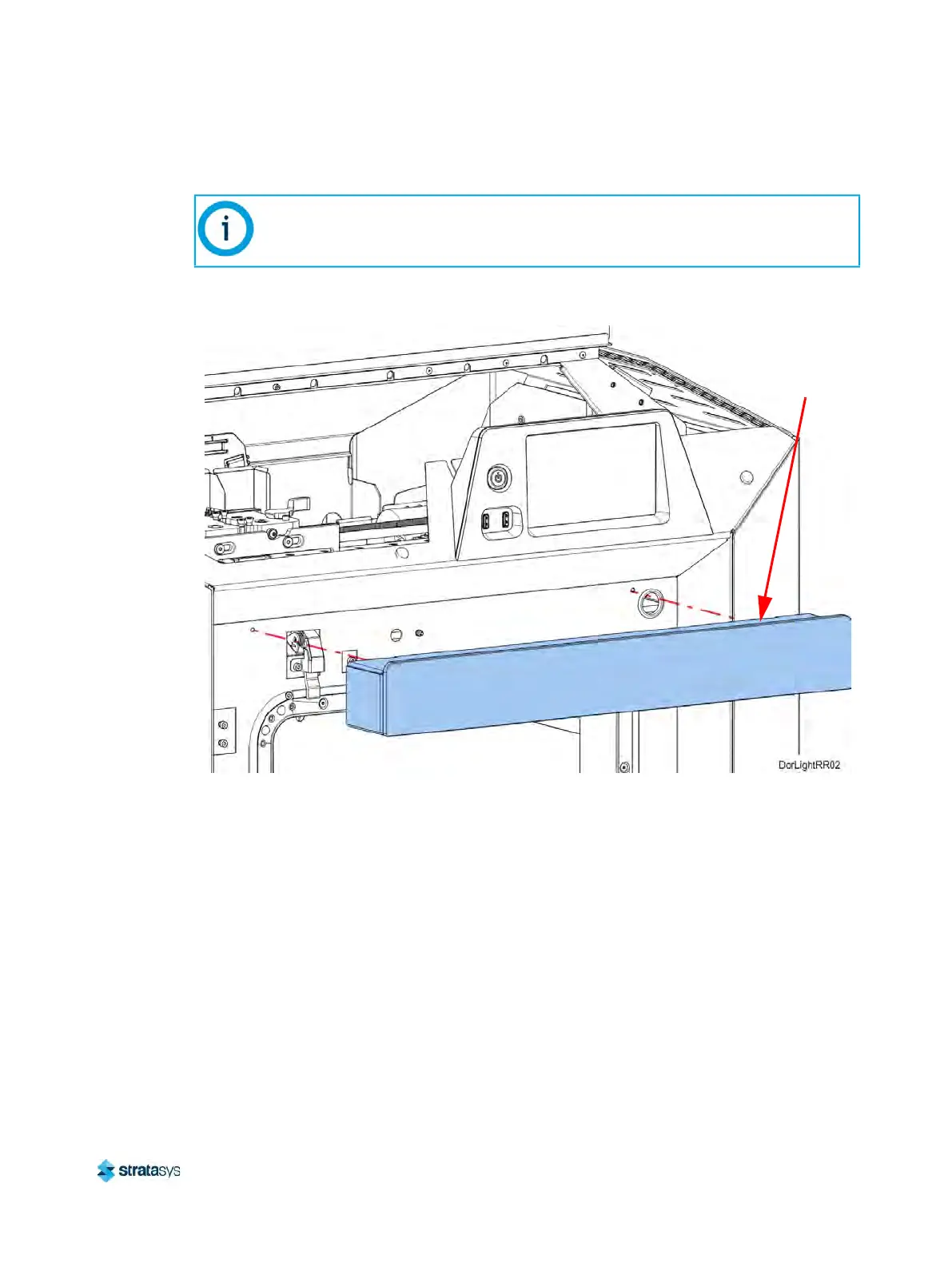
4. From inside the front of the gantry, use a 3mm hex wrench to remove the screws (2) that
secure the door box to the oven frame.
Figure 35: Door box mounting screw locations
5. While supporting the door box, use a 3mm hex wrench to remove the oven light mounting
s
crews (2) and the retaining bracket. See Figure 36 (page 183).
6. Move the oven light out a small distance to access the oven light cable connector.
Note:
The door box contains cables for the oven door and camera. Gently lift and support
the door box to access the oven light mounting screws underneath.
Door Box













 To Next Page