Working with the Build Page Build Status Display
Page 43
© Copyright 2020 Stratasys. All rights reserved.
Building
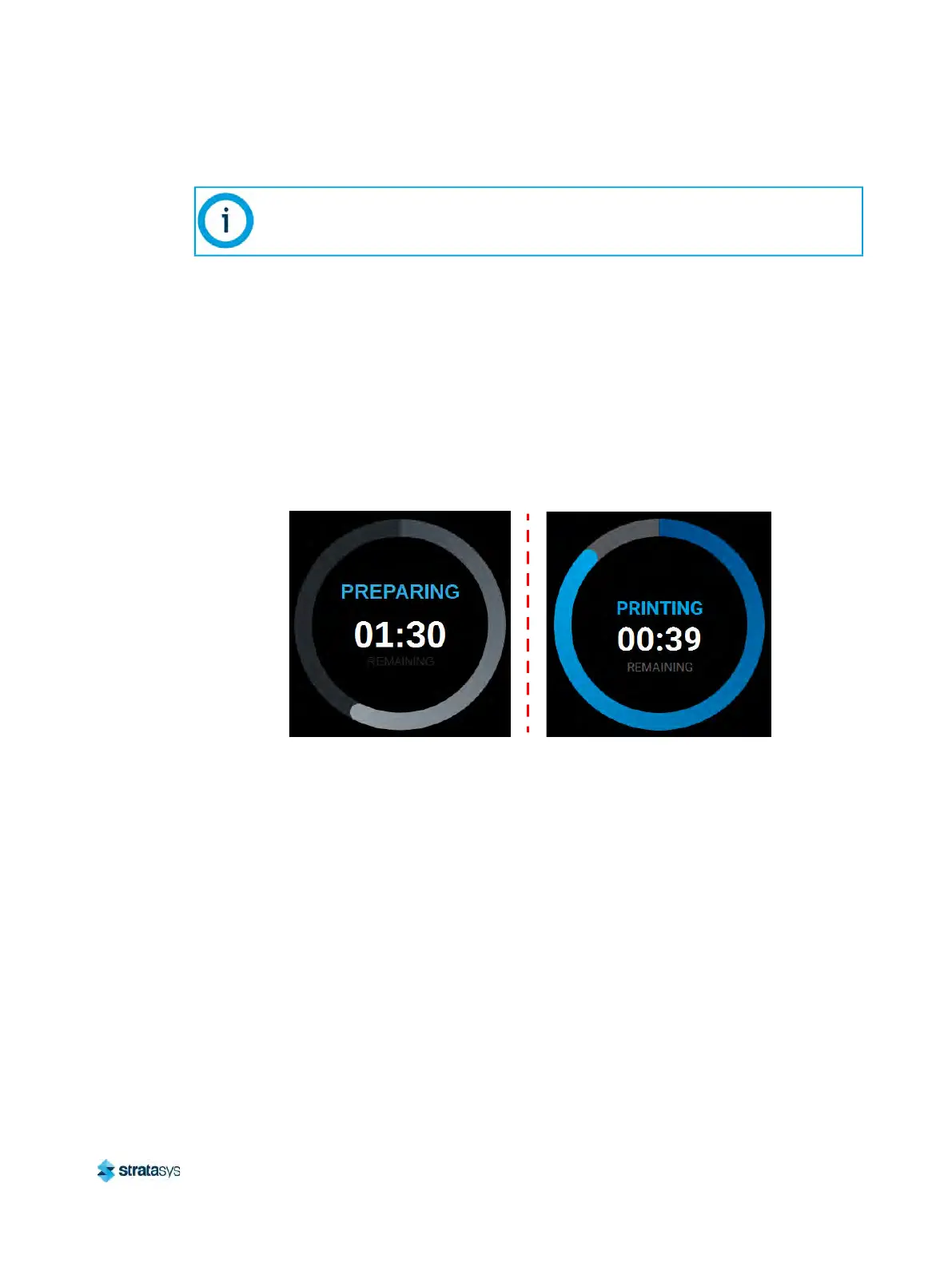
After pressing the Print button to start a build, "PREPARING" is briefly displayed within the
Build Status Display, and the outer progress ring will fill, in gray, in a clockwise direction. This
indicates the amount of time the printer requires to prepare for the start of the build, including
the amount of time required for a Z Zero Calibration to occur (see “Z Zero Calibration”
(page 144) for details).
Once build preparation is complete, "BUILDING" will be displayed within the center of the Build
St
atus Display along with the amount of time remaining until the build is complete. As build
progress is made, the amount of time remaining will get smaller until zero is reached, indicating
that the build is complete. The build’s percentage of completion is also displayed by radially
filling in the outer progress ring, in blue, in a clockwise direction.
Figure 12: Build Status Display - Building
Touching the screen within the center of the Build Status Display while a part is being built will
to
ggle the information displayed. After touching the screen the time estimation information will
be hidden from view and instead the Build Status Display will show the number of completed
layers as compared to the total number of layers in the build. Touching the screen again, will
toggle back to the time estimation information displayed initially.
A job file must be loaded onto the printer and selected for building before build
information will be displayed within the Build Status Display. See
“Loading a File”
(page 38) for details.













 To Next Page