Working with the Materials Page Head Status Icons
Page 56
© Copyright 2020 Stratasys. All rights reserved.
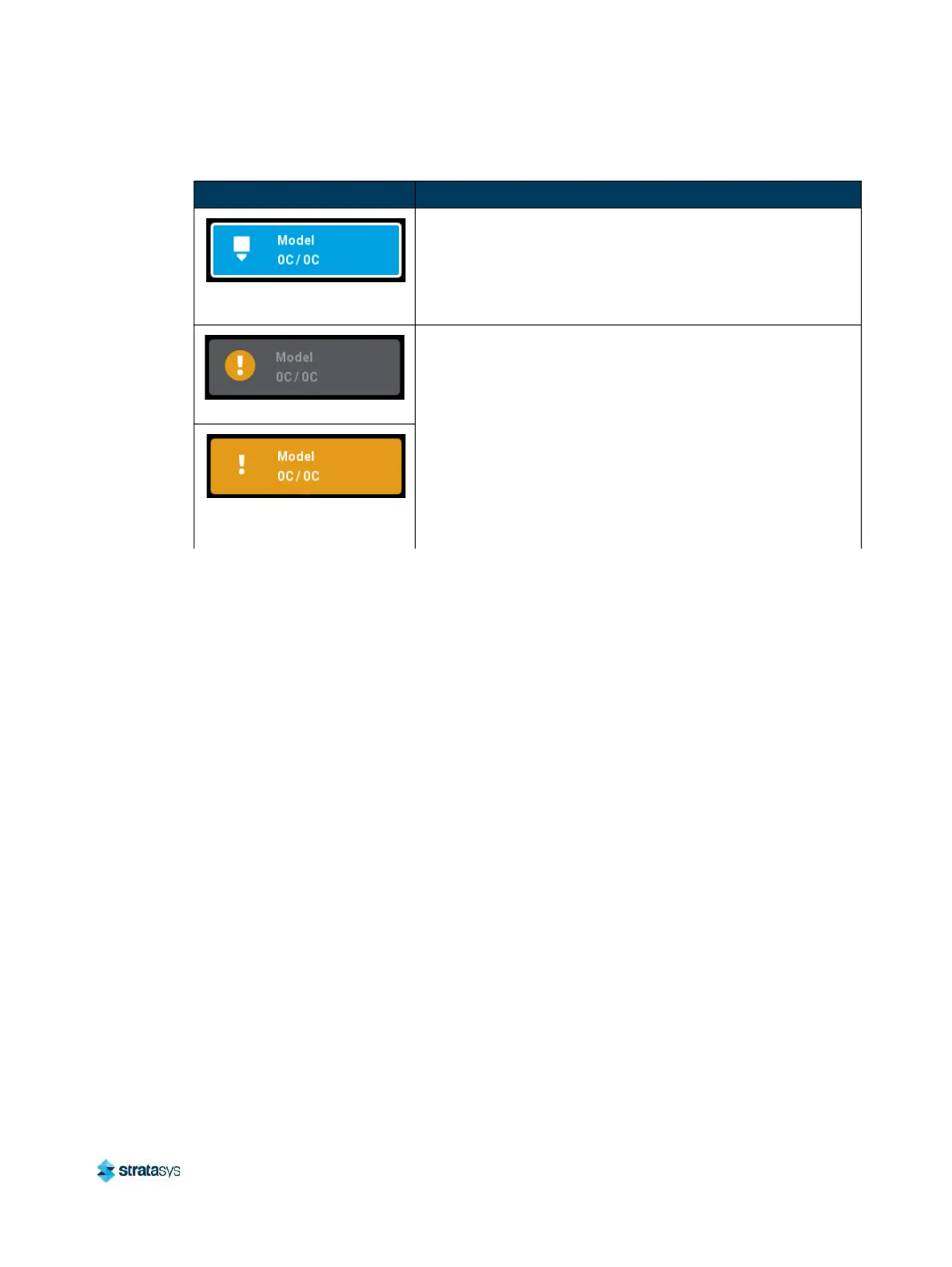
Active (solid blue with white
border)
• Indicates that the head is actively performing a task other
t
han building.
• This state will be displayed whenever the head is purging or
m
aterial is being unloaded from the head.
Warning (head unloaded)
• Yellow coloring and an associated notification badge
i
ndicates a head related warning (see “Head Warnings”
(page 203)).
• Additional information regarding the warning and possible
c
orrection information is displayed by opening the
associated head’s Head Details page (see “Viewing Head
Details” (page 57)).
• When the head’s odometer reaches 1350 build hours a
w
arning will be displayed reminding you to order a
replacement head as the head is approaching is odometer
limit.
Warning (head loaded)
Table 6: Head Status Icons - Icon States (Continued)
Icon State Description













 To Next Page