Working with the Materials Page Material Load Controls
Page 68
© Copyright 2020 Stratasys. All rights reserved.
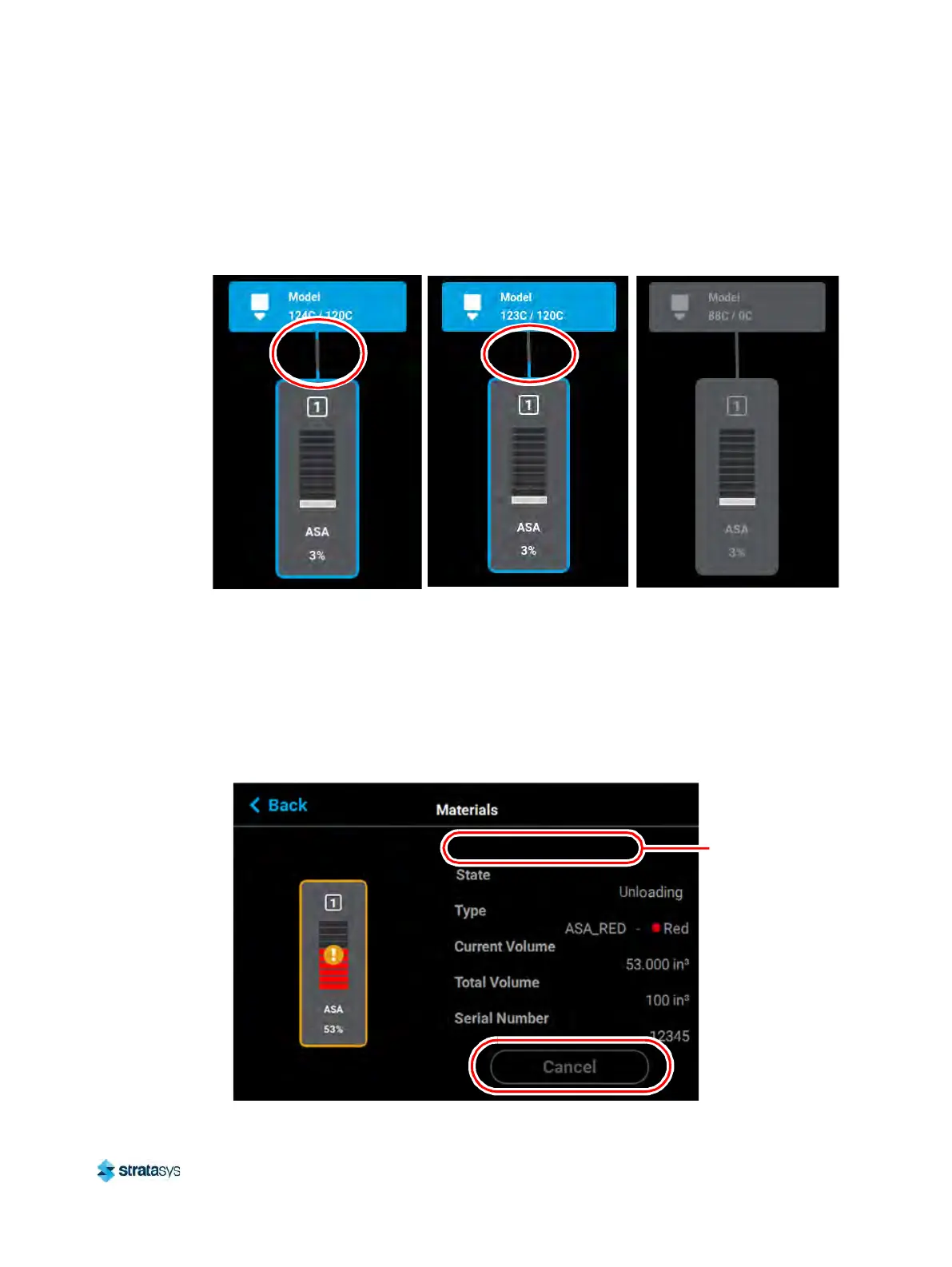
Once material is fully unloaded, filament pathway and Material Status Icon coloring will remain
in their unloading states until the corresponding material key is removed from its slot. Once the
key is removed, which disconnects the material coil box, the filament pathway and Material
Status Icon will refresh and display in their empty states.
Figure 32: Material Load Progress - Unloading
Material Load/Unload Cancellation
The Cancel button will only be displayed within the Material Details page for a material that is in
the process of being loaded/unloaded. This button allows you to cancel a material load or
unload already in process. Depending on your printer’s configuration, a warning may be
generated after selecting the Cancel button. In the event of a warning, text will be displayed on
the screen to indicate the cause of the warning.
Figure 33: Cancel Button
Warning/error
information will
be displayed
here













 To Next Page