Objet1000 Plus User Guide 5 Using Objet Studio
DOC-06810 Rev.B 5-82
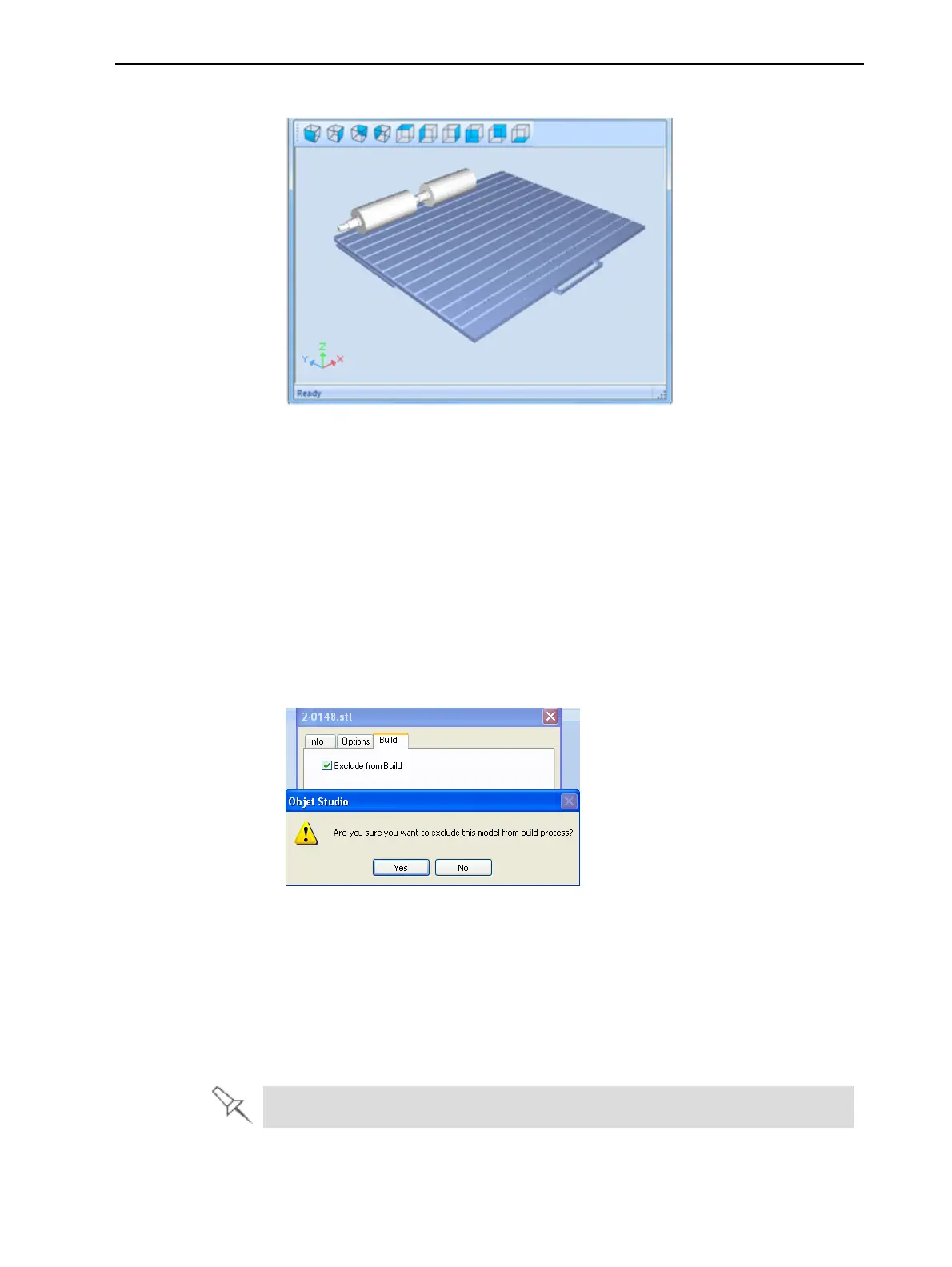
2. ClicktheTray Preview pane.
Figure5-110JobPreview
❒ Tochangethetraymagnification,turnthemousewheel.
❒ Toviewthetrayfromadifferentperspective,clicktherelevanticon.
❒ Toresizethewindow,dragitsedgeorcorners.
Ifthereareseveralobjectsonthebuildtray,youcanexcludeoneormore
frombeingprinted,withoutactuallydeletingtheobjectfromthetrayfile.
Topreventtheprintingofanobjectonthebuildtray:
1. Double-clickontheobjectyoudonotwanttoprint.
2. DisplaytheBuildtab.
3. SelectExcludefromBuild.
Figure5-111Excludingamodelfromthebuild
4. ClickYestoconfirm.
Onservercomputers,youcanuseTrayPreviewtodynamicallydisplayobjects
astheyareprinted,layerbylayer.Thisenablesyoutovisuallymonitor
printingprogressonthecomputerscreen.
TodisplayprintingprogressintheTrayPreviewpane:
➢ FromtheJobmenu,selectShow3dProgress.
Thisoptionusesadditionalsystemresources.













 To Next Page