Objet1000 Plus User Guide 6 Operating and Maintaining the Objet1000 Plus 3DPrinter
DOC-06810 Rev.B 6-14
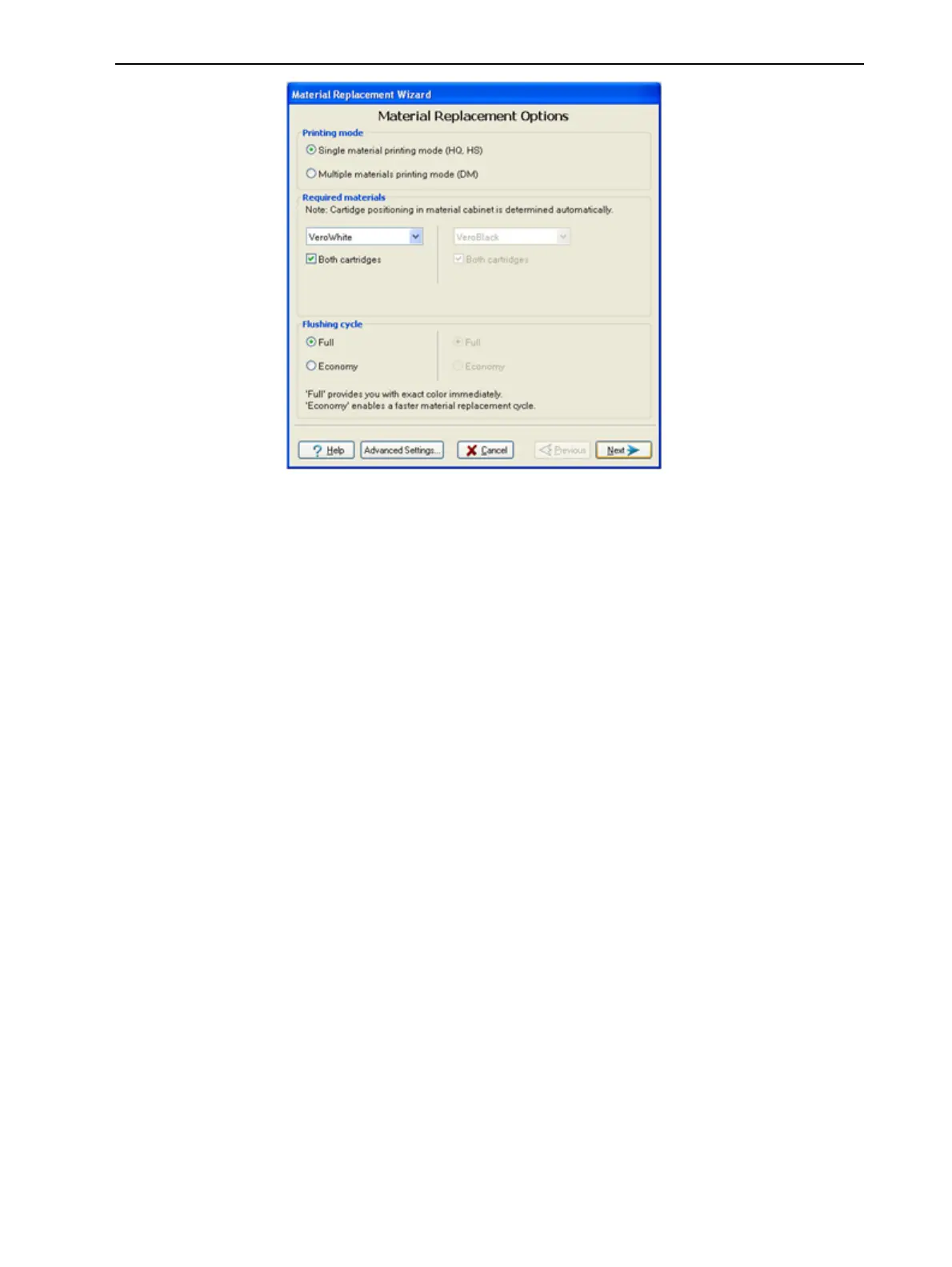
Figure6-11Materialreplacementoptions
IntheMaterial Replacement Optionsscreen,youselectthesettingsthat
determinehowthewizardreplacesmaterialcurrentlyinthesystemwith
newlyloadedmaterial.
4. ChoosewhetheryouwanttoproducemodelsinSingle Materialmodeor
inDigital Material(“multiple-materials”)mode.
Single Material mode
Fourprintheadsareusedtoprint,usingoneModelmaterial.
❒ ThismodeisrequiredtoproducebuildtrayswiththeHigh Quality
setting,andtoproducetrayswiththeHigh Speedsetting,usingonly
oneModelmaterial.
Digital Material mode
EachoftheModelmaterialsloadedisusedintwooftheprintheads.
❒ IfonlyoneoftheModelmaterialsisrequiredforprinting,modelsare
producedusingtwoprintheads.Thismakesitunnecessarytoreplace
theotherModelmaterial.
❒ IfModel-materialsubstitutionisallowed,theprinterproducestrays
withtheHigh SpeedsettingusingamixtureofModelmaterials(see
"ModelMaterialSubstitution"onpage5-55)
5. IntheRequired materialssectionofthewizardscreen,selectoneormore
replacementmaterialscontainers.
6. ForModelmaterials,selectBothifyouneedtoloadtworeplacement
containers.
Loadingonereplacementcontainerismoreeconomicalbecauseit
potentiallyrequireslessflushingofmaterialcurrentlyinthesystem.
However,whenonecontainerisnotsufficient,loadingtwocontainers
enablescontinuousprintinguntiltheprintjobiscompleted.Whenone
containeremptiesandtheotheroneisbeingused,youcanreplacethe
emptycontainerwithanewone.













 To Next Page