Objet1000 Plus User Guide 6 Operating and Maintaining the Objet1000 Plus 3DPrinter
DOC-06810 Rev.B 6-28
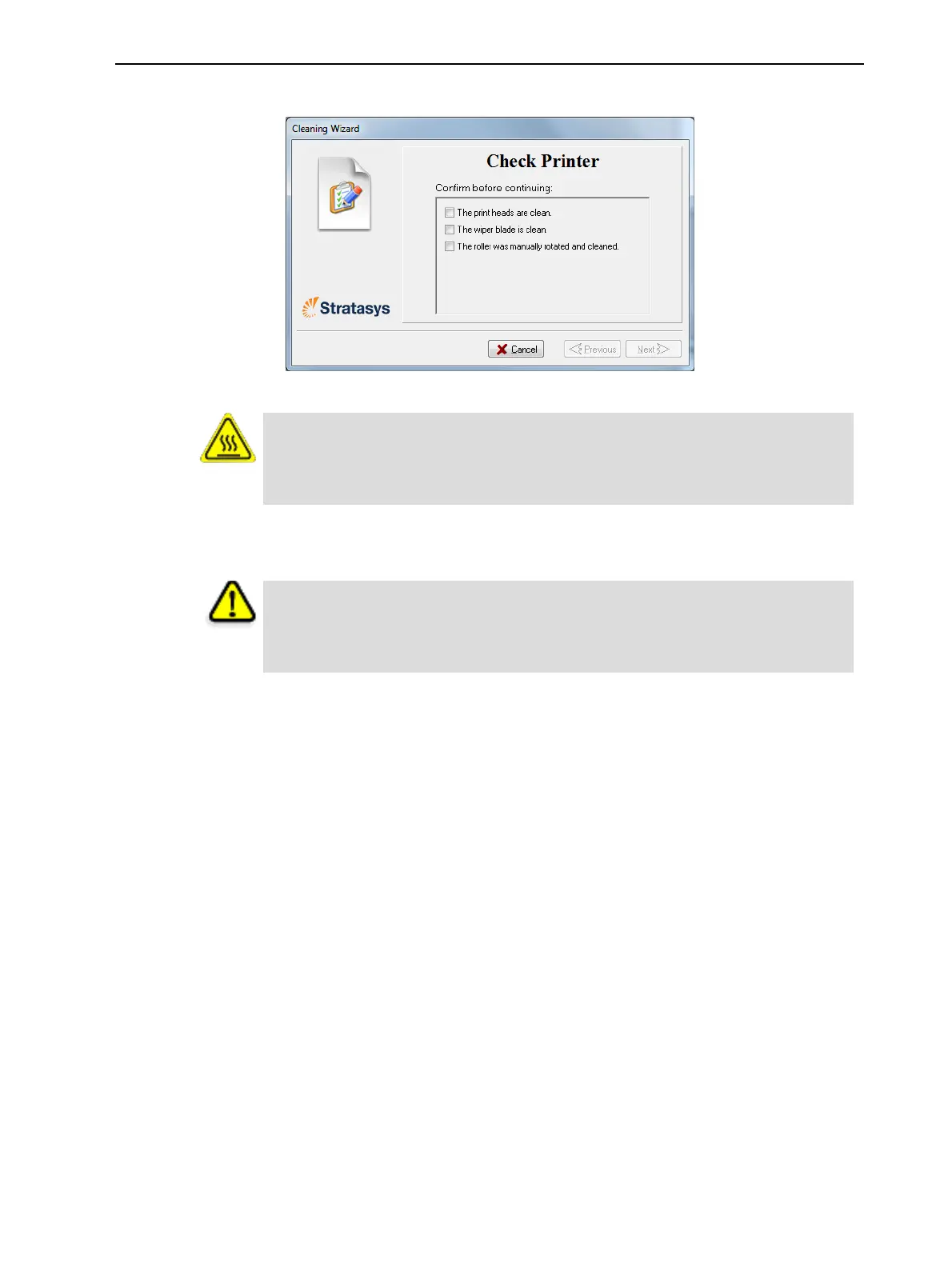
4. Whenthefollowingscreenappears,opentheprinter.
Figure6-27Wizardscreenduringcleaningtasks
Warning: Hot Surface
Theprintheadorificeplates(bottomsurface)maybehot.Donottouchthem
withyourbarehands,andproceedwithcaution.
5. Placethemirroronthebuildtray.
6. Putonthegloves.
Caution
Uncuredprintingmaterialontheprintheadsmightcauseskinirritation.Use
disposablecleaningglovestoprotectyourhands.
7. Soakthecleaningclothwithalcohol.













 To Next Page