Objet1000 Plus User Guide 6 Operating and Maintaining the Objet1000 Plus 3DPrinter
DOC-06810 Rev.B 6-74
Test Selection Area
IntheTest Selectionarea,atthebottomofthescreen,youcanquicklyselect
orde-selecttestsbytheircharacteristics:
All Clicktoselectallofthetestsinthelist.
None Clicktode-selectallofthetestsinthelist.
Unknown Clicktoselectalltestthathavenotbeenrunyet(Status=?).
Group Usethismenutoselecttestsbycomponentcategory.
Selection Set Usethismenutoselectapre-configuredsetofteststorunat
specifiedtimes(computerstartup,beforeprinting,etc.).
RunningBuilt-in
Tests
Toruntheselectedtests:
➢ Click .
Afteryourunatest,theSaveandViewcommandbuttonsareaddedtothe
Built In Testsscreen.
TestResults
Tosaveandviewareportofalltests:
➢ UsetheSaveandViewcommandbuttons.
Command
Buttons
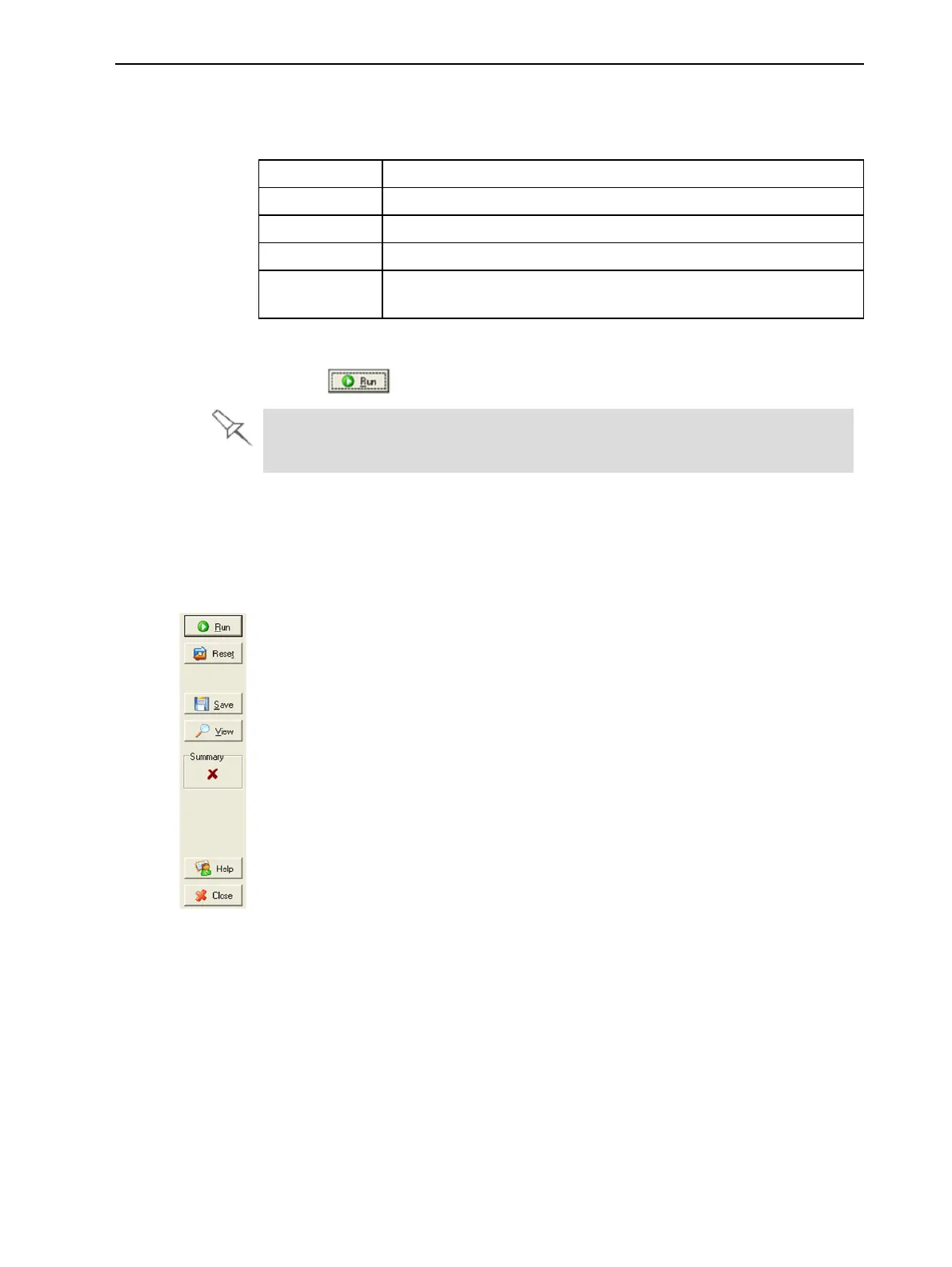
Clickthecommandbuttons,ontherightsideofthescreentoperformthe
followingoperations:
Run
Clicktoruntheselectedtests.
Reset
Clicktoclearpreviouslyruntests.Thisreturnsthestatusofeachtestto
Unknown(?).
Save
Clicktosaveareportthatsummarizesthetestsrun.Thereportissavedasan
HTMLfile.Youcansaveanynumberofreportsforthetestsyourun;the
nameofthefilesavedisBITReport[date][time].htm.Bydefault,thesefilesare
savedintheObjet1000Plusinstallationfolder,butyoucansaveitinany
otherfolder.
View
Clicktodisplaythelatesttestreportthatyousaved.(Youcanviewothertest
reportsbyopeningtherelevantfilesinyourWebbrowser.Todoso,open
WindowsExplorer,anddoubleclicktheBITReport file.)













 To Next Page