3.
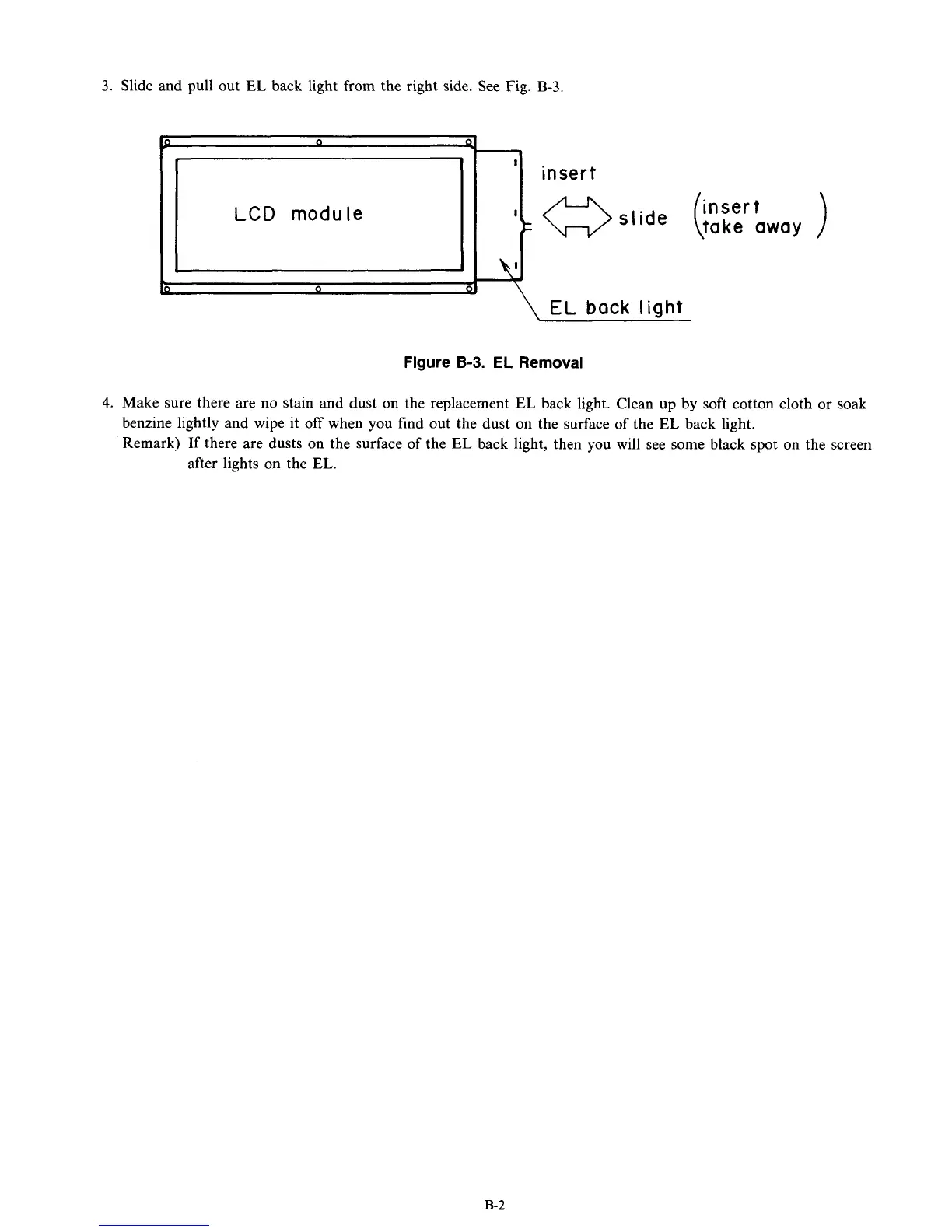
Slide and pull out
EL
back light from the right side. See
Fig.
B-3.
P
-
'
insert
Ik
-slide
(
insert
take away
LCD
module
Figure
8-3.
EL
Removal
4.
Make sure there are no stain and dust on the replacement
EL
back light. Clean
up
by
soft cotton cloth or soak
benzine lightly and wipe it
off
when you find out the dust on the surface of the
EL
back light.
Remark) If there are dusts on the surface of the
EL
back light, then you will see
some
black spot on the screen
after lights on the
EL.
B-2



 To Next Page