Chapter 12: Statistics 279
Notice the pattern of the residuals: a group of negative residuals, then a group of positive
residuals, and then another group of negative residuals.
The residual pattern indicates a curvature associated with this data set for which the
linear model did not account. The residual plot emphasizes a downward curvature, so a
model that curves down with the data would be more accurate. Perhaps a function such
as square root would fit. Try a power regression to fit a function of the form y = a … x
b
.
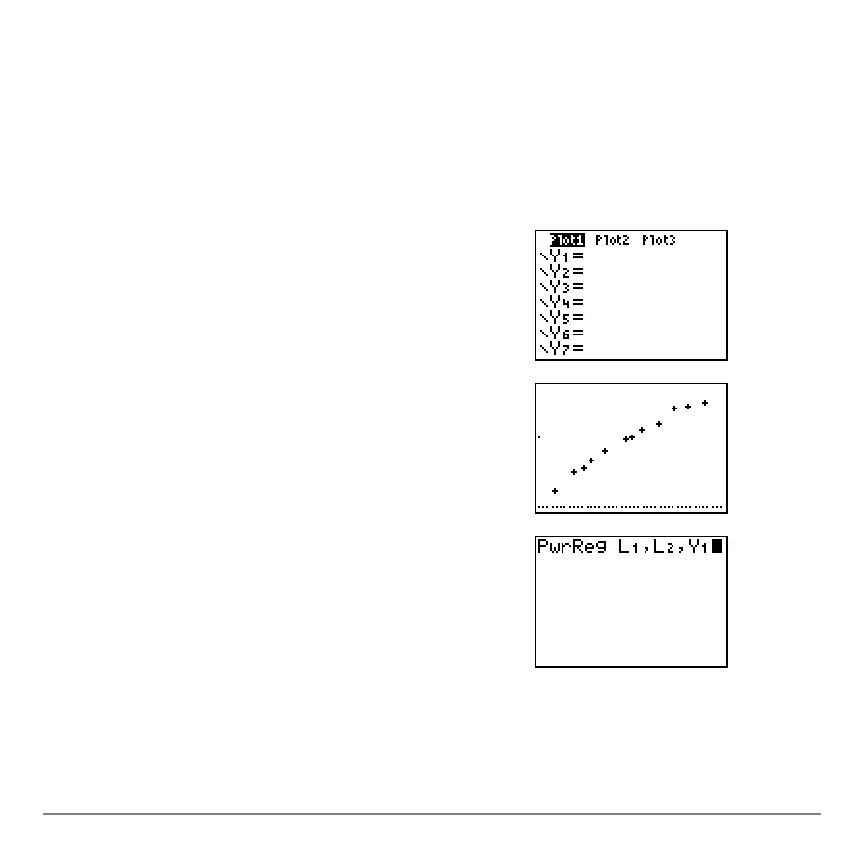
22. Press o to display the Y= editor.
Press ‘ to clear the linear regression
equation from
Y1. Press }Í to turn on plot 1.
Press ~Í to turn off plot 2.
23. Press q
9 to select 9:ZoomStat from the ZOOM
menu. The window variables are adjusted
automatically, and the original scatter plot of time-
versus-length data (plot 1) is displayed.
24. Press …~ƒã
Aä to select A:PwrReg from
the
STAT CALC menu. PwrReg is pasted to the
home screen.
Press yd¢ye¢. Press ~
1 to
display the
VARS Y-VARS FUNCTION secondary
menu, and then press
1 to select 1:Y1. L1, L2, and
Y1 are pasted to the home screen as arguments to
PwrReg.



 To Next Page
 Loading...













