115
FUNCTION SETTING USING SETTINGS
INITIAL (INITIAL SETTING)
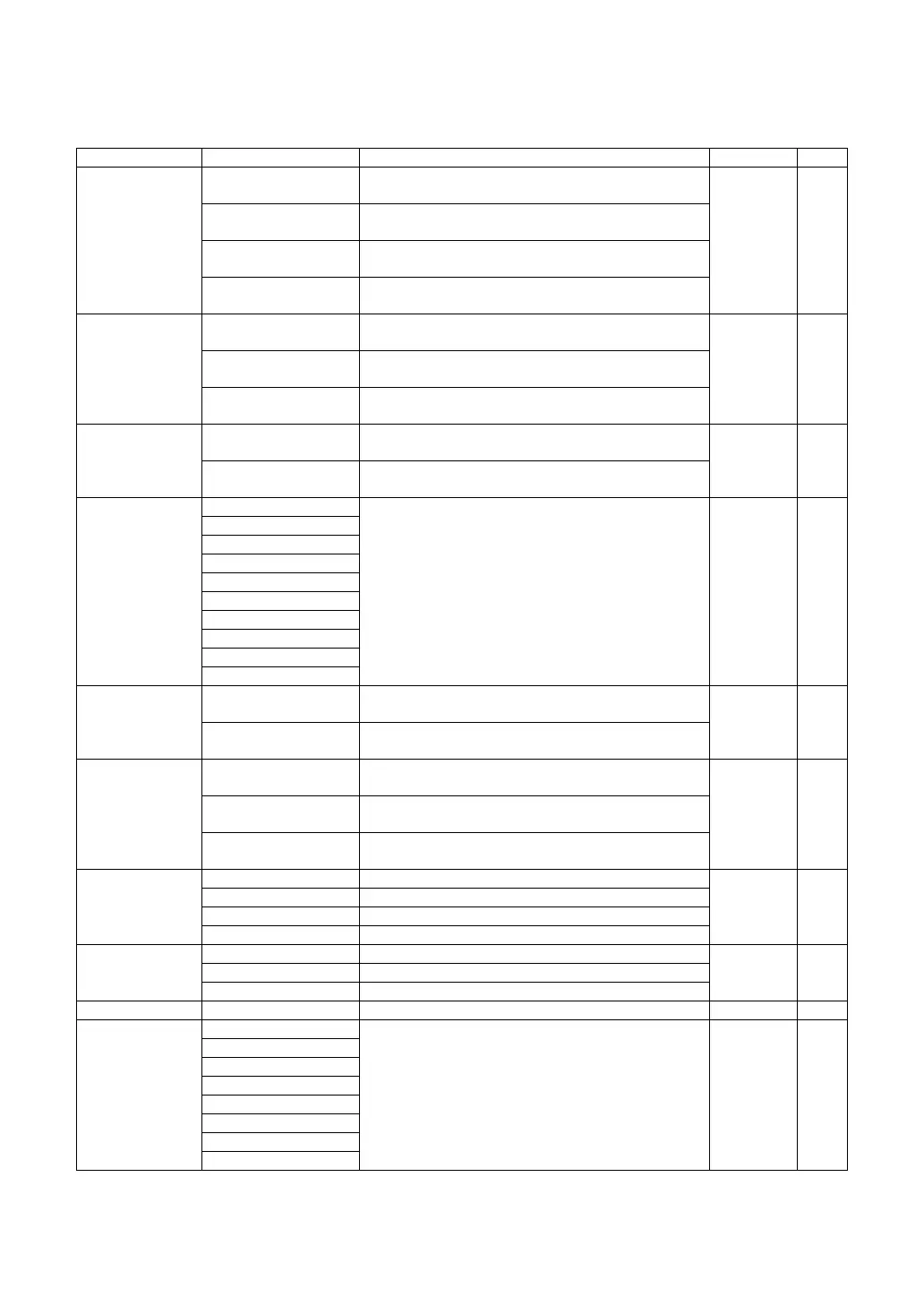
INITIAL contains settings related to the initial status after power on, clearing all measure-
ment values, etc.
Set item display Setting Change button Set contents Initial value Page
Init Measure
Mode
R/K
MEASUREMENT mode upon power on is set to
REF/KRT mode.
REF/KRT 128
REF
MEASUREMENT mode upon power on is set to REF
mode.
KRT
MEASUREMENT mode upon power on is set to KRT
mode.
Pupillometry
MEASUREMENT mode upon power on is set to
Pupillometry mode.
Init Auto
FULL AUTO
Measurement mode upon power on is set to
FULL AUTO mode.
FULL
AUTO
129AUTO TRACKING
Measurement mode upon power on is set to
AUTO TRACKING mode.
MANUAL
Measurement mode upon power on is set to
MANUAL mode.
R-L Measure
BINO
Under FULL AUTO/AUTO TRACKING mode,
both-eye measurement is done automatically.
BINO 129
MONO
Measurement is finished after single-eye
measurement.
Cont. Cycle
1
Sets the number of continuous measurements under
AUTO mode, using up/down buttons.
3 129
2
3
4
5
6
7
8
9
10
Cont. Fog
ALWAYS
Fogging for continuous measurements is done each
time.
ALWAYS 130
ONCE
Fogging for continuous measurements is done only
in the 1st time.
Finish Mode
R
Waiting at the initial position for right eye
measurement
Right 130L
Standby at the initial position for left eye
measurement
FINISH
Waiting at the pull-position of the already
measured eye
Target Brightness
Level 1 Target brightness is set to the darkest of 4 levels.
Level 3 131
Level 2 Target brightness is set to the 2nd darkest of 4 levels.
Level 3 Target brightness is set to the 3rd darkest of 4 levels.
Level 4 Target brightness is set to the brightest of 4 levels.
VD
0mm VD value is set to 0mm (contact lens).
12mm 13112mm VD value is set to 12mm (eyeglass lens).
13.75mm VD value is set to 13.75mm (eyeglass lens).
Zernike PD Set by ten-key display. Set to pupil diameter or set by user. Use pupil 132
Zernike Degree
3
Sets Zernike degree.Analysis is done up to the set
degree.
6th degree 132
4
5
6
7
8
9
10



 To Next Page