890370_0•en•01.06.2009
We reserve the right to carry out improvements
110
WAREMA climatronic
®
Installation Instructions
A weather station can be created here by approaching it with a magnet, and
a humidity/temp. sensor can be created by pushing the PROG button on the
device, or the serial number of the device is created manually.
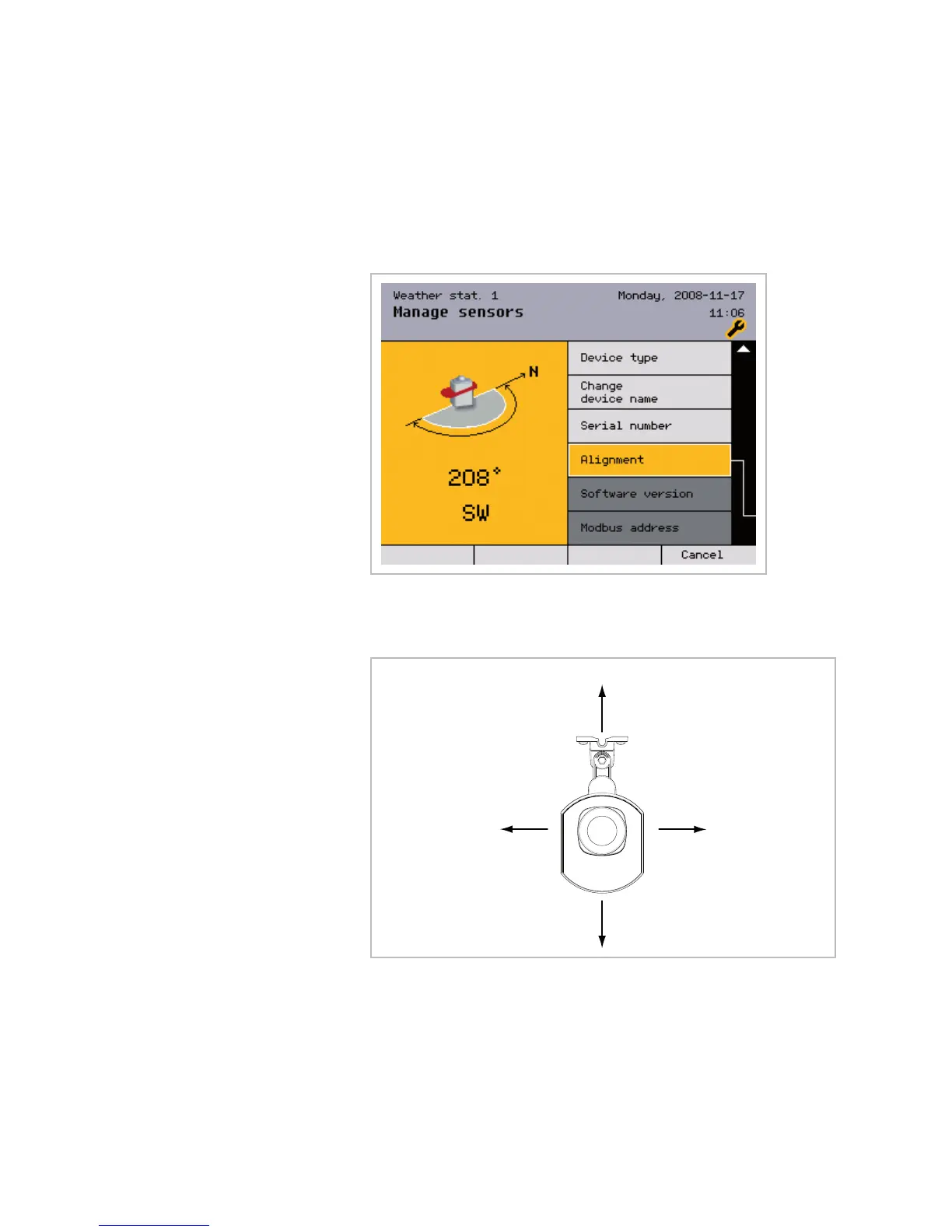
Furthermore, the device name displayed can be changed and the orientation
of the sensor can be entered.
Set the angle of the photo3 sensor of the weather station relative to north.
Example If photo3 of the weather station faces north, enter 0° here. East corresponds
to 90°, south to 180° and west to 270°.
Photo 1
(Dämmerung)
Photo 3
Photo 4
Photo 2
Fig. 31 Alignment of the photodiodes
After the sensor has been detected, the software version and the Modbus
address are displayed ( scroll down). Any sensor can also be deleted here.
The menu for the "humidity/temp." sensors does not have the [Orientation]
menu item since this is irrelevant when measuring relative humidity and tem-
perature.
Sensor



 To Next Page