890370_0•en•01.06.2009
We reserve the right to carry out improvements
116
WAREMA climatronic
®
Installation Instructions
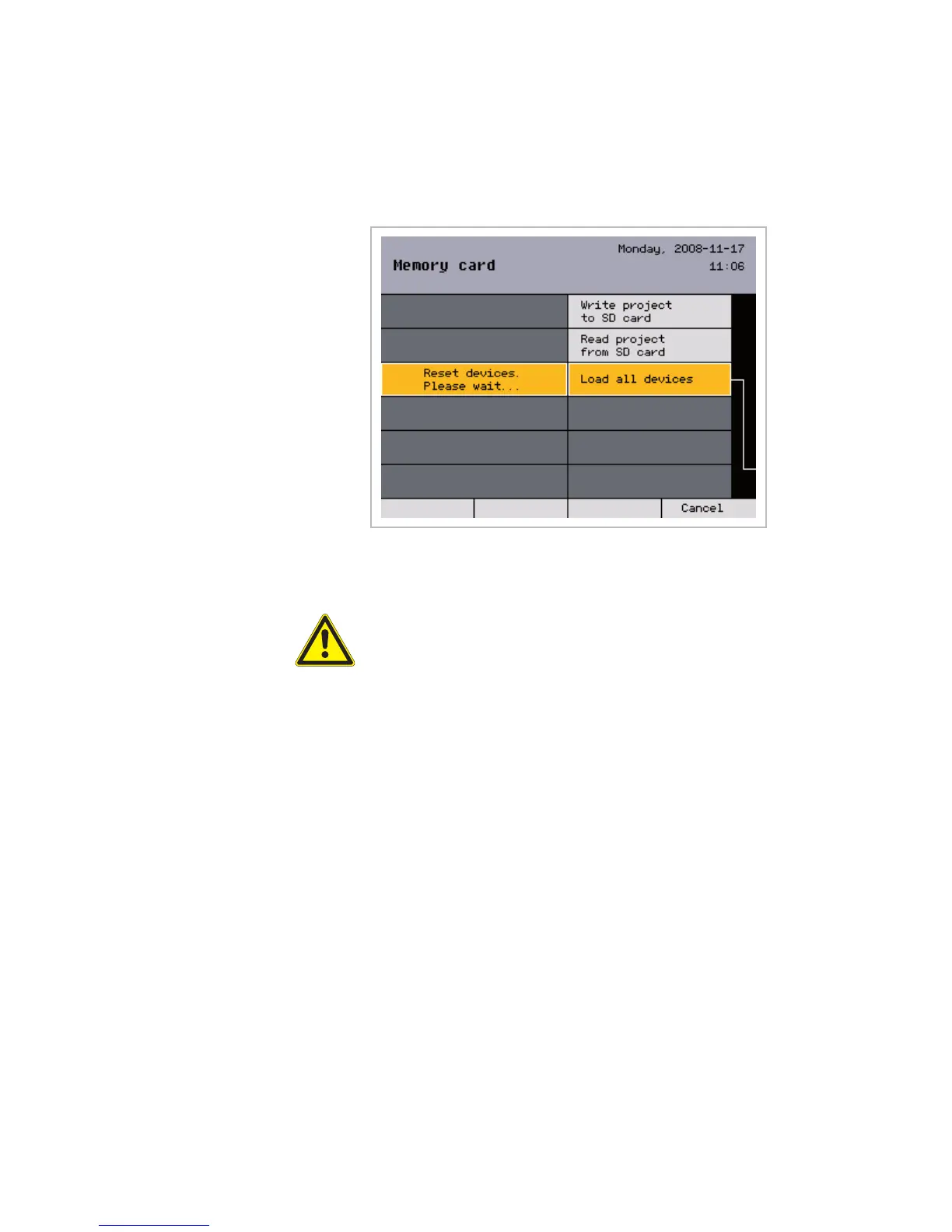
8.8.3 Loading all devices
After a project has been read from the memory card, the data must be up-
loaded the devices (update).
The [Load all devices] menu line resets all devices and then uploads the
selected settings in sequence into the devices, i.e. the sensors and actua-
tors.
CAUTION
Do not operate the local operating elements while the devices are being
loaded: The locking contacts and all safety functions are inactivate during
this time.
Press the [Back] button to return to the [Project setup] menu.
NOTE Be sure to subsequently raise all products manually (reference run) to enable
the control to flawlessly move to the absolute positions.
Memory card



 To Next Page