890370_0•en•01.06.2009 We reserve the right to carry out improvements
83
8.1.8 Authorised dealer access
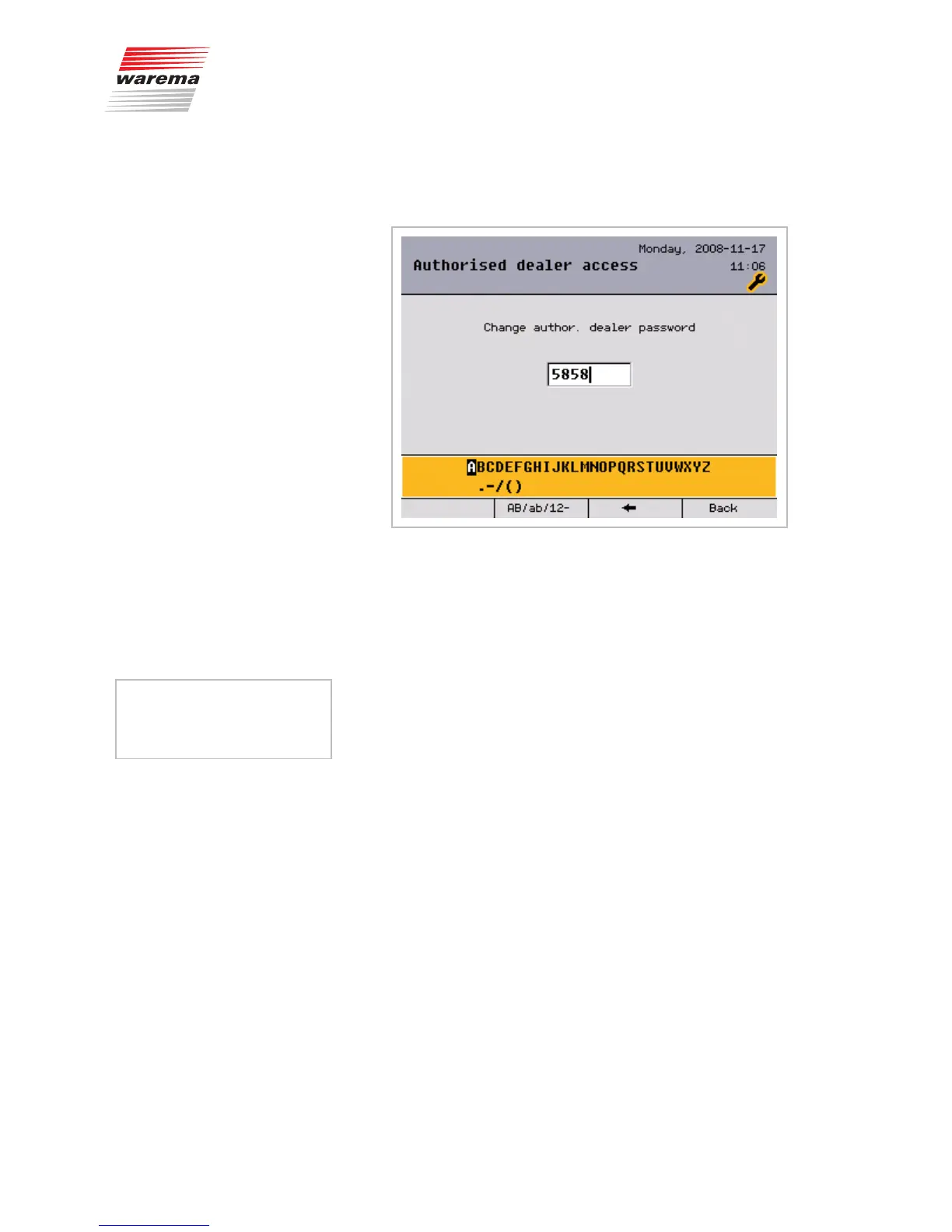
The dealer password can be changed in this menu. It can have from 1 to 8
characters.
The preset password is [5858]. This value can be changed to ensure that ac-
cess to the project setup and safety functions is exclusively available to the
dealer.
To change the dealer password:
Press the [AB/ab/12-] button, if desired, to switch between upper and lower
case or numbers and special characters.
Turn the function wheel to select a character from the selection field (bot-
tom) (if you change the password, please note is down in the field on the
left.).
Press the function wheel to enter the selected symbol in the input field (top).
If the characters are to be deleted, press the [
] button once or twice or
keep it depressed.
Press the [Back] button to return to the [System] menu.
The new password is saved at the same time.
Press the [Back] button once more to return to the [Project setup] menu.
Main menu
Settings
Authorised dealer
Project setup
System
Authorised dealer access
My password:
System settings



 To Next Page