890370_0•en•01.06.2009 We reserve the right to carry out improvements
61
Move to the [Number] line with the function wheel. The set number of identical
products appears at the left, e.g. [1]. Press the function wheel.
Turn the function wheel until the number of identical products set by you is
shown; this would be [3] in our example. Confirm by pressing the function
wheel. Press the [Next] button.
7.2.5.4 Selecting an external
venetian blind type
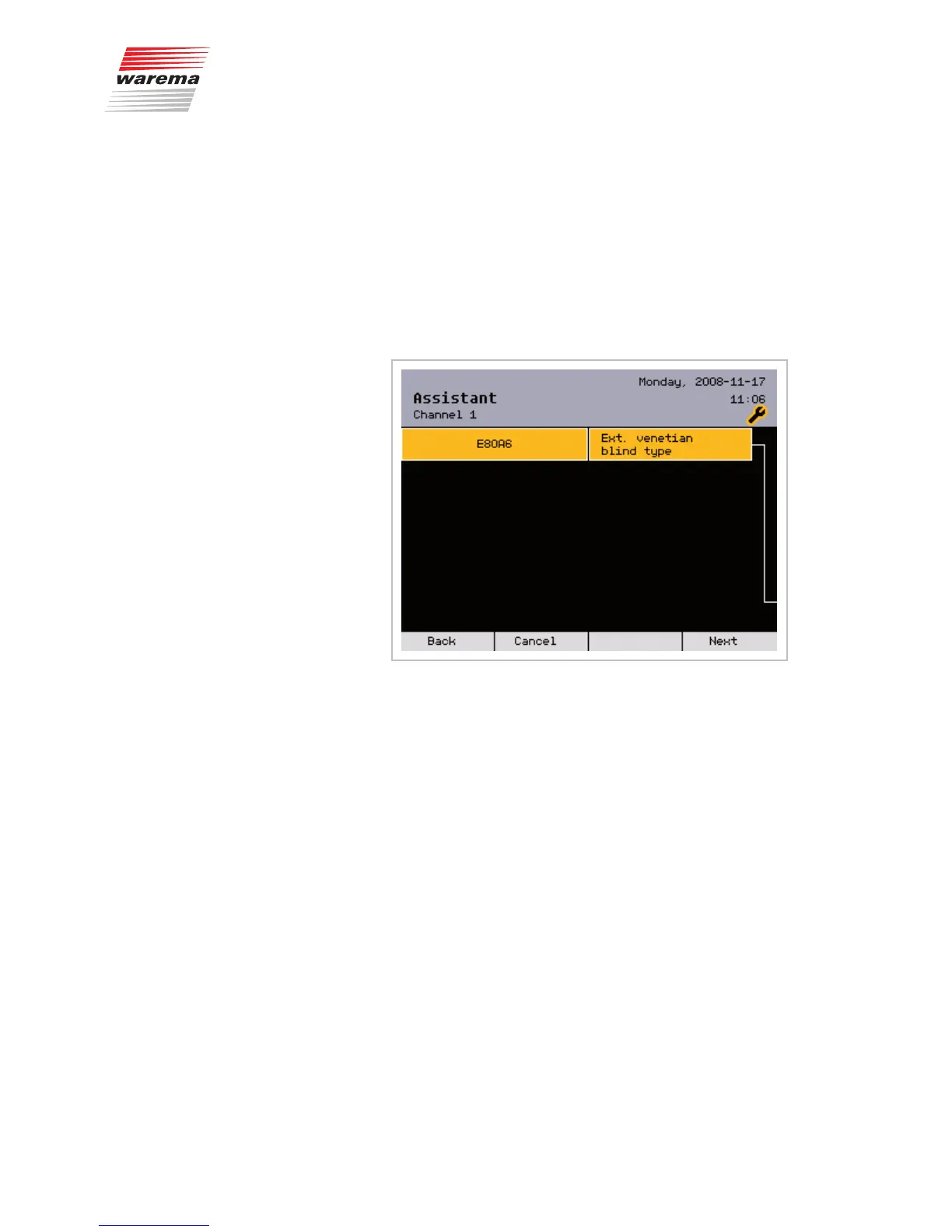
This menu appears only if [External venetian blinds] was set as the
product type:
The external venetian blind type set appears on the left, e.g. [E80A6].
Press the function wheel.
Turn the function wheel until the external venetian blind type set by you is dis-
played. Then press the function wheel.
OTEN Only WAREMA external venetian blind types can be selected
in this menu. If makes by other manufacturers are used, select
[Others] here.
Press the [Next] button.
Assistant



 To Next Page