890370_0•en•01.06.2009
We reserve the right to carry out improvements
118
WAREMA climatronic
®
Installation Instructions
8.10 Accepting settings
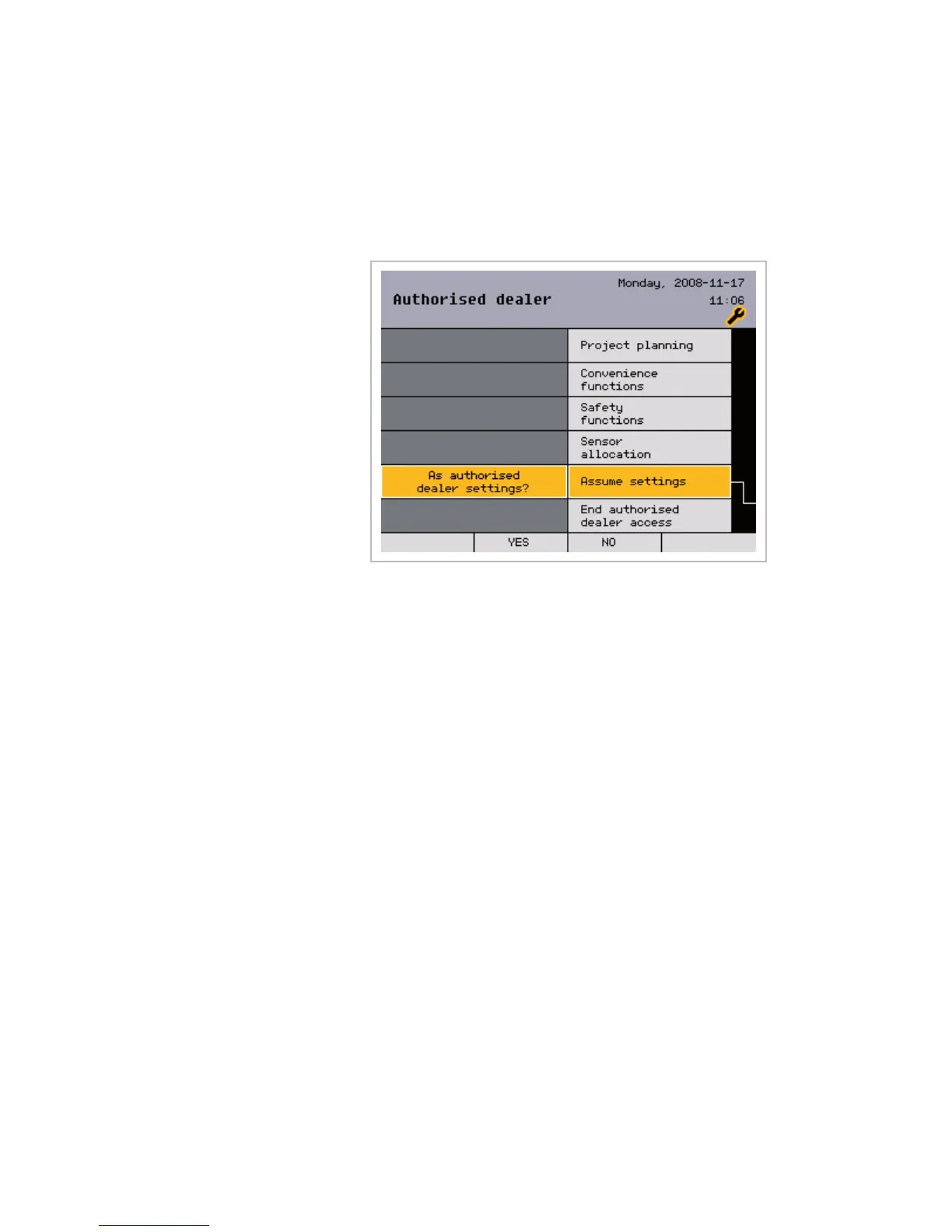
In this menu line, the settings made can be accepted as dealer settings and
saved in the control panel. The user is then able to restore the dealer set-
tings at any time in the future. This is described in the WAREMA climatronic
operating instructions.
Accept the dealer settings as follows:
From the main menu, open the [Settings] > [Authorised dealer] menu.
Select the [Assume settings] menu line with the function wheel; press the
function wheel.
The question [As authorised dealer settings?] appears on the left;
press the function wheel once more.
The display [Please wait...] appears on the left and the current settings are
stored in the control panel as dealer settings. The display on the left disap-
pears again after this process is finished.
Main menu
Settings
Authorised dealer
Assume settings
Assume settings



 To Next Page