890370_0•en•01.06.2009
We reserve the right to carry out improvements
46
WAREMA climatronic
®
Installation Instructions
6.1.2 Status display
The symbols in the header indicate the following states of the climatronic:
Data must be loaded into the devices
Dealer mode
A fault occurred. Fault messages are displayed in the fault menu
([Start menu] > [Measured values] > [Faults]).
Network is active
Online mode (control via a connected PC)
"Leave" function is activate
"Absent" function is active
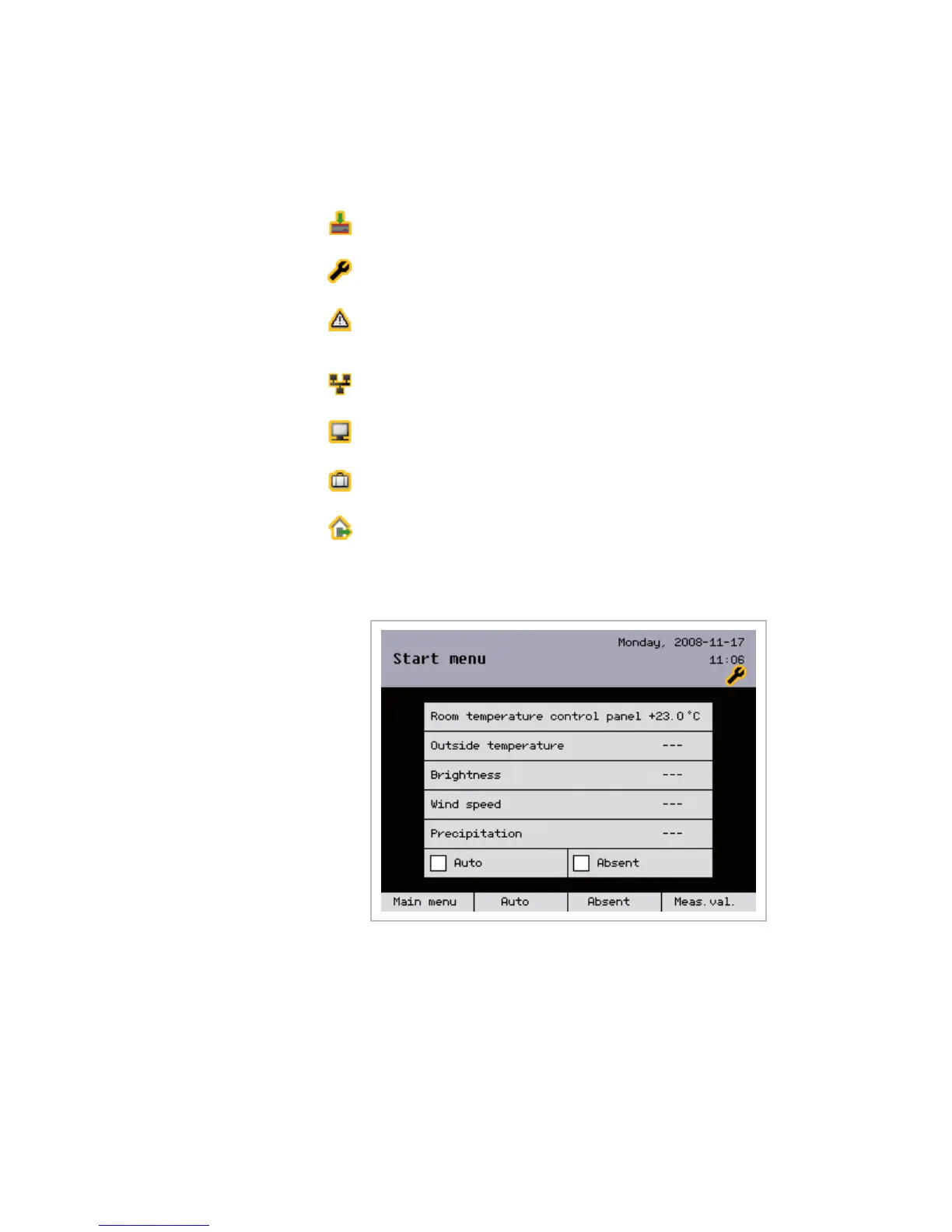
The following figure shows the WAREMA climatronic start menu with its ele-
ments in the dealer mode:
Fig. 25 WAREMA climatronic start menu (in dealer mode)
For the dealer:
To access the dealer mode:
Change to the main menu using the [Main menu] button.
In the main menu, press the [Settings] button and, in the [Settings] menu,
select the [Dealer] line.
Press the function wheel; switch to numeric input by pressing the
[AB/ab/12-] button twice and by entering the password [5858] in the
[Authorised dealer] menu.
Overview



 To Next Page