890370_0•en•01.06.2009
We reserve the right to carry out improvements
48
WAREMA climatronic
®
Installation Instructions
7 Commissioning
CAUTION
Before the unit can be commissioned, all network devices must be
connected.
Refer to the associated operating instructions prior to commissioning to op-
timally adapt the control to your requirements. There you will find a complete
overview of the WAREMA climatronic functions.
In the individual menus of the manual project setup (see Chapter 8 on page
72), the experienced user can set each parameter individually.
The complete project setup can also be performed using the
WAREMA climatronic studio PC software included with the accessories.
7.1 Setting the operating
language
As soon as the WAREMA climatronic is supplied with power, you are prompt-
ed to set the operating language.
Press the [English] function button.
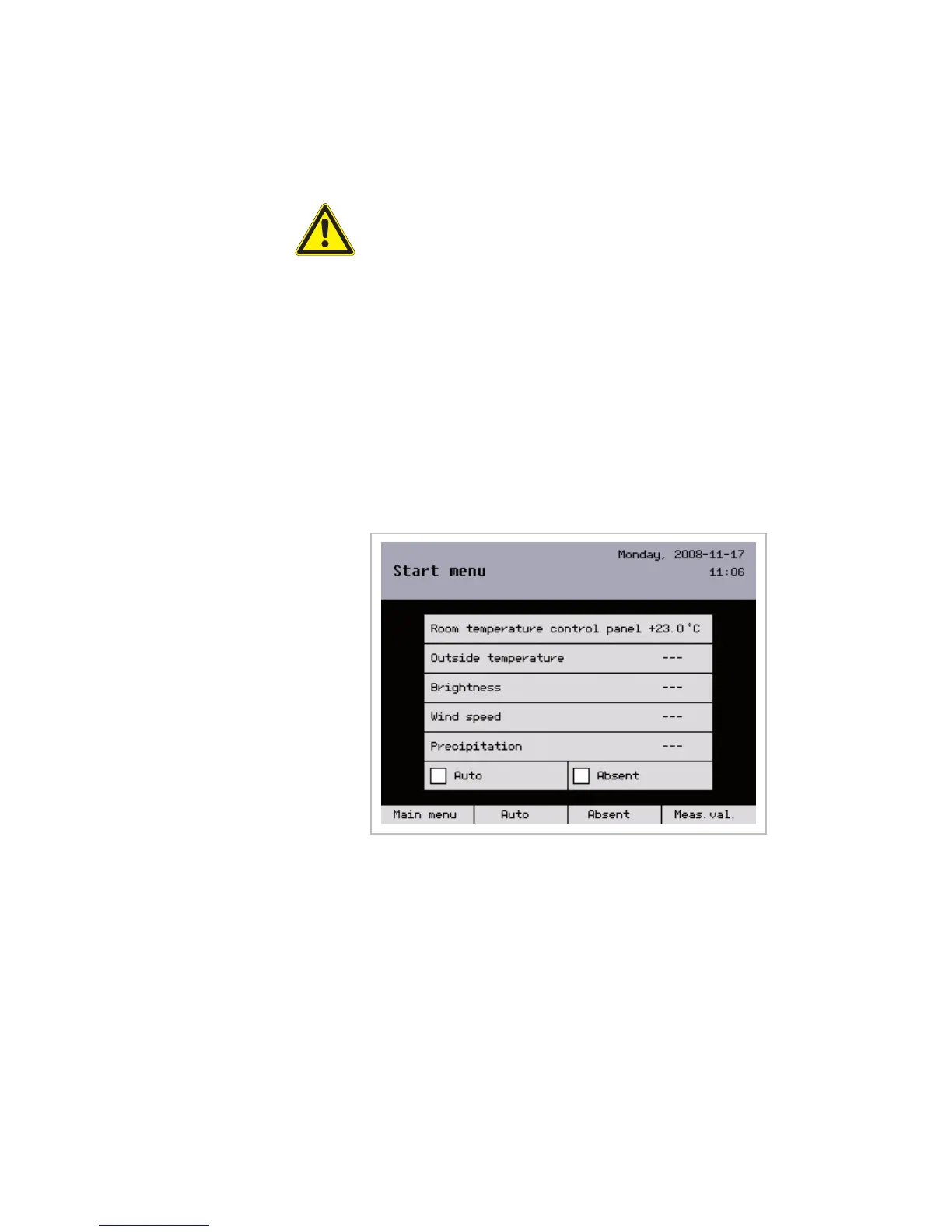
The start menu appears after the operating language is selected:
NOTE After 3 minutes without an entry, the climatronic automatically switches to the
start menu and the language selected last is retained. When the unit is first
commissioned, the default language is German.
Commissioning



 To Next Page