890370_0•en•01.06.2009
We reserve the right to carry out improvements
60
WAREMA climatronic
®
Installation Instructions
7.2.5.2 Selecting a product type
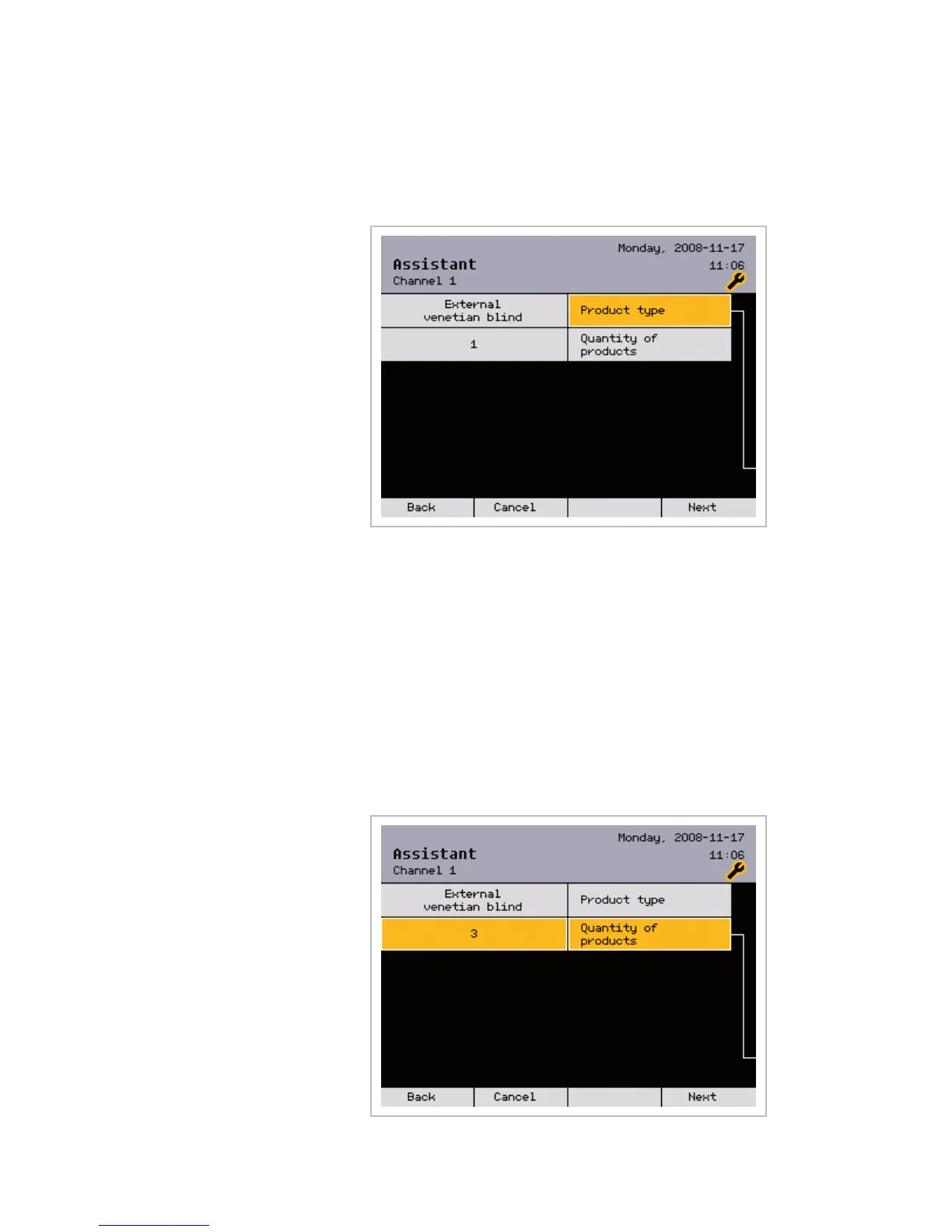
In this menu, you select the connected product type (instead of [Channel 1],
the menu may bear the channel name you previously selected):
Move to the [Product type] line with the function wheel. The product set is
shown on the left side, e.g. [External venetian blind].
Press the function wheel, select the product type by turning it and then con-
firm your selection by pressing the wheel again.
7.2.5.3 Setting the number of
products to be controlled
together
In this menu, you can set how many sun shading products are to be control-
led simultaneously with channel 1. For example, if three external venetian
blinds are to be controlled together on the same facade, you can set the
number 3. The external venetian blinds are then all controlled with the same
parameters. The allocation to the outputs of the switch actuators takes place
later. (Instead of [Channel 1], the window may bear the channel name you
previously created):
Assistant



 To Next Page