890370_0•en•01.06.2009 We reserve the right to carry out improvements
119
8.11 Closing the dealer
access
In this menu line you can close the password-protected dealer access so
that only the settings for the operator are accessible.
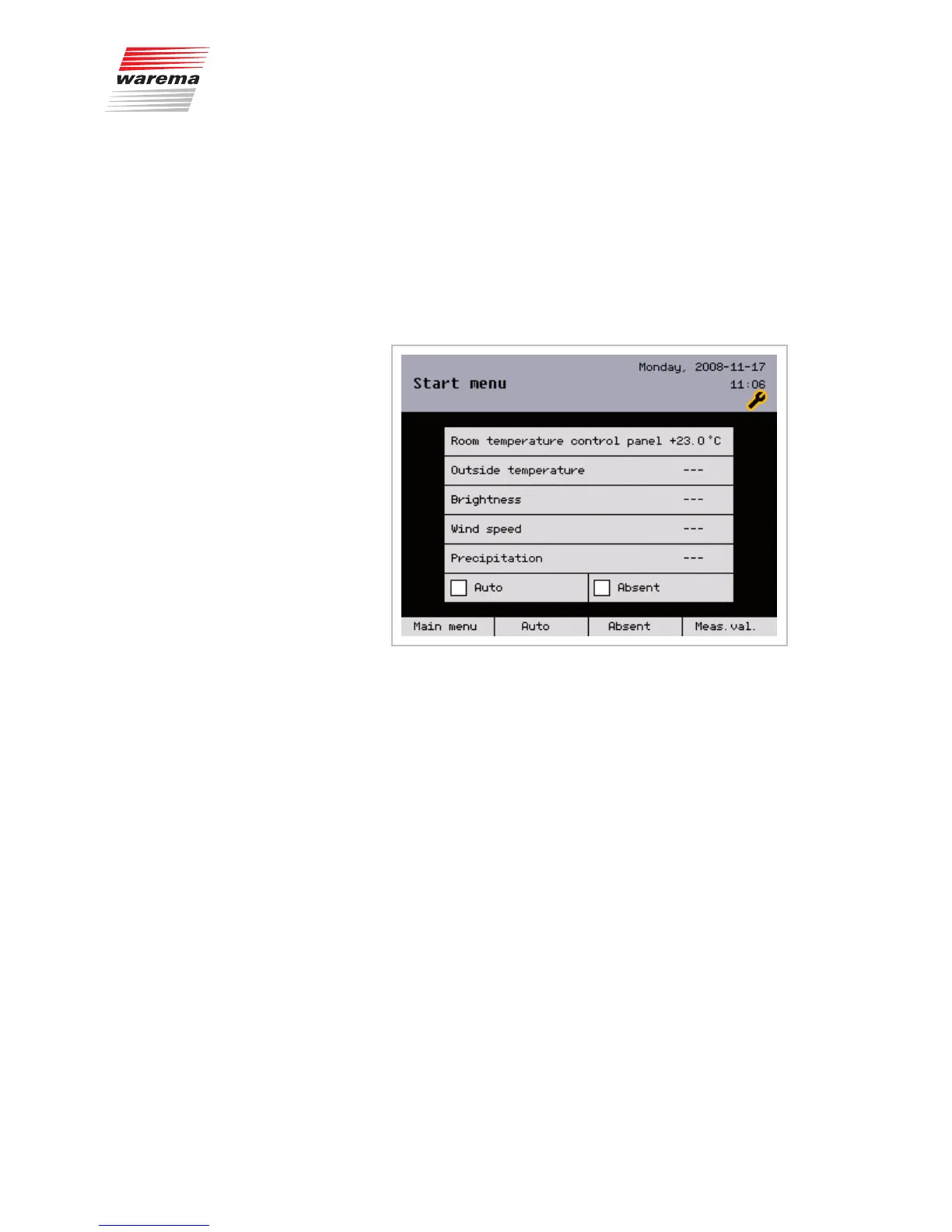
If you return to the main menu after commissioning has been completed, a
small stylised wrench appears in the header at the upper right:
This wrench will be visible for one hour because you logged in as a dealer
earlier. During this time, the dealer menus can be accessed without a
password to perform additional settings. This mode can be closed imme-
diately by disconnecting and reconnecting again or using the [Settings] >
[Authorised dealer] > [End authorised dealer access] menu item.
NOTE After an interruption in the power supply, the dealer mode is no longer active.
However, changes made to the parameterisation are retained.
To enable these changes to be called up with the [Restore settings] func-
tion again at any time, you should enter the dealer mode again and save
them using [Assume settings] or when leaving the dealer mode.
Main menu
Settings
Authorised dealer
End authorised dealer access
End access



 To Next Page