890370_0•en•01.06.2009 We reserve the right to carry out improvements
111
8.6 Managing the tableau
interface
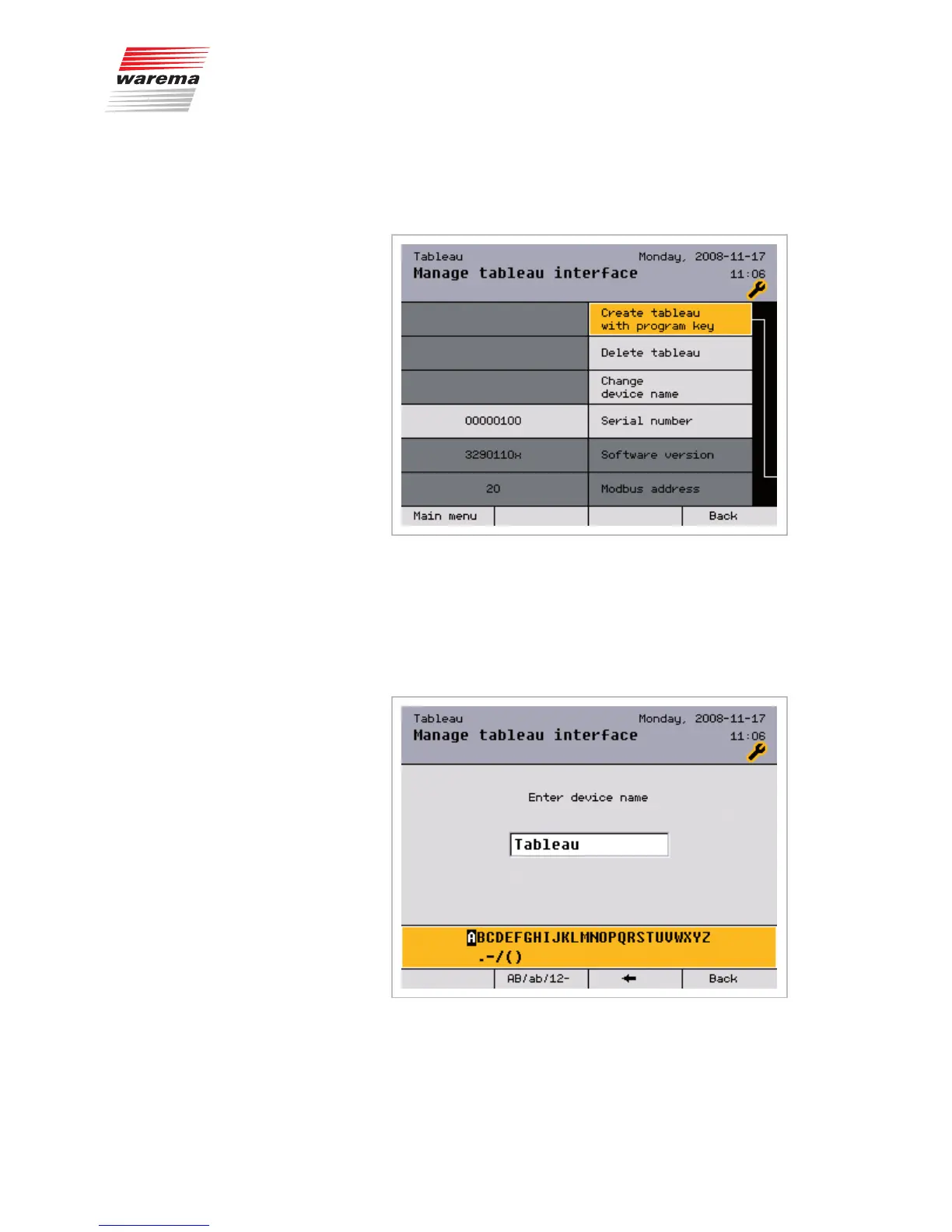
This menu can be used to manage a connected tableau interface:
A tableau interface can be created here by pressing the PROG button on the
device, or the serial number of the device is entered manually.
After the tableau interface has been detected, the software version and the
Modbus address are displayed. The tableau interface can also be deleted
here.
In addition, the displayed device name can be changed:
Main menu
Settings
Authorised dealer
Project setup
Manage tableau interface
Tableau interface



 To Next Page