890370_0•en•01.06.2009 We reserve the right to carry out improvements
117
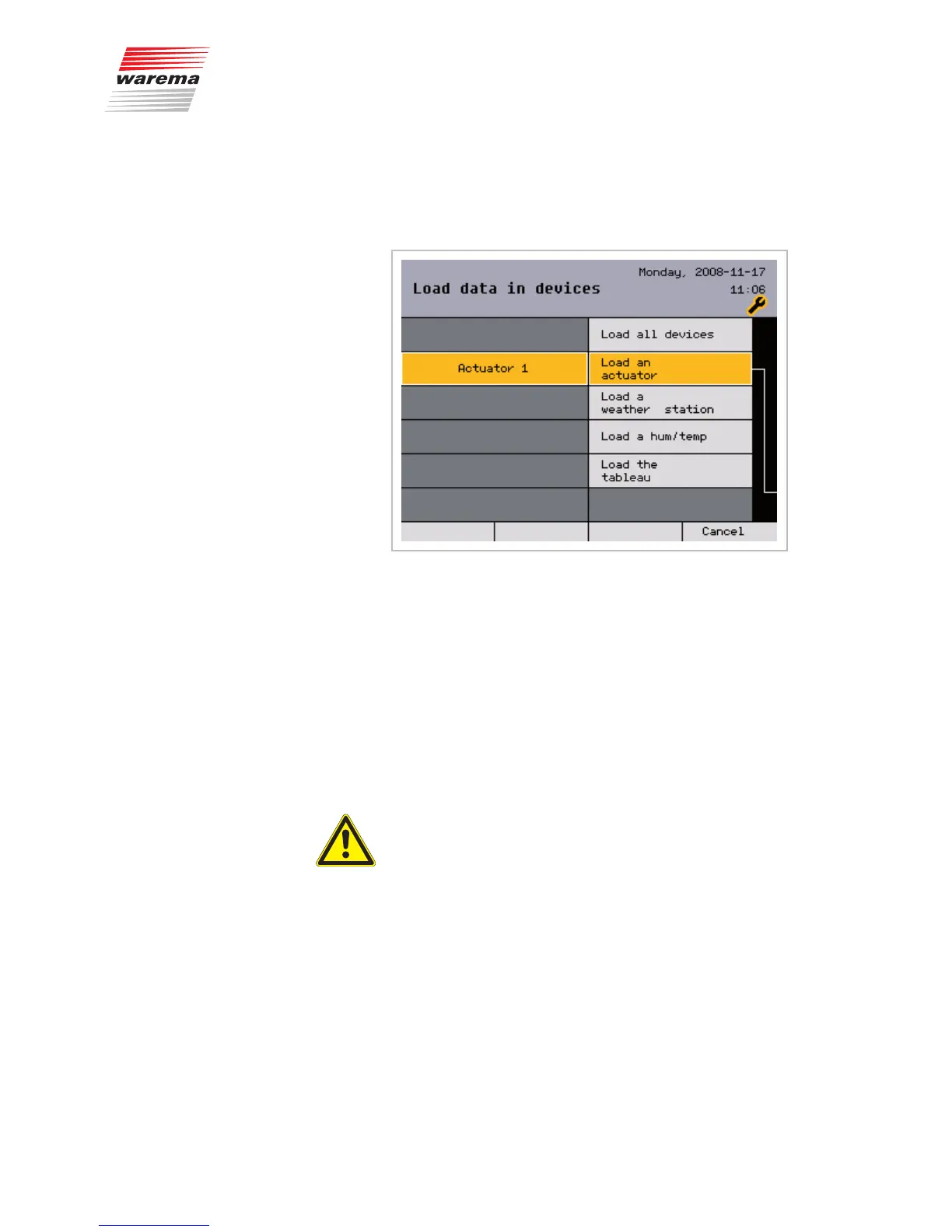
8.9 Loading data to the
devices
Here you have the option to either load all devices at once or, as shown, to
select and load each individual device.
Pressing the [Back] button twice first takes you to the [Project setup] menu
and then opens the [Authorised dealer] menu.
After
Devices are newly created (actuators, sensors)
Devices are replaced
Devices are deleted from the project
all devices need to be loaded for the changes to take effect.
NOTE Be sure to subsequently raise all channels manually (reference run) to en-
able the control to flawlessly move to the absolute positions.
CAUTION
Do not carry out any operations on site while uploading to the devices.
Locks and all safety functions are not active during this period.
Main menu
Settings
Authorised dealer
Project setup
Load data in devices
Data -> Devices



 To Next Page