890370_0•en•01.06.2009
We reserve the right to carry out improvements
78
WAREMA climatronic
®
Installation Instructions
8.1.4.3 Humidity/temperature 1 (2)
temperature
The "humidity/temperature 1 temperature" value specifies by how many de-
grees Celsius (°C) the measured value of the humidity/temperature 1 sensor
is corrected up or down. The setting range is –10...+10°C. Proceed as fol-
lows to change the value:
Using the function wheel, select the
[Humidity/temperature 1 temperature] line and then press the function
wheel.
Change the value by turning the function wheel. The [Standard] function but-
ton sets the value to +0.0 °C (the factory setting).
Press the function wheel once more. Press the [Cancel] button if you want to
leave the menu without changes.
NOTE The settings for humidity/temperature 2 work exactly as described for humid-
ity/temperature 1.
Press the [Back] button to return to the [System] menu.
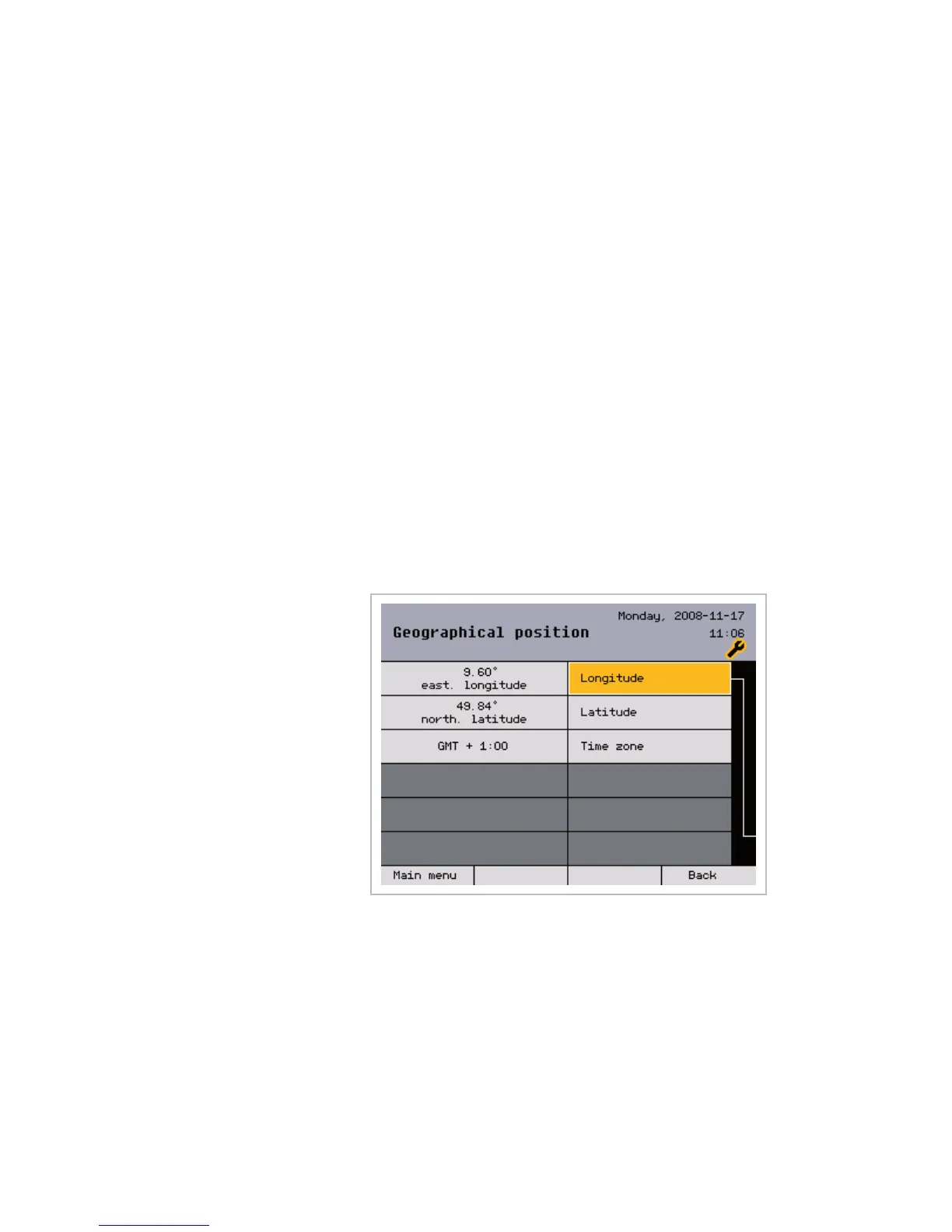
8.1.5 Geographical position
The geographic location is entered in this window; it is required when slat
guidance is desired as part of the sun control. The WAREMA climatronic
calculates the appropriate slat angle from the sunlight's angle of incident (azi-
muth and elevation).
NOTE The geographical data are preset to the values at Marktheidenfeld; these you
can adjust to your location at any time (see the following table).
Press the [Back] button to return to the [System] menu.
Main menu
Settings
Authorised dealer
Project setup
System
Geographic position
System settings



 To Next Page