890370_0•en•01.06.2009 We reserve the right to carry out improvements
115
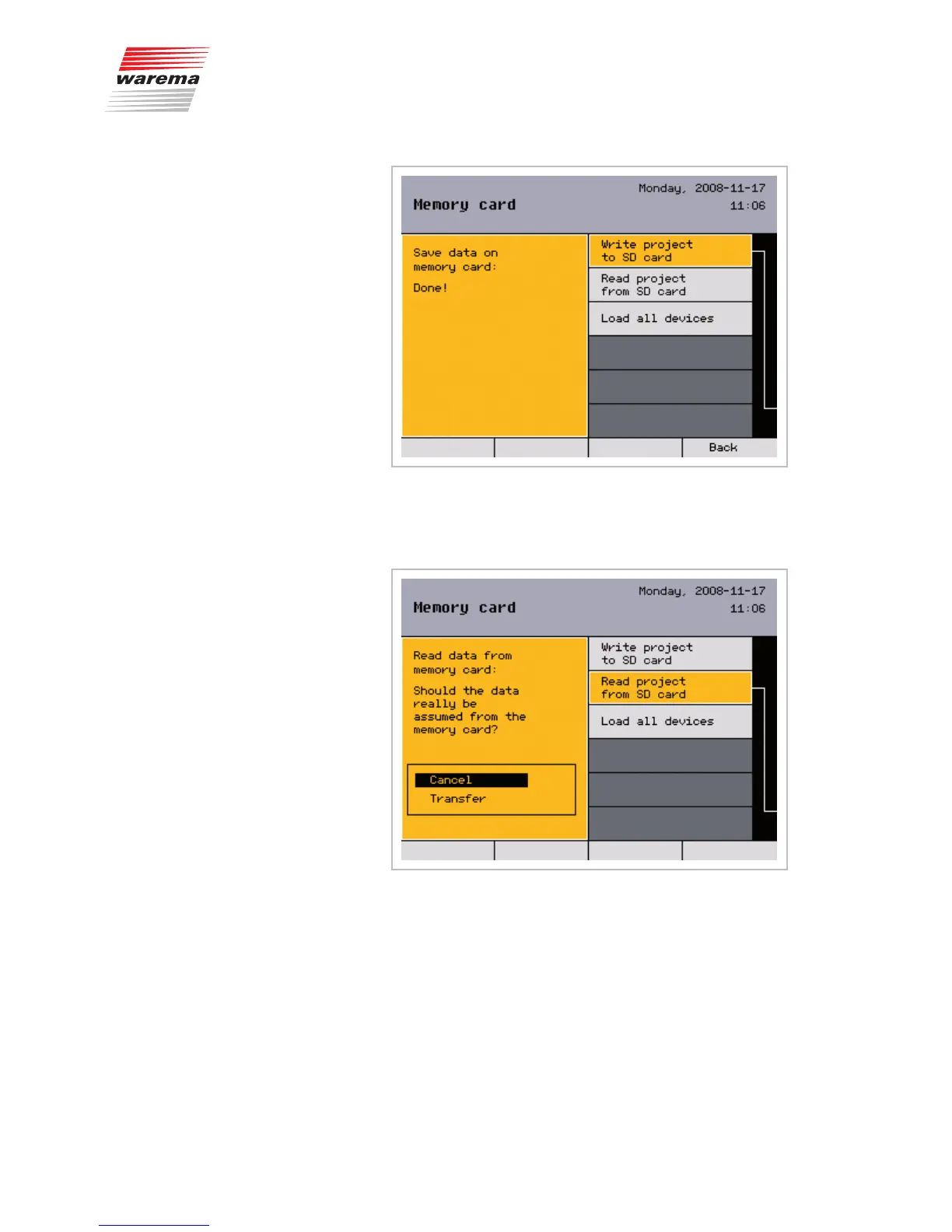
After successfully saving the data to the SD card, complete the process by
pressing the function wheel or the [Back] function button.
8.8.2 Reading a project from an
SD card
In the second menu line you can read a project from an SC card. You will be
asked once more in the left half of the display if you really want to accept the
data.
Go to [Transfer] and press the function wheel.
When [Done] is displayed, conclude by pressing the function wheel or the
[Back] function button.
NOTE The climatronic can only find the project if the project is named
CLIMATRO.NIC and is located in the top directory level of the SD card.
Memory card



 To Next Page