890370_0•en•01.06.2009
We reserve the right to carry out improvements
52
WAREMA climatronic
®
Installation Instructions
After all sensors have been created, press the [Next] button to continue iden-
tifying the sensors.
7.2.2 Identifying a sensor
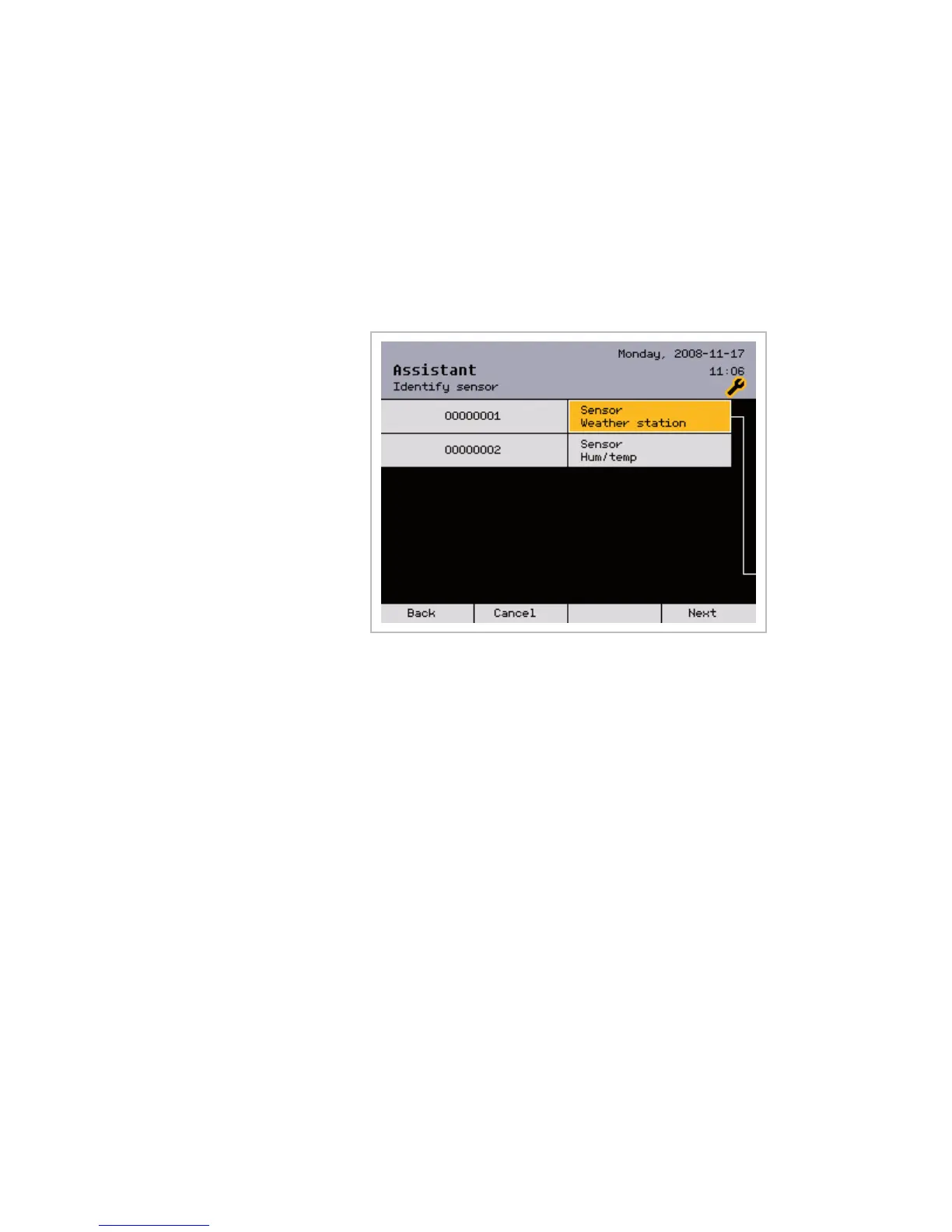
This is how to identify the created sensors:
In the [Identify sensor] menu, select the sensor to be identified by turning
the function wheel.
A question mark [?] means that the respective sensor has not yet been iden-
tified:
In the next menu, you can identify the selected sensor in two different ways:
Automatic identification by pressing the PROG button on the inside humidity
and temperature sensor or by approaching the side of the weather station
with a magnet (see Fig. 21 on page 42),
By manually entering the serial number.
Assistant



 To Next Page