890370_0•en•01.06.2009
We reserve the right to carry out improvements
64
WAREMA climatronic
®
Installation Instructions
7.2.5.7 Activating the comfort
functions
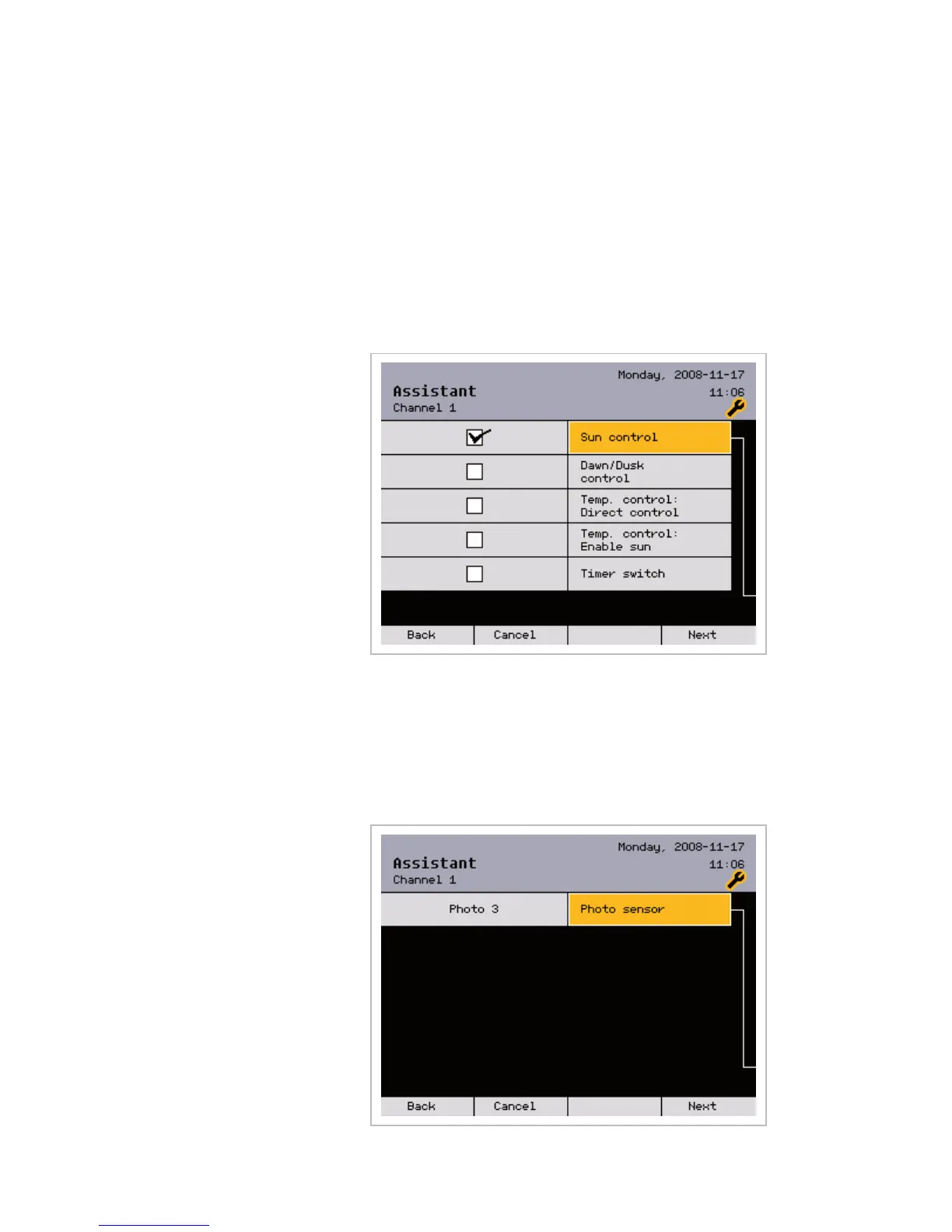
In this menu, the following comfort functions are activated for the current
channel: [Sun control], [Dawn/dusk control], [Temperature control:
Direct control], [Temperature control: Enable sun] and
[Timer switch].
The comfort functions to be set depend on the product type.
NOTE Refer to the WAREMA climatronic operating instructions for a detailed de-
scription of the comfort functions.
Activate the required comfort functions with the function wheel (not all func-
tions can be combined).
Press the [Next] function button.
7.2.5.8 Allocating sensors
In this menu, the sensors are allocated to the current channel:
The sensor allocation depends on the activated comfort functions.
Assistant



 To Next Page