890370_0•en•01.06.2009
We reserve the right to carry out improvements
114
WAREMA climatronic
®
Installation Instructions
8.8 Memory card
The WAREMA climatronic supports reading and writing of settings to an
external memory card. A ready-to-use, formatted climatronic SD card is con-
tained in the scope of delivery of the .
You can use any card that meets the following requirements:
Commercially available SD or MMC card
Memory size max. 1 GB
The card must be formatted in the FAT16 format.
NOTE If possible, only use the card included in the delivery. If you insert the card
into a different device (PC, digital camera, ...), do not reformat the card there
under any circumstances. If the card is formatted in a format other than the
FAT16, it will no longer be readable by the climatronic.
NOTE A project is written to the SD card with the file name CLIMATRO.NIC. This
file is overwritten when a project is saved anew. To archive multiple projects
on one card, rename each saved file on the PC. Then you can save the
next project on the card. The climatronic only reads files with the name
CLIMATRO.NIC. To be able to load a renamed file, change the file name back
to CLIMATRO.NIC first.
The SD slot of the WAREMA climatronic is located on the left side of the con-
trol panel enclosure. Insert the card before starting the read or write process.
8.8.1 Writing a project to an SD
card
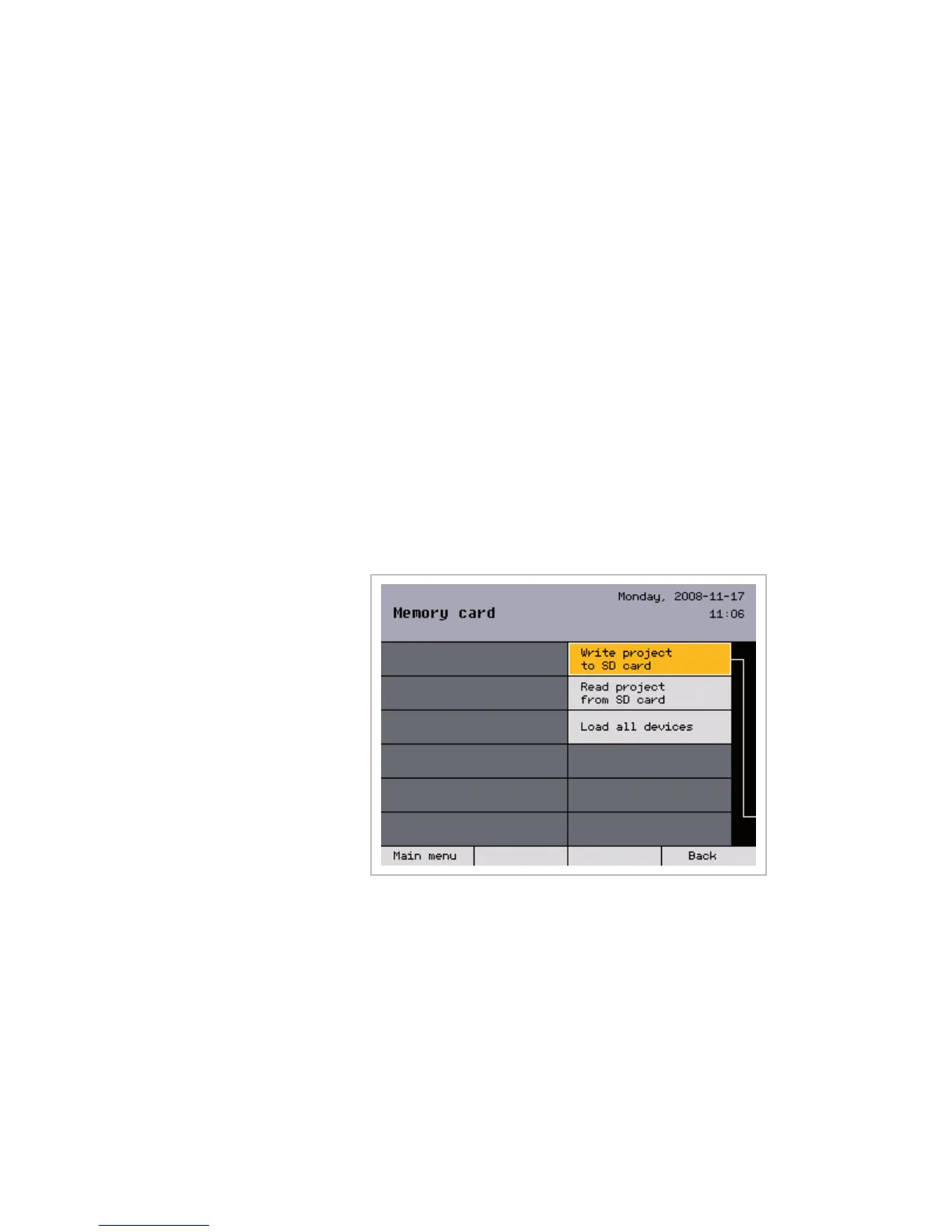
When you choose the [Write project to SC card] menu line, all data of
the project is stored on the card. A warning appears on the display if no card
has been inserted.
NOTE We recommend storing the data on the SD card supplied after project
setup is completed to be able to recall or restore the data again at a later
time.
Memory card



 To Next Page