890370_0•en•01.06.2009
We reserve the right to carry out improvements
120
WAREMA climatronic
®
Installation Instructions
9 Measured values,
triggers and faults
The WAREMA climatronic has an internal memory for all measured values
with the associated histories, triggers and faults. It aids with troubleshooting
and is described in the following sections:
9.1 All measured values
Press the [Measured values] function button in the start menu
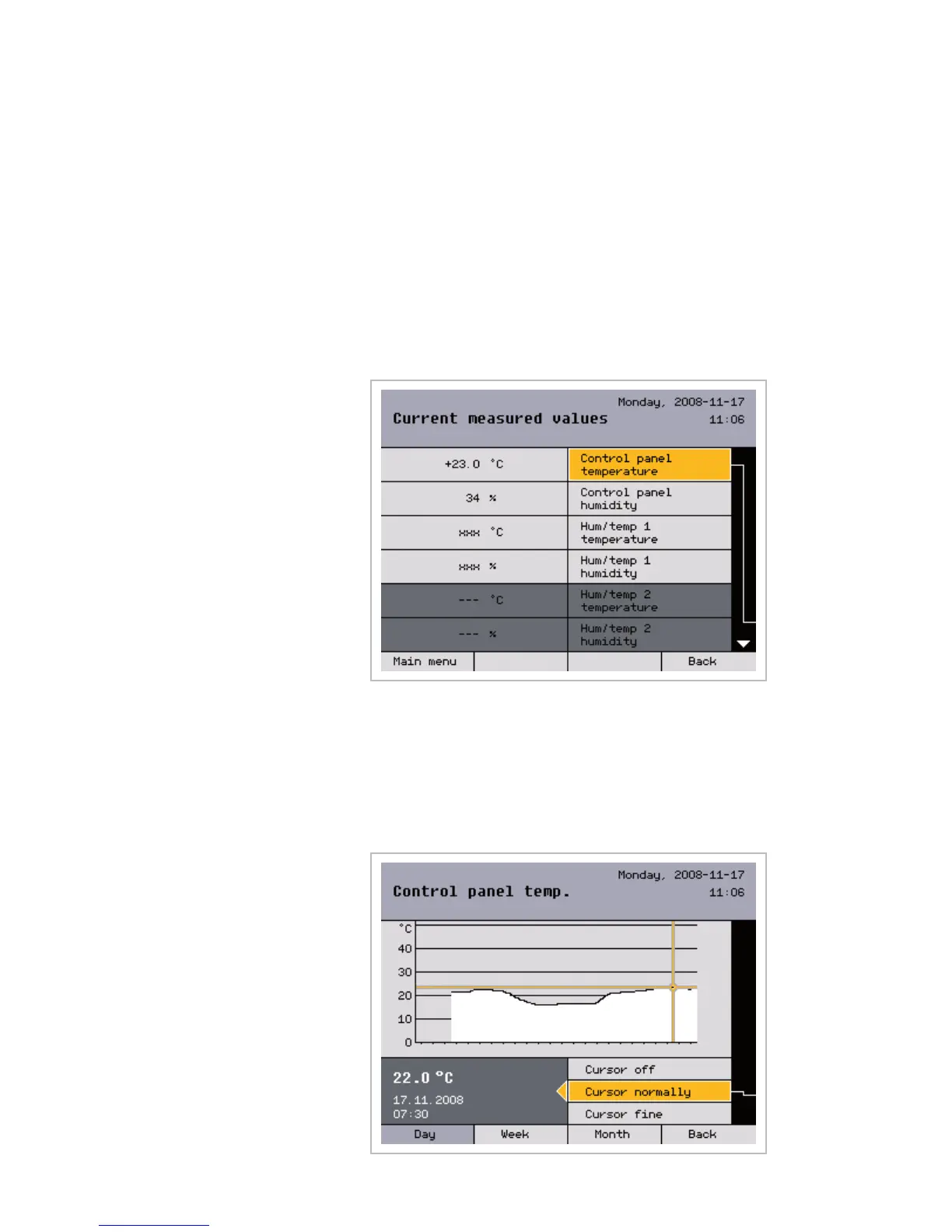
and, in the [Measured values and histories] menu, select the
[All measured values] menu item by pressing the function wheel. You are
now located in the [Current measured values] menu:
9.2 Measured values
history
If the selection bar is positioned on a measured value, such as on
[Control panel temperature], and you press the function wheel, the asso-
ciated history opens. Pressing the function wheel again activates the cursor
(a reticle) in the normal mode. Below the history, the measured value, the
associated time and the date are now displayed. Turning the function wheel
moves the cursor moves back and forth (in steps of 30 minutes).
Start menu
Measured values
All measured values
Measured values...



 To Next Page