890370_0•en•01.06.2009 We reserve the right to carry out improvements
65
The allocation of the photo sensor, for example, serves as the basis for the
control of the 'Sun control' comfort function. These measured values may
then trigger corresponding automatic control commands, if applicable. The
allocated sensor for the inside temperature and humidity is evaluated by the
'Temperature control', 'Temperature difference' and 'Humidity control' comfort
functions.
Allocate the [Sensor Temp./Humidity inside] and [Photo sensor] sen-
sors accordingly.
Press the [Next] function button.
7.2.5.9 Learning in the hand-held
transmitter
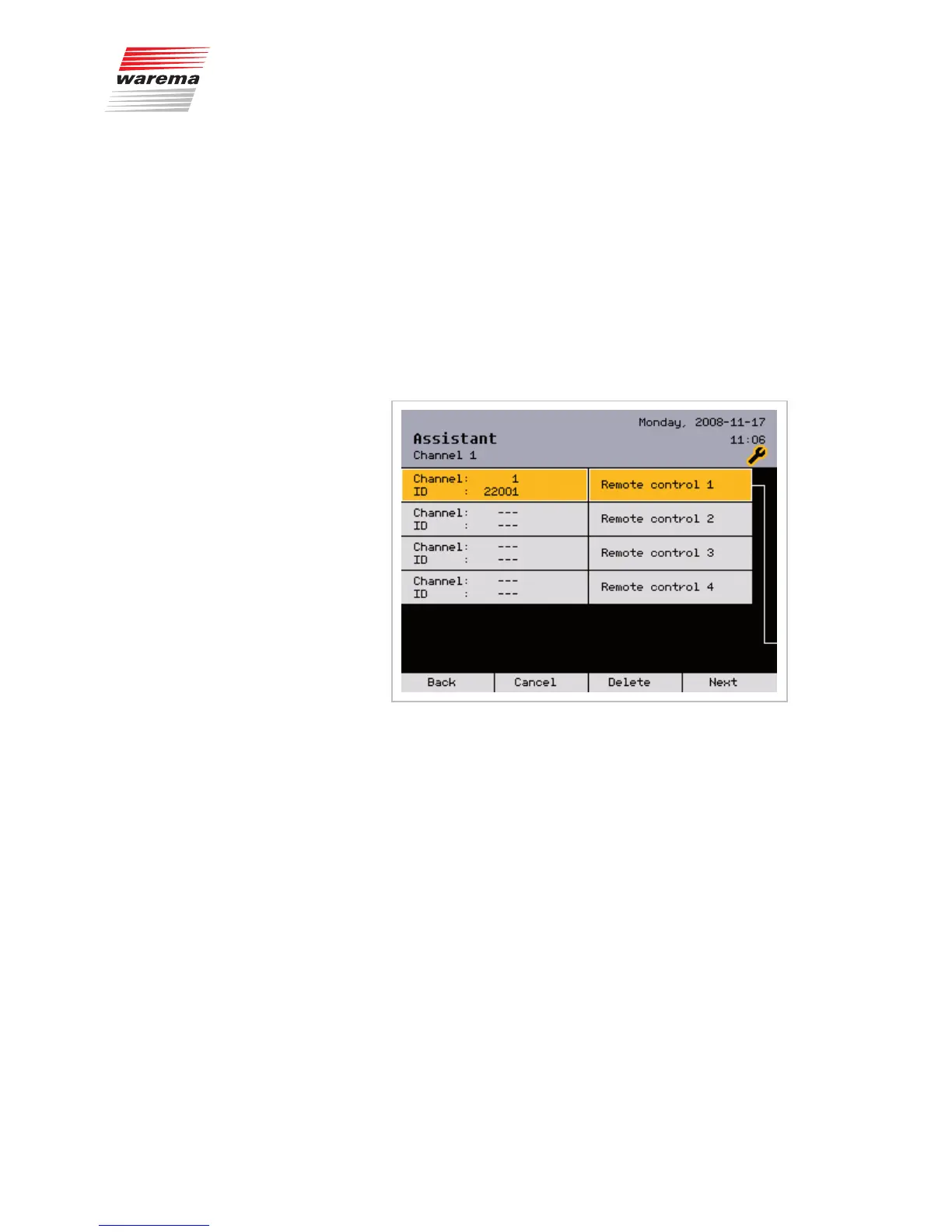
In this menu, you can learn in the hand-held transmitters for remote control:
NOTE The WAREMA range includes transmitters in an enclosure for wall mount-
ing. These wall-mounted transmitters have exactly the same functions as the
remote controls described here and can be used as an alternative or in addi-
tion.
Select the desired radio channel on the transmitter to be used for operation.
Turn the function wheel until the first hand-held transmitter is highlighted in
colour.
Press the function wheel.
Press the learn key on the transmitter ("L" in the battery compartment).
After the transmitter channel has been successfully learned in, [Channel: 1]
and [ID: 9803] may appear, for example.
Finally, press the function wheel once more for confirmation.
Press the [Delete] button if the radio transmitter channel is to be deleted
again.
This completes the first channel; all parameters have been created.
Press the [Next] function button.
Assistant



 To Next Page