890370_0•en•01.06.2009
We reserve the right to carry out improvements
108
WAREMA climatronic
®
Installation Instructions
8.4.13 Group button port
If you scroll still farther down () in the menu using the function wheel, a pa-
rameter appears with which you can set whether a locking contact should be
allocated for the connection of a local group pushbutton.
Further information can be found in Chapter 5.2 on page 33.
8.4.14 Dimmer limit min.
The [Dimmer Limit min.] menu item can be used to set the lower limit of
the connected dimmer for light and fan products (in %). By default, this value
is set to 35%.
Please refer to the instructions of the fan manufacturer regarding the mini-
mum percentage value at which the fan begins to run.
CAUTION
If you set a lower percentage value than permitted in the instructions of the
fan manufacturer, you run the risk that the fan will not start or that it will hum
or run hot, thus becoming damaged.
8.5 Managing sensors
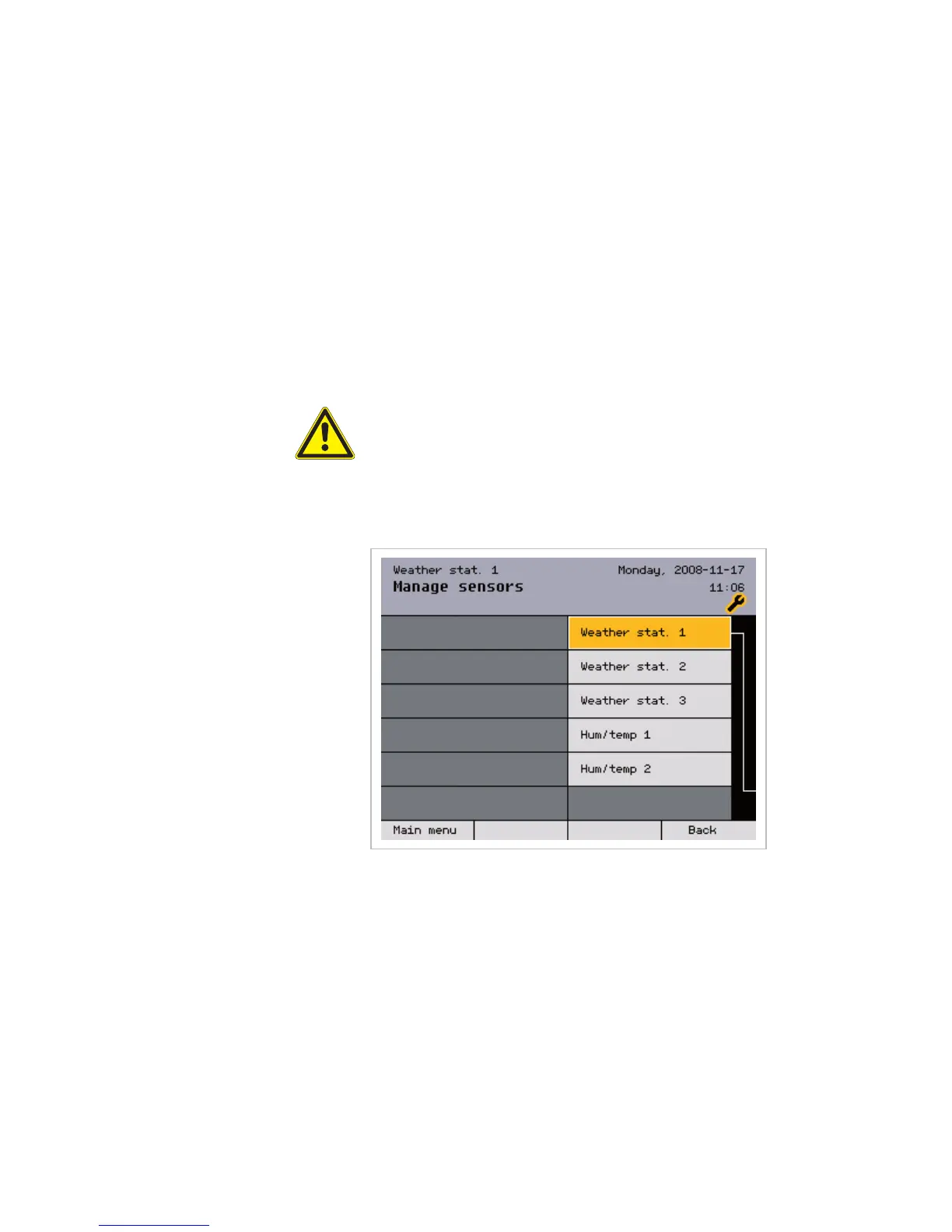
The sensors used can be managed in this menu:
A maximum of three weather stations and two "Inside humidity and
temperature" ("humidity/temp.") sensors can be connected to the
WAREMA climatronic and managed in this menu.
NOTE A sensor interface is created in the same manner as a weather station. The
sensor interface behaves like a weather station.
Main menu
Settings
Authorised dealer
Project setup
Manage sensors
Sensor



 To Next Page