890370_0•en•01.06.2009
We reserve the right to carry out improvements
70
WAREMA climatronic
®
Installation Instructions
7.2.10 Applying settings and
closing the assistant
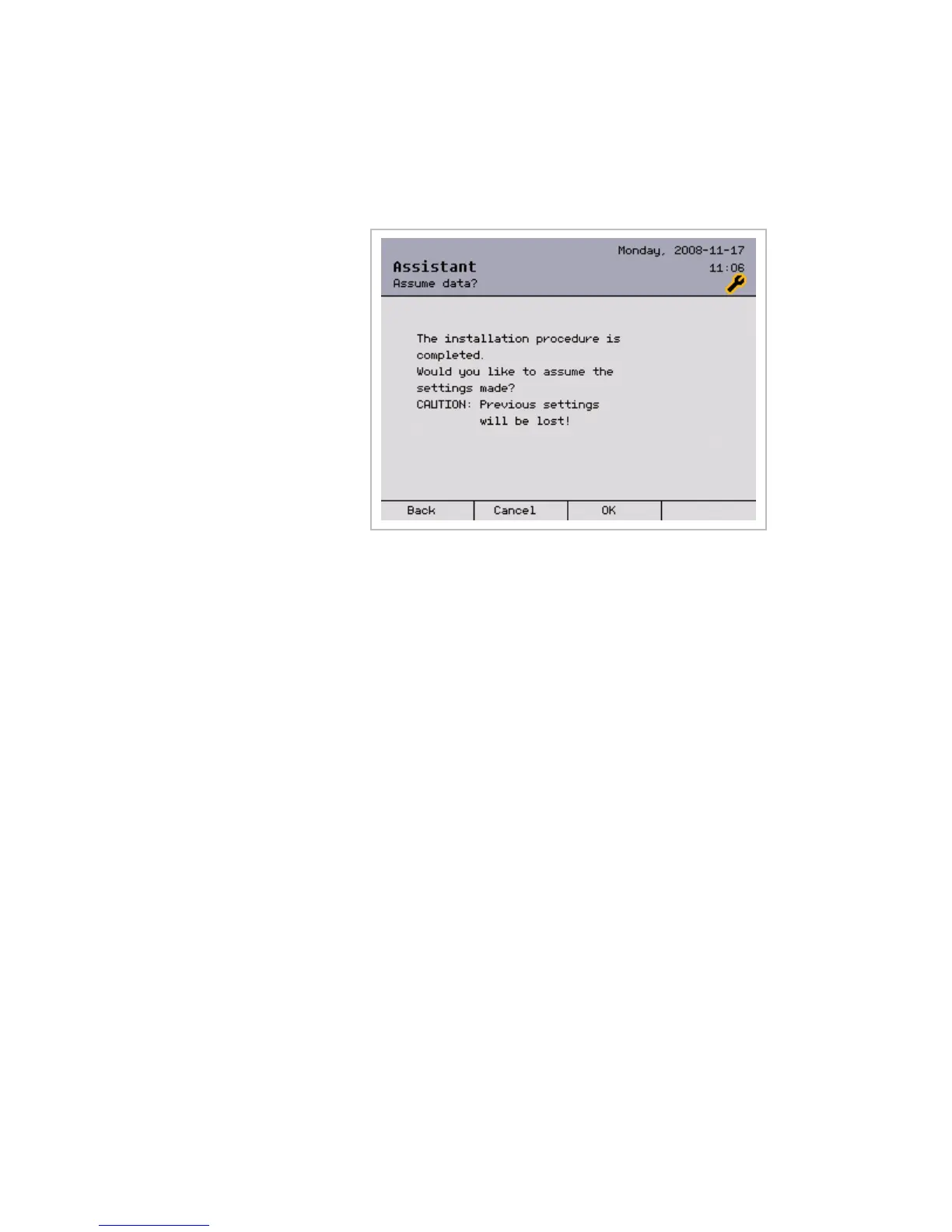
The settings made are applied in this menu:
Pressing [Cancel] causes the project created in the assistant to be discard-
ed.
Press [OK] to apply the settings and to complete the procedure.
The data are updated.
The following question appears:
Would you now like to upload the data to the devices?
Press [Now] to upload the data to the connected sensors and actuators.
It may take several minutes to upload the data to the devices.
After the device upload is successful (or after a failure), the procedure must
be acknowledged with the [Done] button. This completes the commissioning
procedure with the help of the assistant and, if the upload occurred without
errors, the unit is now operational.
Now start up all channels manually to calibrate the limit positions (reference
run). This enables the control to calculate the absolute position of the prod-
ucts in the future.
NOTE It is highly recommended to save the project setup in the [Project setup]
> [Memory card] submenu on the supplied SD card to enable you to call up
and restore the data at a later time should this become necessary.
Assistant



 To Next Page