890370_0•en•01.06.2009 We reserve the right to carry out improvements
69
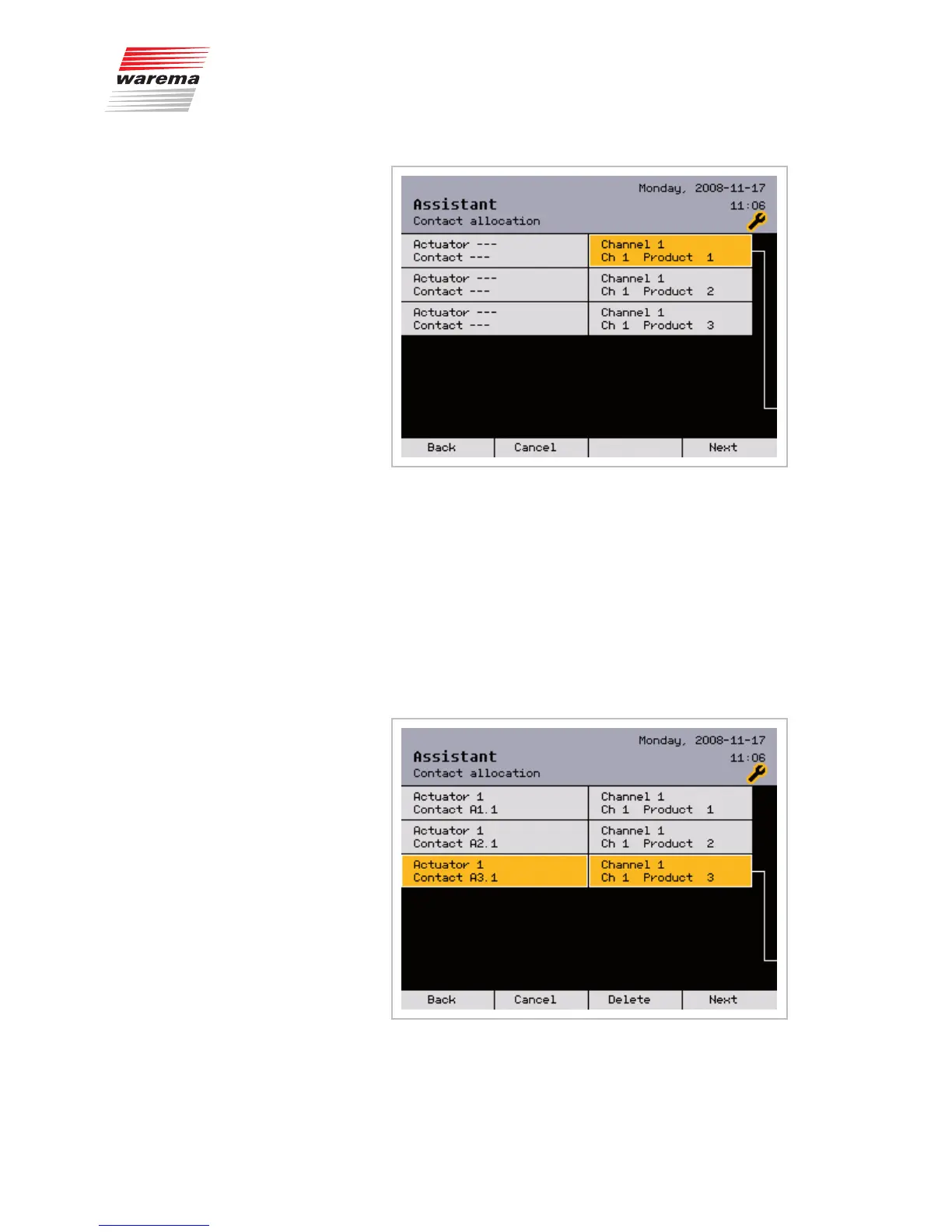
Press the function wheel.
Select the appropriate contact terminal by turning the function wheel and
complete the procedure by pressing the function wheel once more.
NOTE Each controllable product requires 1 to 3 terminals that must be connect-
ed to the same terminal block. In the terminal allocation, the next available
possible contact is displayed in each case. You only need to allocate the
first contact of a contact group; the others are reserved automatically.
Allocate all other products to the terminals in the same manner.
Example The following window shows an example of allocated terminals.
Press the [Next] button.
Assistant



 To Next Page