890370_0•en•01.06.2009 We reserve the right to carry out improvements
59
7.2.5 Creating channels
7.2.5.1 Assigning name for channel
X
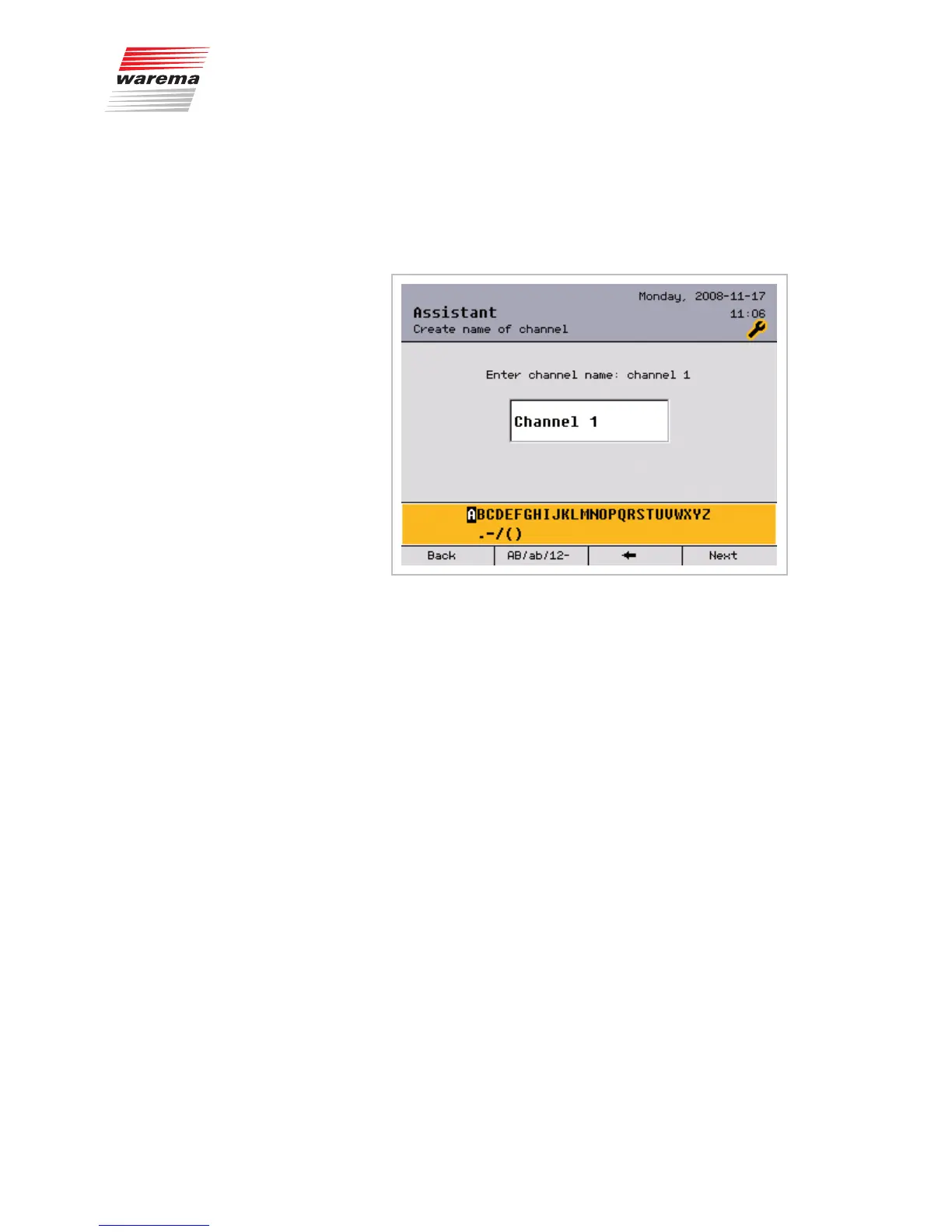
In the [Assign channel alias] menu, you can rename the automatically
preassigned channel name according to your preferences:
To create or change a name:
Turn the function wheel to select a symbol from the lower selection field
Press the function wheel to enter the selected symbol in the upper input field.
Press the [
] button to delete a symbol in the upper input field (to the left of
the blinking cursor).
Press the [AB/ab/12-] button to switch between upper and lower case or
numbers and special characters.
Enter the desired name in this manner and then press the [Next] button.
This takes you to the [Product type] window. There you set the product con-
nected to this channel.
NOTE You can enter a maximum of 32 characters (2 lines of 16 characters each).
At more than 16 characters, the name is displayed on two lines. To avoid a
line break in the middle of a word, you can fill the end of the first line with
spaces, if necessary.
Assistant



 To Next Page