890370_0•en•01.06.2009
We reserve the right to carry out improvements
58
WAREMA climatronic
®
Installation Instructions
NOTE The serial numbers of the actuators can found in duplicate on a label inside
the devices.
Enter the serial number as follows:
Press the function wheel until the desired position is displayed. Alternatively,
you can also select the positions with the [<=] and [=>] buttons.
Set the correct number by turning the function wheel.
Enter the remaining numbers in the same manner.
Close by pressing the [OK] button.
NOTE Pull off a label and affix it to the table in Chapter 4.3.1 on page 23 for a better
overview.
Select the next actuator with the function wheel and identify it as described
above.
NOTE The menu can only be left with the [Next] button after all created actuators
have been identified.
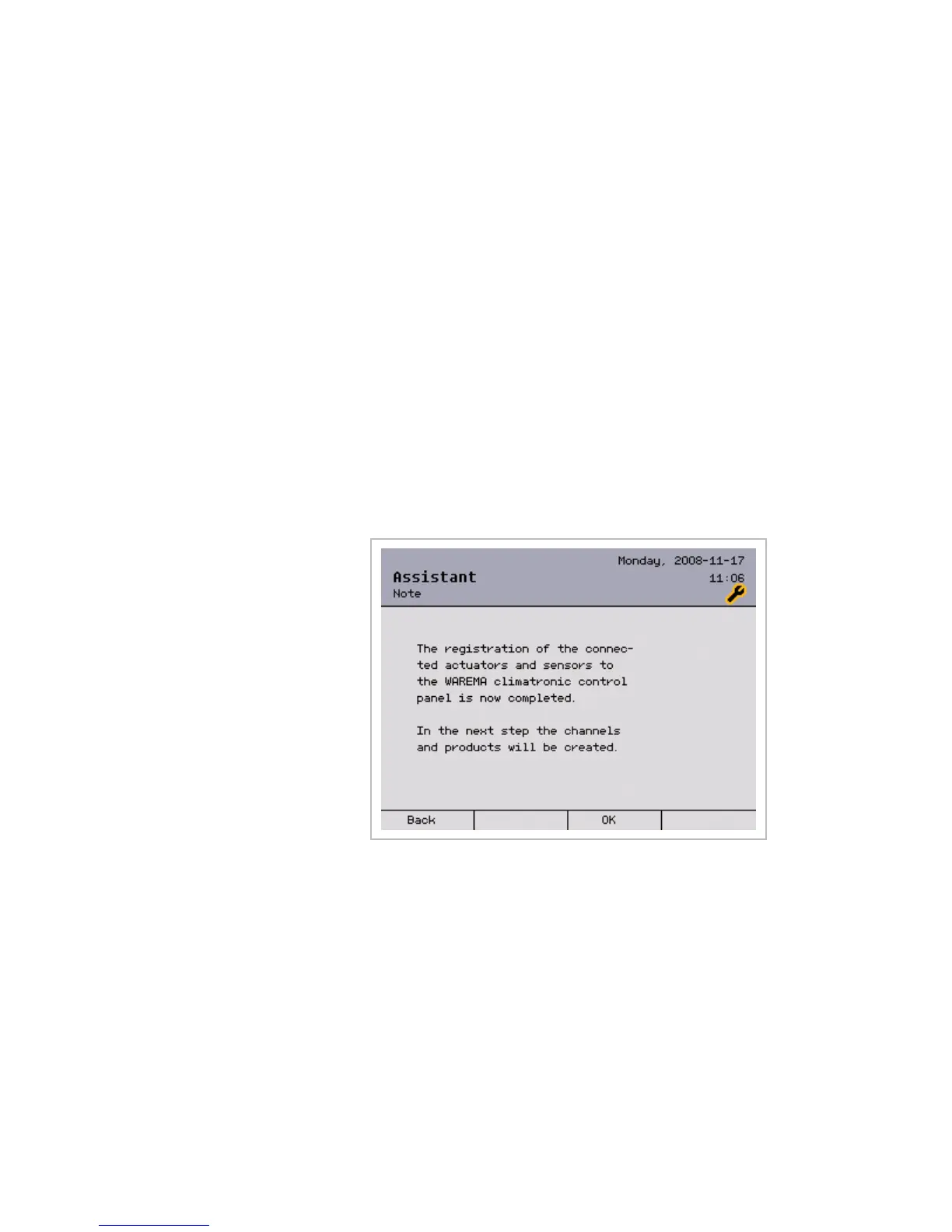
The following message appears on the display:
The [Back] button returns you to the window for identifying the actuators; the
[OK] button leads you directly to the [Assign channel alias] window, where
you start creating channels.
Assistant



 To Next Page