890370_0•en•01.06.2009 We reserve the right to carry out improvements
57
Option 1: automatic
identification of actuators
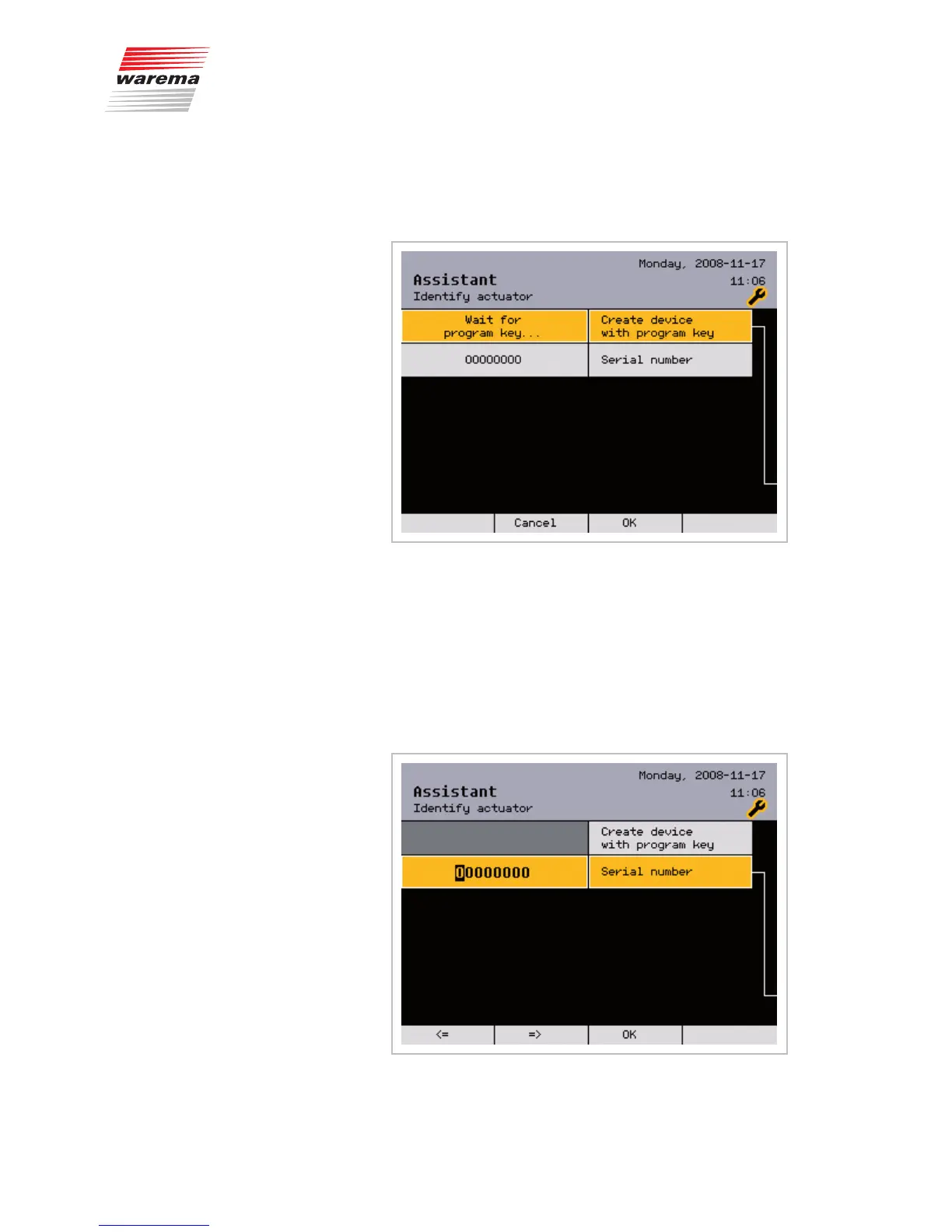
Turn the function wheel until the line [Create device with PROG button] is
shown highlighted in colour:
Press the function wheel. Now press the PROG button on the device to be
identified. Its serial number then appears in the menu. Press the [OK] button.
Option 2: manual entry of
serial numbers
Turn the function wheel until the line of the serial number is shown highlight-
ed in colour.
Press the function wheel.
The 8-digit serial number [OOOOOOOO] is shown enlarged:
Assistant



 To Next Page