890370_0•en•01.06.2009 We reserve the right to carry out improvements
53
Option1: automatic
identification of the serial
number
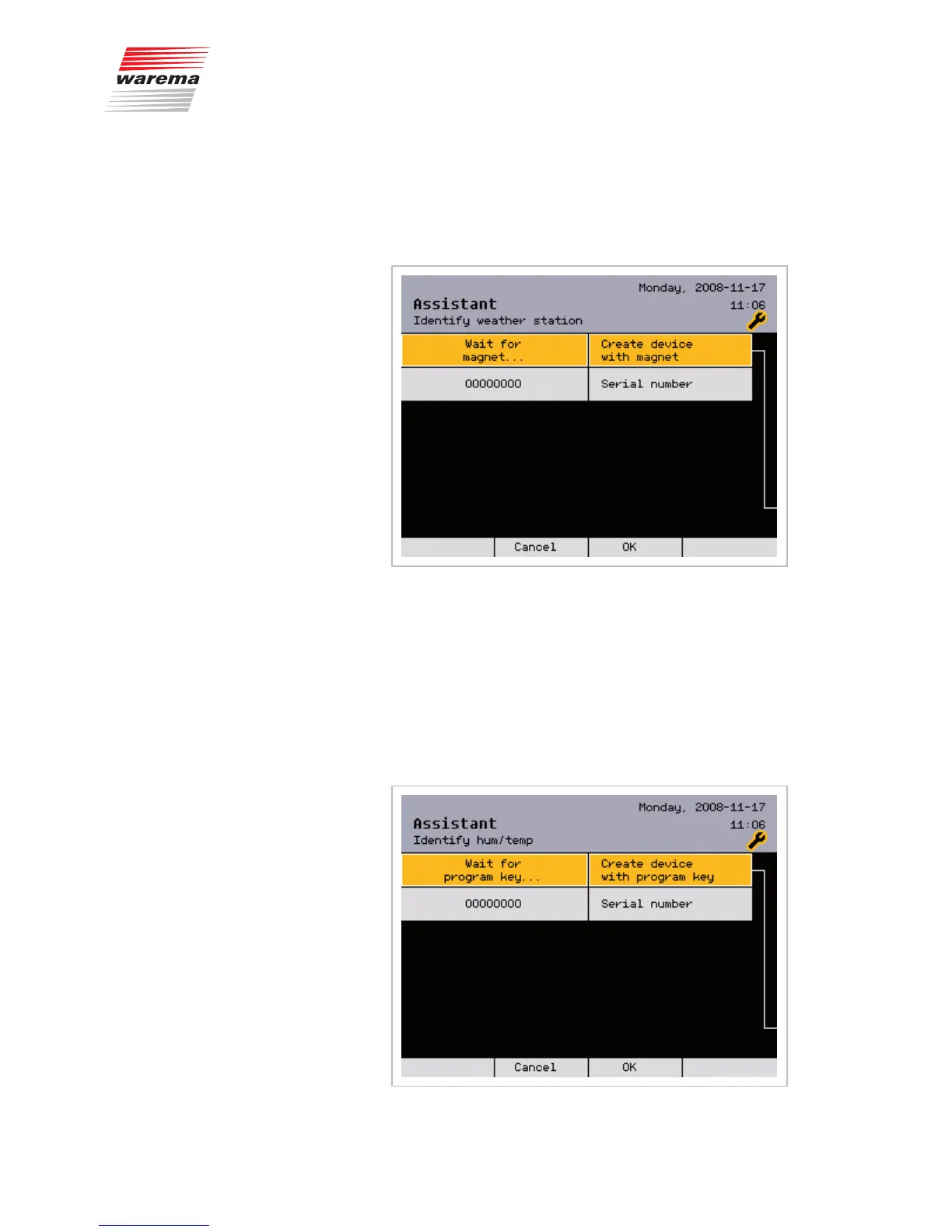
Turn the function wheel for a weather station until the [Create device with
magnet] line is shown highlighted in colour:
Press the function wheel; [Wait for magnet ...] appears on the left.
Subsequently hold the supplied magnet to the right side of the weather sta-
tion to be identified (within one hour).
The status LED lights up as a confirmation. Its serial number then appears in
the menu.
Press the [OK] button.
or
For a humidity/temp. sensor, turn the function wheel until the
[Create device with program key] line is shown highlighted in colour:
Assistant



 To Next Page